
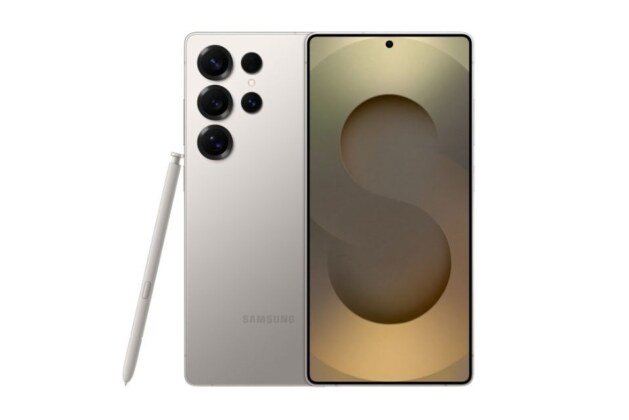
Update (March 19): Samsung is now releasing March 2026 security firmware for the Galaxy S25, S25+ & S25 Ultra smartphones. The new firmware version is rolling out in South Korea with the new code S938NKSS8BZC1 with a 563MB file size. Samsung fixes 65 vulnerabilities in the March update, including 8 critical security flaws.
Update (March 12): After two weeks with the sixth beta version, Samsung is now releasing the One UI 8.5 beta 7 version for the Galaxy S25 series. It fixes several issues on the device and also improves existing features. The firmware version S938NKSU8ZZC7 is available to install in South Korea and Germany. It is expected to reach other regions in a matter of time. Instead of the latest March 2026 security patch, it comes with the February 2026 patch.
Update (26/02): The latest February firmware is now rolling out in all the major countries. As per the latest news, it is now available to install in Germany, Spain & India. The firmware version is S938BXXS8BZB5 and comes in a nearly 590MB size.
Update (24/02): New information from South Korea indicates that Samsung plans to launch the sixth beta version of One UI 8.5. In response to the user, a Samsung representative says the next update will include known fixes and code optimizations. The next beta version is expected to be released in the first week of March in the US, UK, South Korea, and India. Read the full article for detailed information.
Galaxy S25 series is now receiving the February 2026 security update in South Korea. The new software brings system stability and improvements in 541MB file. Further, the firmware code changed to S938NKSS8BZB2 from the previous January patch. It is delivered for non-beta users, as the beta users have received it in the recent fifth One UI 8.5 beta software.
The Galaxy S25, S25 Plus, S25 Ultra, S25 FE & S25 Edge users can install the February patch on their devices. It will soon be released in other countries in the next few days.
How to Install
- Go to Settings
2. Tap on Software Updates
3. Click on the Download & Install button

