
WhatsApp officially launched its native app for Wear OS smartwatches back in 2023, and it is available for all the Galaxy Watches, including the latest Samsung Galaxy Watch 8 & Watch 8 Classic. Since the Tizen watches, users were demanding native WhatsApp on Galaxy Watches, but that never happened. Now with the integration of Wear OS & One UI Watch versions (Galaxy Watch 4 & newer), we have official WhatsApp on Wear OS-based Galaxy Watches.
On previous Tizen watches like Galaxy Watch Active 2 & Watch 3, users had only the option to receive and reply to incoming messages. Now users can start the conversation from the Galaxy Watch 8 series. With this new app, users can now send messages, receive calls, and reply to chats directly from their smartwatch without needing to pick up their phone every time.
WhatsApp Messenger on Galaxy Watch 8
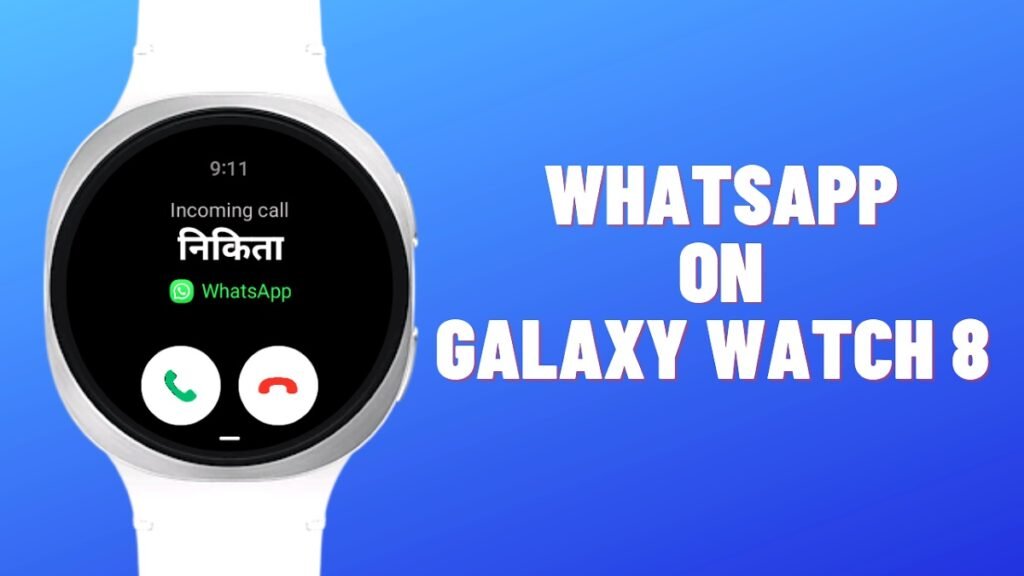
WhatsApp is one of the most important apps for daily communication. Almost every smartphone user uses it for chatting, calls, and sharing media. Now, it is finally available on the Galaxy Watch 8 lineup. Users can officially download the app from the Play Store and connect with their existing contacts.
Further, if users are using the Galaxy Watch 8 LTE variant, they can leave their watch at home and use WhatsApp while running or during gym training.
Key Features of WhatsApp on Galaxy Watch 8
The new official WhatsApp app brings many useful features. Even though it is still new, it already supports the most important functions.
Here’s what you can do:
- Send and receive messages
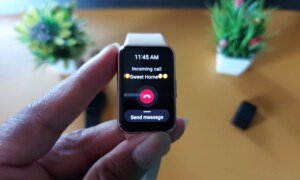
- Make and receive WhatsApp calls
- Reply to chats instantly
- Use keyboard typing on the watch
- Send emojis and stickers
- Share images and audio messages
- View incoming messages without opening your phone
- Make and receive calls using the LTE variant
This means you don’t need your phone in your hand for basic communication anymore.
Supports Rich Conversations
The app is not just for simple replies. It supports rich communication features, which make chatting more fun and useful.
You can:
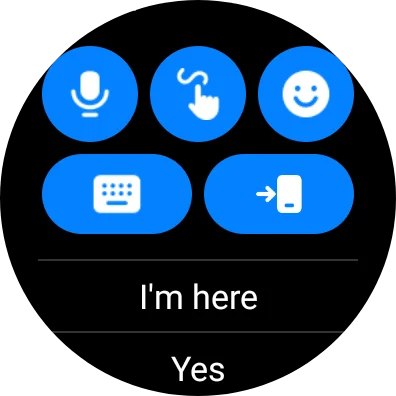
- Type messages using the smartwatch keyboard
- Send emojis and stickers quickly
- View images sent by others
- Send voice messages directly
Users can also save image attachments to the watch gallery if they have enabled the auto-download option from the settings.
Big Upgrade Compared to Old Notification Alerts
Before this official app, WhatsApp on Samsung smartwatches was very limited.
Earlier:
- You could only reply to notifications
- You had to wait for a message or a call
- No option to start chats manually
Now with the official app:
- You can open WhatsApp anytime
- Start a new chat directly
- Make calls without waiting for notifications
This is a huge improvement and makes the smartwatch more independent.
Competing Apps Were Already Ahead
Other messaging apps like Telegram, Line, and KakaoTalk already had smartwatch support. Now WhatsApp has finally joined them. Telegram has removed its app from the Wear OS watches, but it is still present on Apple Watches.
This is important because many users prefer WhatsApp over other apps, especially in India, with a huge audience using it for daily chatting. So having it on a smartwatch was a much-needed feature.
How to Install WhatsApp on Galaxy Watch (Step-by-Step Guide)
If you want to use WhatsApp on your Galaxy Watch, follow these simple steps:
Step 1: Open the Play Store on Your Watch
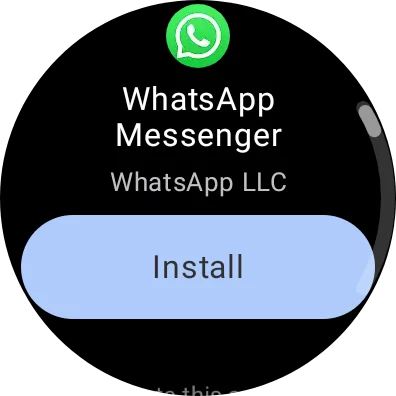
- Go to the Play Store on your smartwatch
- Make sure your watch is connected to the internet
Step 2: Search for WhatsApp
- Type “WhatsApp” in the search bar
- Look for the official WhatsApp Messenger app
Step 3: Install the App
- Tap on Install
- Wait for the app to download and install
Step 4: Open the App
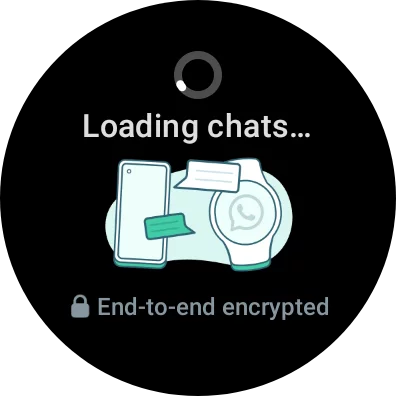
- Once installed, open WhatsApp on your watch
- Follow the setup instructions
Step 5: Sync with Your Phone
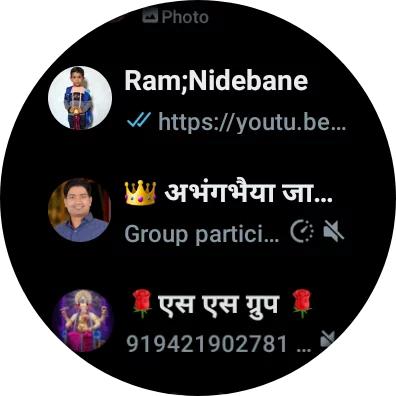
- Make sure your phone’s WhatsApp is active
- The watch app will connect automatically
How to Use WhatsApp on Galaxy Watch 8
After installation, using WhatsApp is very simple.
To send a message:
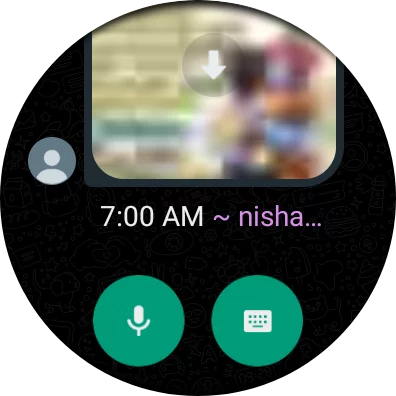
- Open WhatsApp on your watch
- Select a contact
- Type or use voice input
- Tap send
To reply quickly:
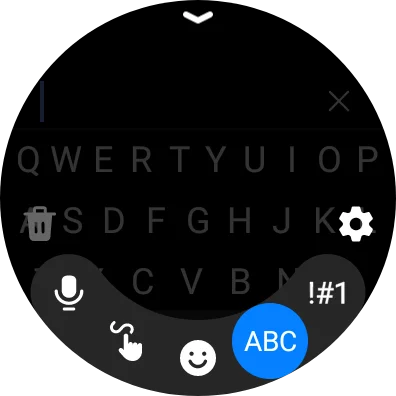
- Open a chat notification
- Choose quick reply or type manually
To make a call:
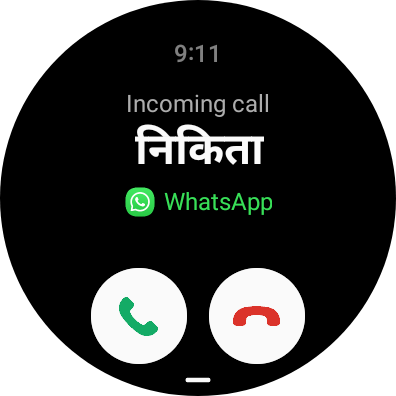
- Open a contact
- Tap the call button
Everything works directly from your watch, which saves time.
Still in Early Stage (More Features Coming)
Right now, the app is still in the early phase. Some features may be limited or improved in future updates. Like WhatsApp Calling, the future was widely available for all the Galaxy Watch users, including Wi-Fi only & Bluetooth models, but now it is only supported on LTE models.
Users can expect:
- Better performance
- More features
- Improved UI
- Faster syncing
So if something feels missing, it will likely be added soon.
The official WhatsApp app for Galaxy Watch 8 & Watch 8 Classic is a very useful update for users. It brings full messaging and calling features directly to your wrist.
As the app improves in future updates, it will become even more powerful and useful. Follow our Galaxy Updates site to get future WhatsApp update alerts.


Leave a comment