

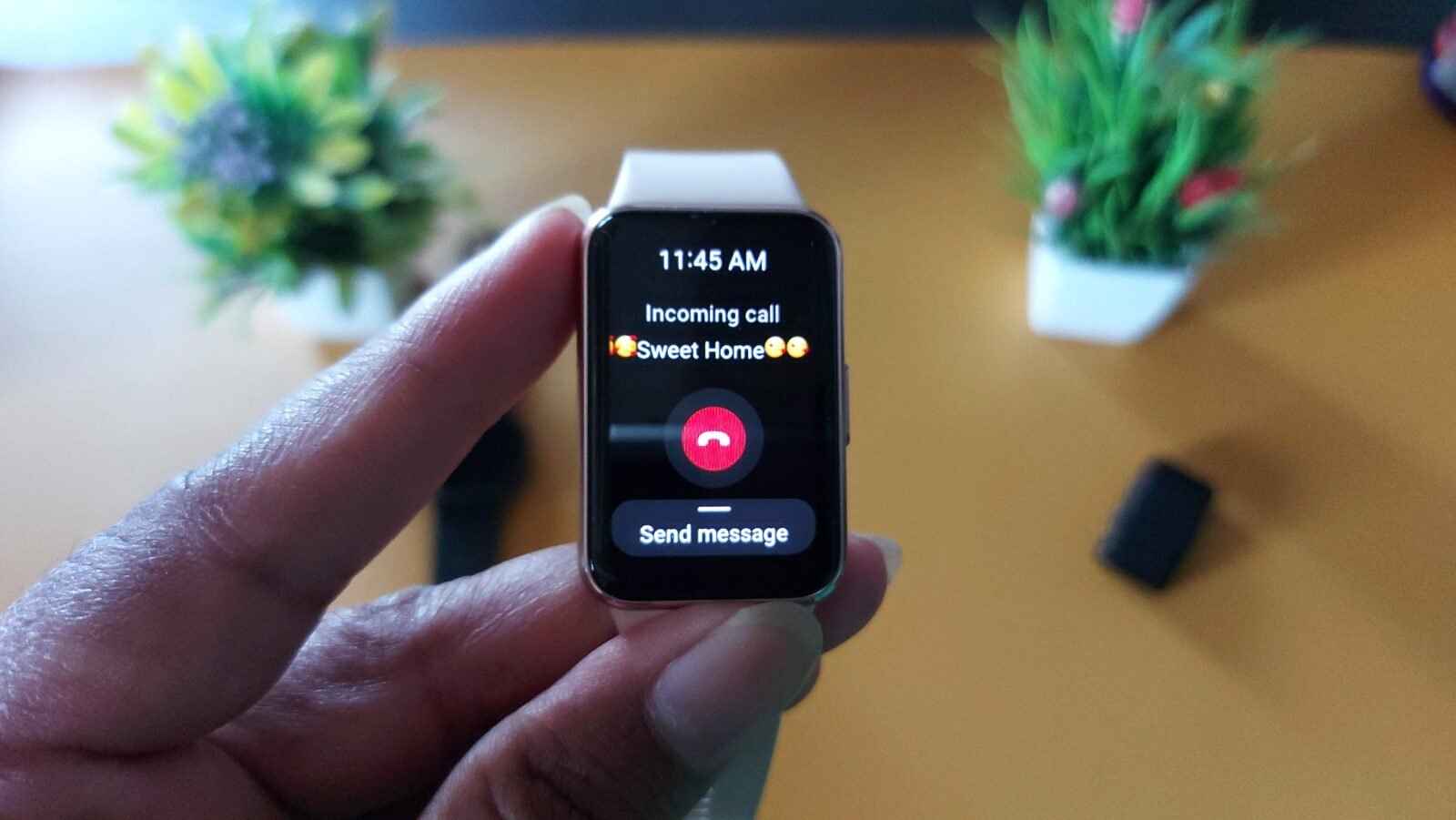
No, you cannot install WhatsApp on the Samsung Galaxy Fit 3. However, you can receive WhatsApp message notifications and reply to them using quick responses. I have used Galaxy Fit 3 for over 2 years, and now here is my view on it. It also does not support images, stickers (supports simple emojis), audio, videos, or other media formats like the Galaxy Watch 4 or Watch 5
The Galaxy Fit 3 is rich in features and supports app notifications and call alerts. Although many functions have been added to the smart band, it does not support installing third-party apps. You cannot download the WhatsApp Messenger app on the Galaxy Fit 3, nor can you receive WhatsApp calls directly on the band.
So, how will you know when you receive a new WhatsApp message?
To do this, you need to enable app notifications through the Galaxy Wearable app. Once activated, the fitness tracker will notify you whenever a new WhatsApp message arrives on your phone.
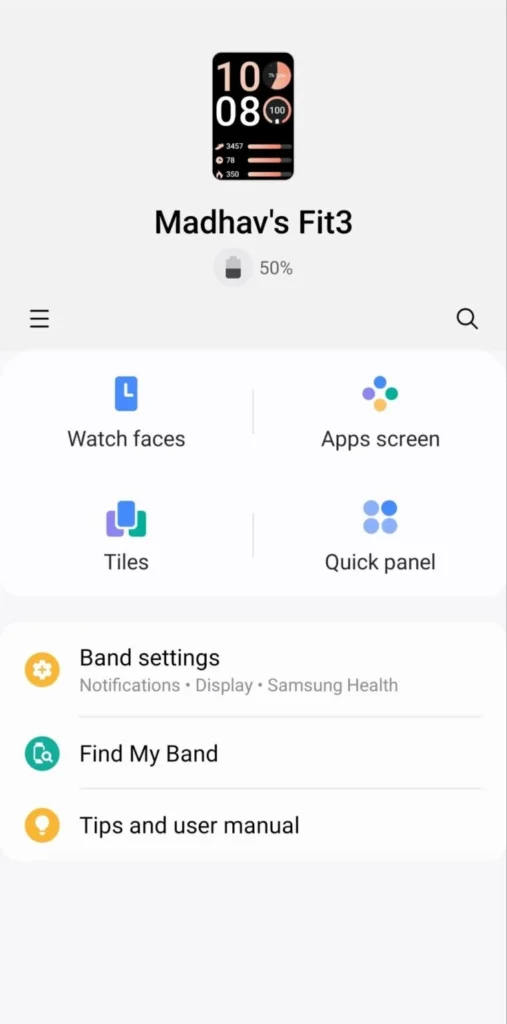
How to Enable WhatsApp Notifications on Galaxy Fit 3
Follow these steps:
- Open the Galaxy Wearable app on your phone
- Tap Notifications
- Select App notifications
- Enable the toggle for WhatsApp
- Make sure notification access is granted
After enabling this option, your Galaxy Fit 3 will notify you whenever you receive a new WhatsApp message. You can read the message directly on the tracker and reply using pre-loaded quick responses. You have only this option. You can not delete it or reply to it using keyboard or voice assistant, but you can modify preloaded texts as per your requirements.
What Galaxy Fit 3 Supports
- Read text messages
- See the sender’s name
- Reply using quick replies
- Receive vibration alerts for new messages (if you allow it)
What Galaxy Fit 3 Doesn’t Support
- Installing the WhatsApp app
- Making WhatsApp calls (only call alerts allowed)
- Viewing images or videos (shows only simple emojis)
- Listening to audio messages
You will only receive plain text notifications. Media content such as images, stickers, voice notes, and videos will not be displayed on the tracker. To respond fully, you will need to open your phone.
Want a Better WhatsApp Experience?
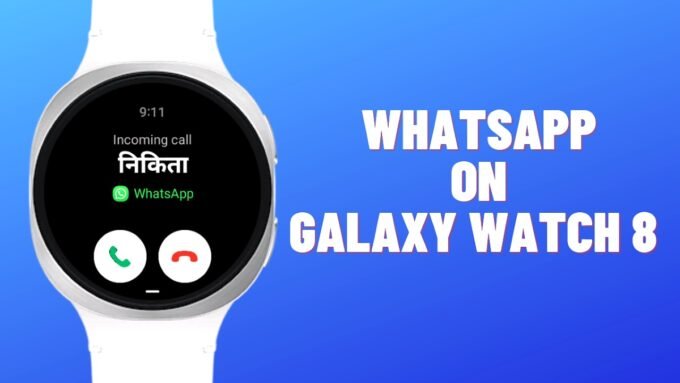
If you want full WhatsApp features, including app installation and voice calls, you may consider the Galaxy Watch 4 or newer Galaxy Watch 8. In many regions, the Watch 4 is available at a similar price to the Galaxy Fit 3.
The Galaxy Watch 4 Wi-Fi model runs Wear OS and supports the official WhatsApp app. You can download it directly from the Play Store, start conversations, and even make WhatsApp calls from your wrist.





Leave a comment