

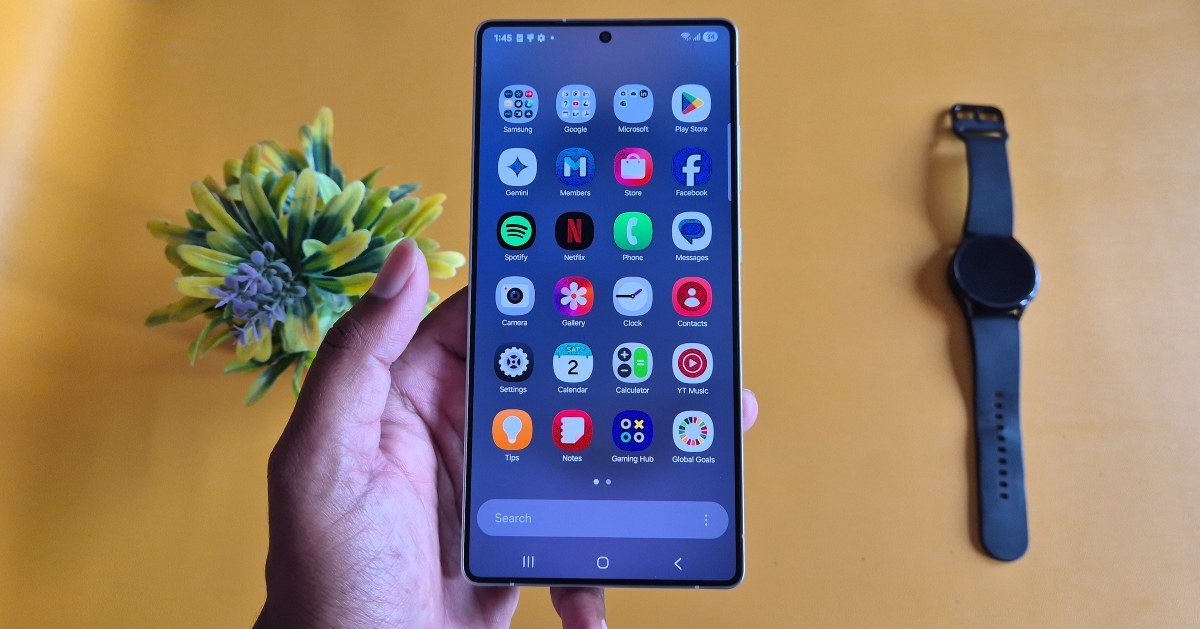
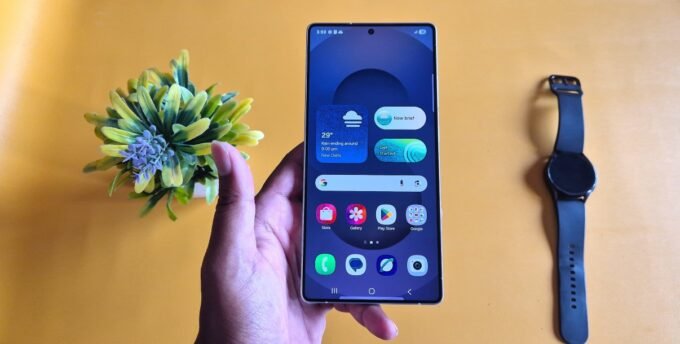
If you are new to the Galaxy S25, Galaxy S25+, or Galaxy S25 Ultra, then you should know the best apps for your smartphone. In this guide, I will suggest the top 10 Android apps that I use on my Galaxy S25 Ultra. I have tested them with the new One UI version, so they are ready for 2026 with their full potential.
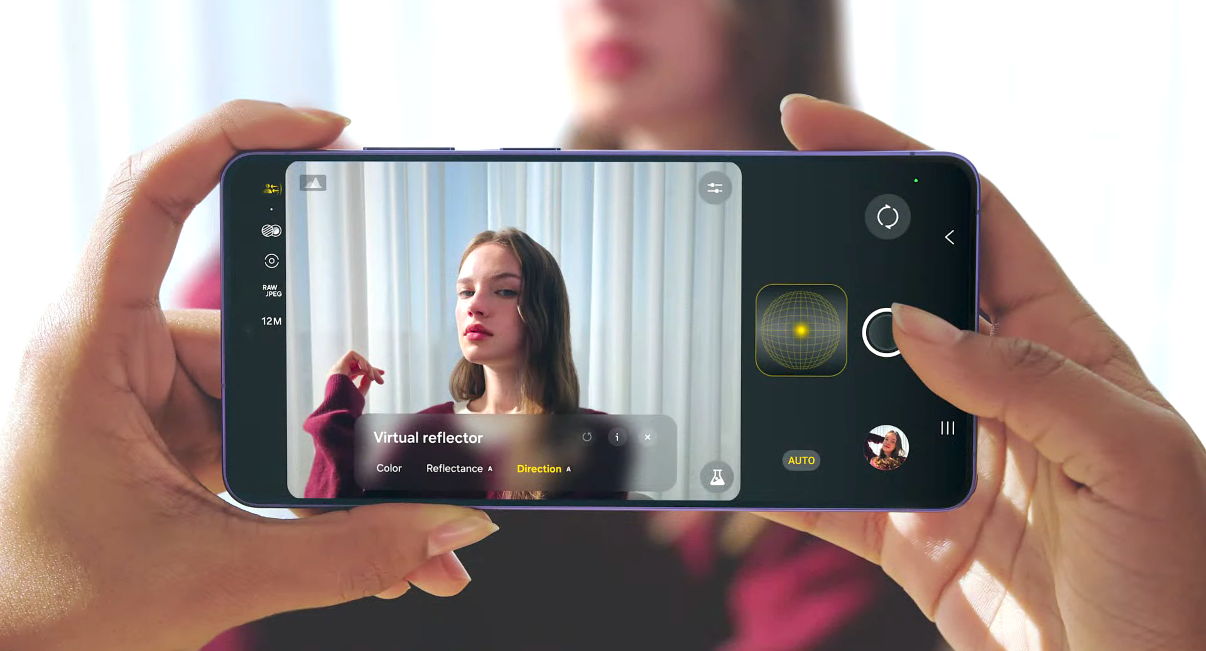
Like every year, we can see some new apps or updates from Samsung for premium phones. This year too, they have updated the Expert RAW app for flagship models, the Walkie-Talkie app for Wear OS 6-powered Galaxy Watch 8, and Buds for Windows for earbuds. In updated apps, Expert RAW and Camera Assistant have also come to the Galaxy S25 series. Both are camera apps that give extra wings to photography.
Top Apps for Galaxy S25, S25+ & S25 Ultra
It is the cherry on top; you can use the Galaxy S25 series to its maximum potential with helpful apps. These are the 10 best apps for Galaxy S25, S25+, and S25 Ultra in the Play Store or Galaxy Store.
1. Expert RAW
In the last few years, Samsung has been lacking in the camera department due to short support. There were third-party apps like Pixel Camera, but they never satisfied Galaxy users. This is why Samsung finally launched its Expert RAW app.
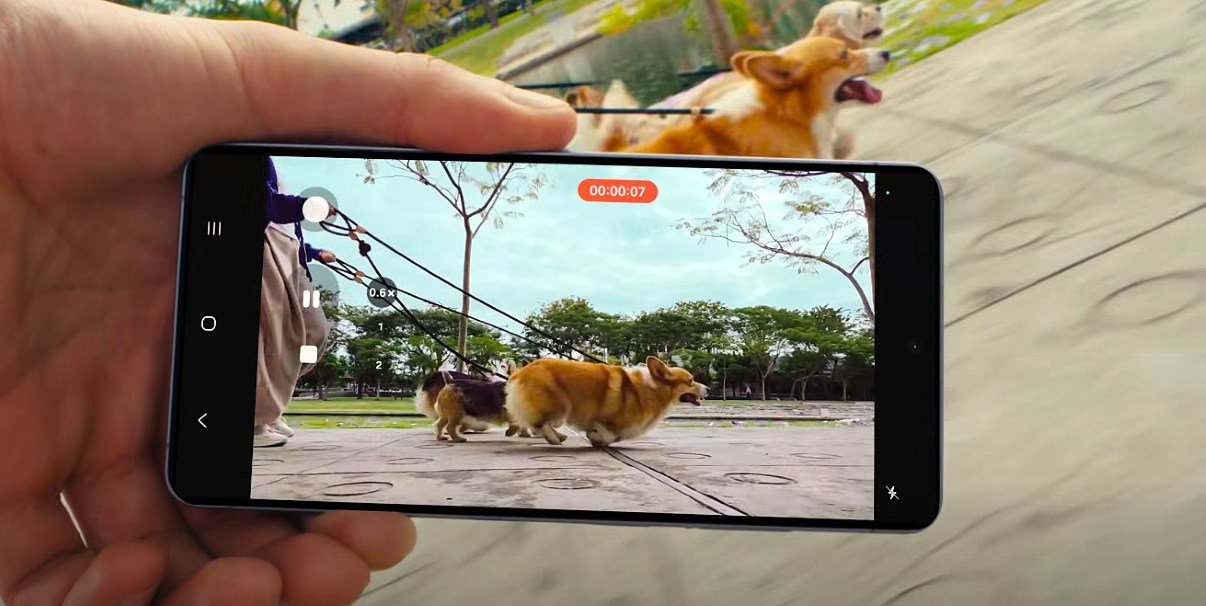
Without a doubt, it is my first choice when it comes to a camera app. Samsung has launched a stable Expert RAW app for the Galaxy S25 series. It provides essential camera tools to improve your photography in HDR mode for low-light images. The Expert RAW app lets you shoot 16-bit RAW with manual ISO, shutter speed, virtual aperture, and astrophotography mode. The app is available in the Galaxy Store.
Download: Expert RAW
2. Samsung Members
It is a must-have app for the Galaxy S25 lineup if you need help from other Samsung users. It is a platform to get support for your Samsung smartphone and share your knowledge. The Samsung Members app posts news, phone updates, leaks, reviews, app launches, questions, and answers. If you have any Galaxy device-related questions, you can ask them. On the other hand, if you know the answer, then you can help other users.
It is a neat and clean app compared to other community apps. Samsung’s app has become messy these days due to lots of spam and unwanted image sharing, but the admin and moderators always try to remove and ban them. For quick help, use the Samsung Community app.
Note that it is an official app, and you can also use it on your computer by visiting the community website. On many Galaxy devices, it is pre-installed, and if you don’t see it on your device, you can manually download it on the Galaxy S25 series.
Download: Samsung Members
3. Adobe Lightroom CC
In photography software, no one can match Adobe’s technology. In Adobe’s all-time favorite lineup, there is one app: Adobe Lightroom CC. It came to the attention of Samsung users when the company announced a free one-month trial.
Further, Samsung has partnered with Adobe to import Expert RAW app files into Lightroom for advanced filters and editing. The app offers color mixers, exposure, tone curves, different camera modes, RAW editing, selective adjustments, and more features.
Download: Adobe Lightroom CC
4. Game Booster 4x Faster Pro
Everyone loves to play graphics-heavy games on the new series. The new series comes with a powerful Qualcomm or Exynos processor and over 12GB of RAM. Still, users have complained about massive drops in gaming performance while playing heavy games. For gamers, it is one of the best apps for the Galaxy S25 Ultra, as it unlocks high-level game settings during gameplay.
Those users can use the Game Booster 4x Faster Pro app on the device. It increases performance by enhancing system power. With the app, you will get maximum frame rate, HDR support, RAM optimization, auto gaming mode, temperature control, and many more features. Samsung has recently addressed throttling issues. I hope the app will help you.
Download: Game Booster
5. TouchRetouch
Over 15 million users use the app to remove unwanted items from images. TouchRetouch is a life-saving and time-saving app on many occasions. When you capture images, some unwanted items often appear in them.
For example, when you try to take a precious image, most of the time, there is a chance a photobomber or a stranger will appear in it. In such a situation, the app will help you remove it. You can also remove background items like wires, cans, poles, and other objects. The app is available for $1.99 on the Play Store.
Download: TouchRetouch
6. Canva
Probably the best design, photo, and video editing app for your Galaxy S25 Ultra. It makes it easy to design your images or edit them. It also has a section to create YouTube thumbnails, Facebook, Instagram, LinkedIn, and Pinterest-sized images. I also use it to generate YouTube thumbnails and custom images for this site.
With pre-built templates, it becomes easy to start a business. Planning a new startup? You can use Canva to build a high-quality logo for your business with a catchy tagline. It is a free app that starts with basic features. To make it more premium, you can purchase add-on items within the app.
Download: Canva
7. TikTok
In today’s generation, you can’t skip the TikTok app. Almost all internet users are either watching TikTok videos or participating in them. In the app, you can create your own short videos and become an influencer. Many users’ stories go viral in a day due to their unique creativity or skills.
Even if you don’t want to create videos, you can simply watch content from other creators. The app is not available in India, so Indian users can use YouTube Shorts, Instagram Reels, MX TakaTak, and other apps. Other users can download the app from the Play Store.
Download: TikTok
8. Nova Launcher
I still remember when I first used the Nova Launcher theme on a Samsung Galaxy S2 in 2011. Fifteen years have passed, but Nova Launcher is still the first choice for Samsung’s thousands of Galaxy users. It is a third-party home screen replacement tool that works on most Android phones.
Also Read: Galaxy S26 Ultra Features for Galaxy S25 Ultra
It is a lightweight solution that doesn’t impact performance. It offers plenty of themes with a custom app drawer, app icons, screen modes, gestures, and widgets. A decade has passed, and Nova Launcher still maintains a 4.6-star rating on the Play Store.
Download: Nova Launcher
9. Files by Google
Apart from Samsung’s file manager or the Gallery app, you should try Files by Google. It is a neat and clean file manager for Android smartphones and tablets. Unlike other file manager apps, it is simple to use and easy to handle.
It provides an effortless way to delete extra junk like images, screenshots, memes, and other files. With just one tap, you can clean up storage. It organizes everything in a structured way, so you will not get lost. Also, you can share files with nearby devices using Wi-Fi.
Download: Files by Google
10. Komoot
You will not find a better app than Komoot for your outdoor adventures. It is trusted by millions of users on both Android and iOS for long journeys. The app becomes essential when you go to remote areas, like jungle safaris or mountain biking.
In remote areas, the app creates a perfect route plan so you don’t get lost. With offline trail maps and turn-by-turn navigation, it becomes hassle-free to return home. Further, Komoot has a large community of users who share their travel diaries and give tips for your adventure. The app is also available for Galaxy Watches if you want to sync data.
Download: Komoot
All these apps on my Galaxy S25 Ultra have been tested on the One UI 8 version, so with One UI 8.5, we should see updated results. In the coming days, we will extend the app list when new apps are available. We have covered many essential apps for your Galaxy S25 series. If you are not satisfied and want to add more apps, then use the comment box below to mention them.





Leave a comment