

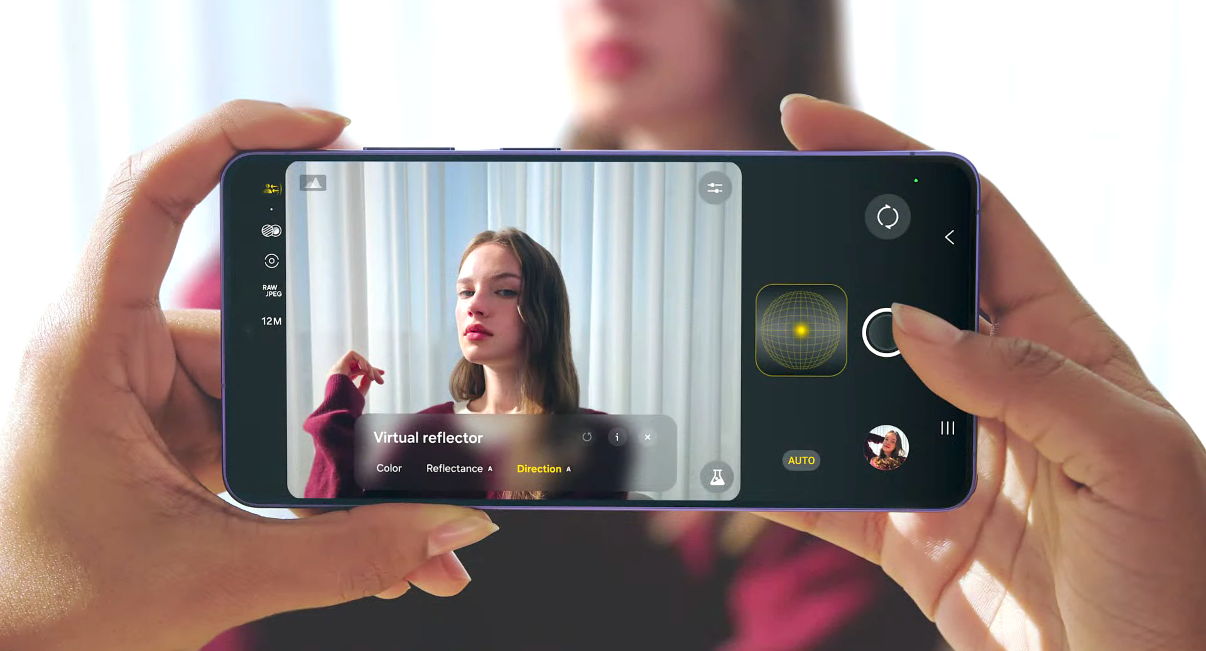
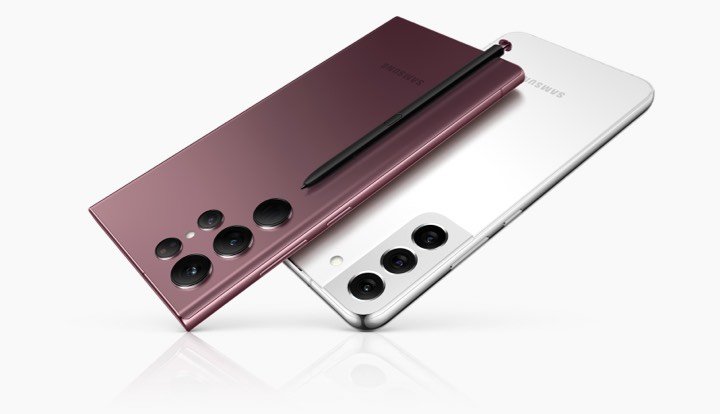
Samsung’s new Galaxy S26, Galaxy S26+, and Galaxy S26 Ultra feature a powerful 200MP camera sensor, but many users still prefer third-party apps for advanced photography controls. In this guide, we list the best camera apps for the Galaxy S26 series that improve HDR photos, night photography, and manual camera controls.
With the 200MP camera and 100x zoom, anyone can capture beautiful photos of the moon or long-range shots. This year, with the Galaxy S26 Ultra, Samsung has improved the lenses to take even better pictures and videos than the Galaxy S25 series and Galaxy S24 series.
The camera lens now captures even clearer pictures and shows more details thanks to the Qualcomm Snapdragon 8 Elite Gen 5 processor. Despite the strong camera department and upgraded lenses, many users still need some third-party apps to achieve better picture quality.
The Android Play Store and Galaxy Store have some excellent and innovative apps for daily photography. You can try these best photography or camera apps on your Galaxy S26 series.
Best Camera Apps for Galaxy S26 Series
1. Pixel Camera – Best for HDR & Night Mode
Probably the best camera app from the Google team for Android smartphones. Google developers created it to enhance photo quality on flagship and mid-range Android phones. Most premium Galaxy devices support this app, and the Galaxy S26 series can also use the Google Camera app.
The features include HDR+ with dual exposure control, portrait mode, long shot, top shot, night mode, and super-res zoom. Pixel Camera also works great for video stabilization and other essential functions. You can download it as an APK and use it on your device.
Get: Pixel Camera
2. HD Camera for Android – Best Simple Camera App
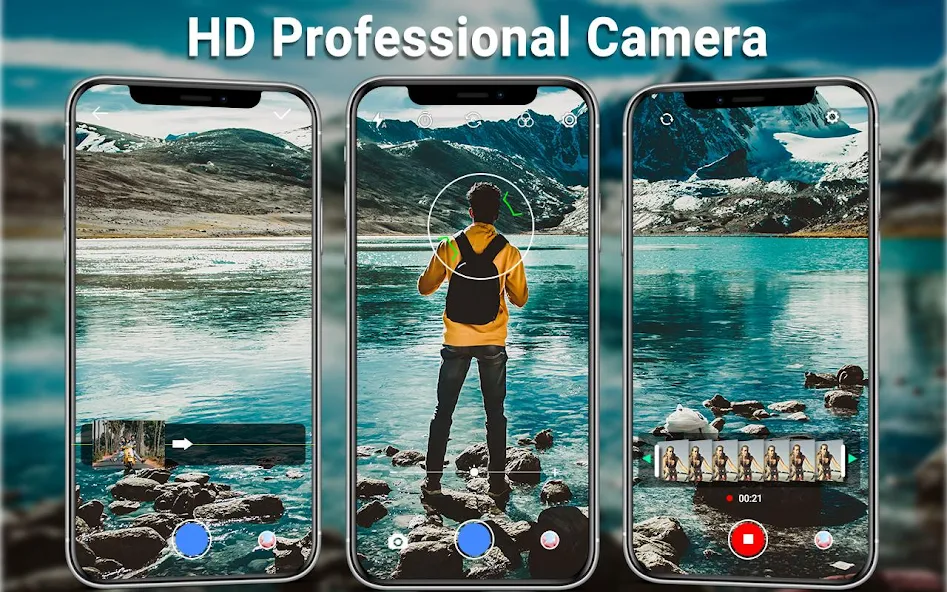
The app is inspired by the iOS camera on the latest generation iPhone models. You may like it or not, but iPhones often set high standards in smartphone photography. As mentioned earlier, the iPhone 17 series produces excellent photos and videos. With the HD Camera app, you may get advanced features and possibly better image quality.
It offers 4K support for both video recording and photos, HDR mode, white screen flash, ISO control, white balance, silent capture, and more.
3. HD Camera Pro & Beauty Camera – Best for Selfies
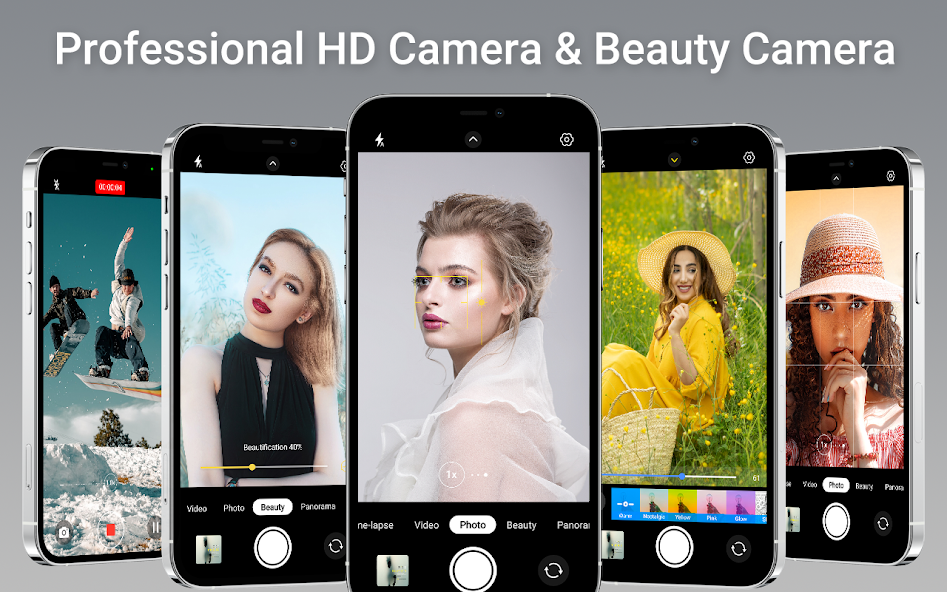
This app is also helpful for daily photography or occasional photo capture. HD Camera Pro gives you the ability to capture professional-quality images. When you take photos using HD Camera Pro & Beauty Camera, you get more features and controls.
It offers quick snaps, beauty selfies, auto stabilization, HD video recording, dynamic range optimization mode, and continuous shooting. The free version includes most features, while the premium version removes ads.
Get: HD Camera Pro & Beauty Camera
4. Camera360 – Best for Filters & Effects
With over half a million ratings, more than one billion users have downloaded this app on their smartphones. You may not get moon photos with this app, but many other features are useful for everyday photography.
The app includes over 300 filters, more than 100 stickers, and tools to create short videos and photo albums. It has served users for many years and still maintains high ratings in the Play Store.
Get: Camera360
5. Camera Zoom FX Premium – Best DSLR Controls
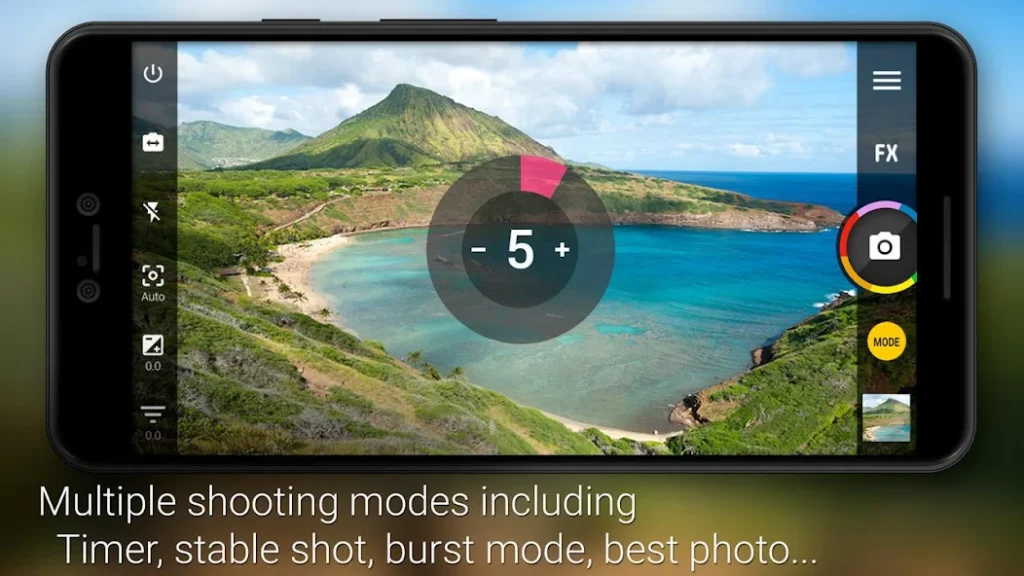
Camera Zoom FX Premium is the paid version, and as the name suggests, it offers DSLR-like controls. It allows you to capture RAW images and adjust ISO, focus distance, exposure, burst mode, and shutter speed.
Additionally, it combines shooting features like timer + HDR, stabilization, and time-lapse. The developers have included hundreds of effects for perfect shots. With this app, you can significantly enhance smartphone photography.
6. Expert RAW – Best for Professional Photography
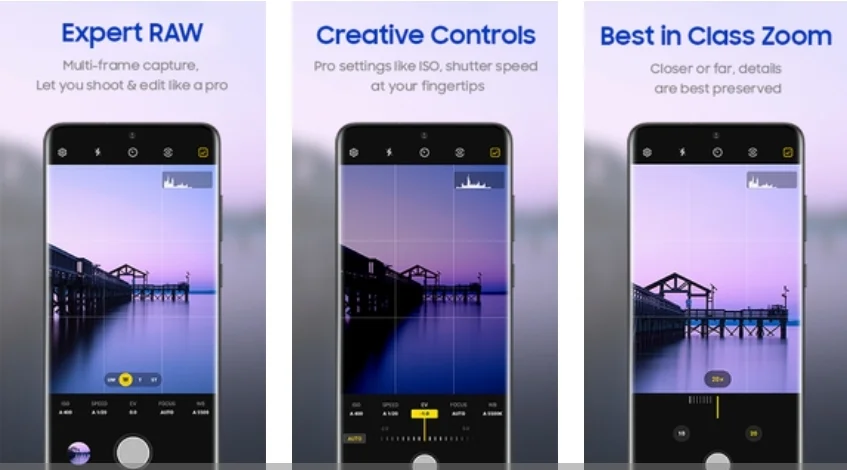
It is one of the most advanced and recommended camera apps for the Galaxy S26 series. It launched with many important features that improve camera quality. It was first introduced with the Galaxy S22 series and is now available for older models as well.
You can adjust blur, modify colors, use different shooting modes, enhance low-light visibility, and capture better night photos. The Expert RAW app is available for download in the Galaxy Store.
Get: Expert RAW
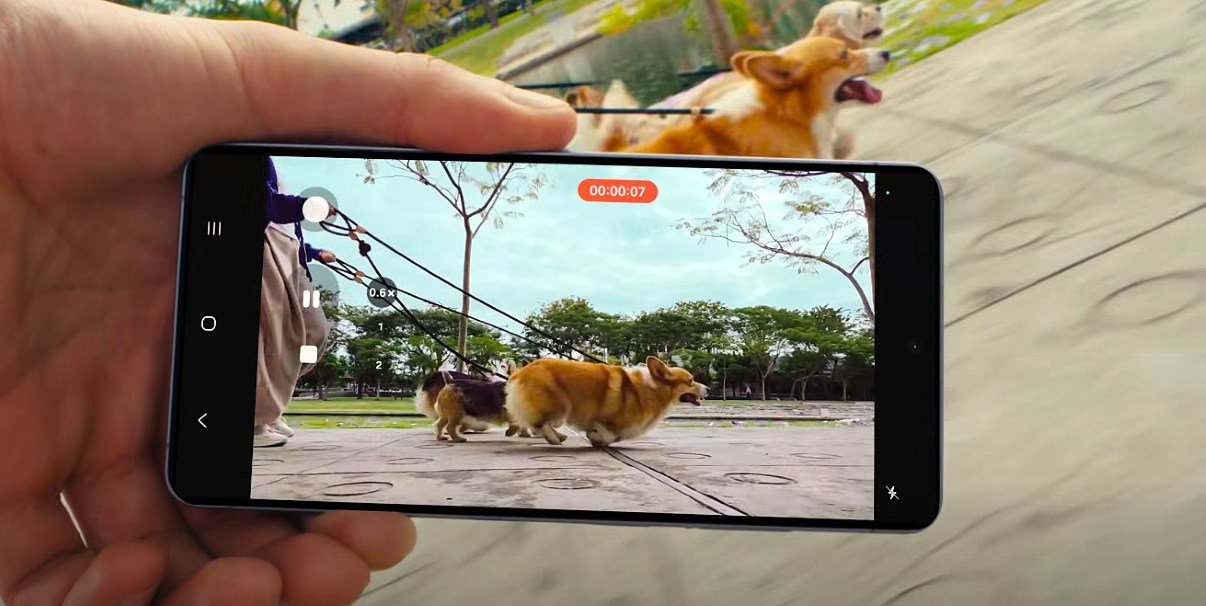
The Galaxy S26 Ultra may not need additional apps for capturing images, but these apps can still enhance the photography experience. Samsung has already included many advanced camera features, such as Director’s View mode. However, if you need extra functionality, these third-party apps are worth trying. Most of them are available on the Play Store.
Are All the Apps Free for the Galaxy S26 Ultra?
Not all apps are free to download from the Google Play Store. However, some of them require a premium fee to unlock advanced features. Expert RAW and Pixel Camera are completely free, and you can use all of their features without paying anything.
Which camera app is best for the Galaxy S26 Ultra?
Pixel Camera and Expert RAW are among the best options for the Galaxy S26 series. Expert RAW is Samsung’s professional camera app used by many users to enhance their photography. Samsung also adds new features to the app regularly, so it is worth trying.
Is Pixel Camera available for the Samsung Galaxy S26?
Pixel Camera is a popular app developed by Google for its Pixel phones, but the company also allows other Android users to use it.




Leave a comment