

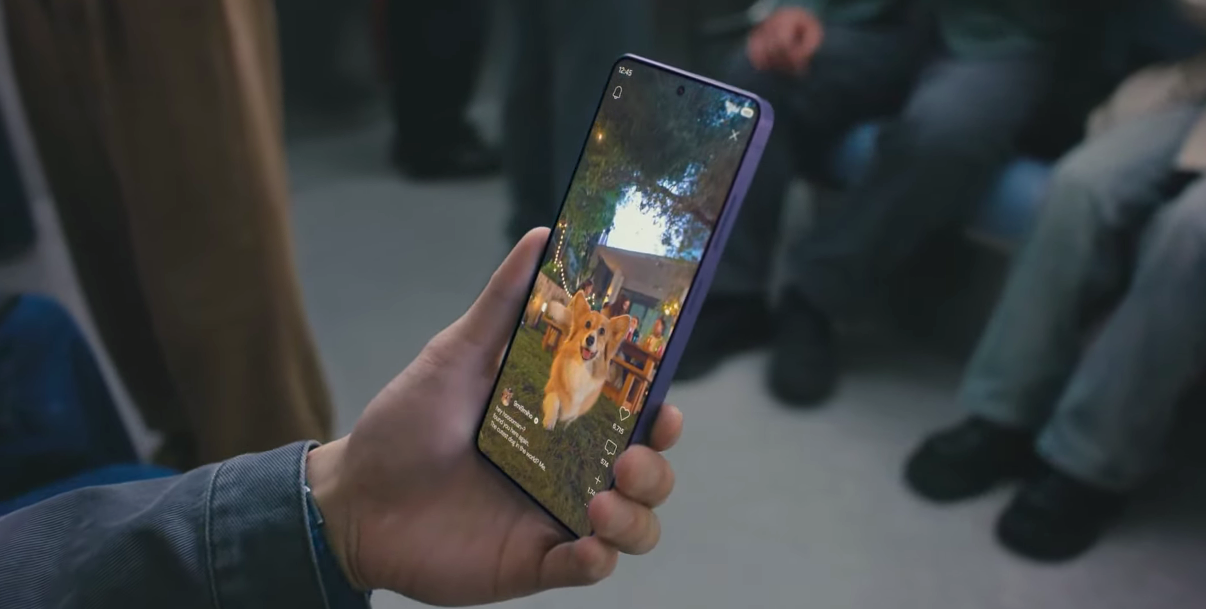
With the Galaxy S26 series, Samsung has introduced a new feature called Convert Motion Photos that automatically converts live or motion photos from other devices. This new feature is launched with the One UI 8.5 version, and it is expected to arrive on previous Galaxy devices as well. It solves one of the major issues for users who often share motion pictures with one another across different Android smartphones.
Convert Motion Photos Function
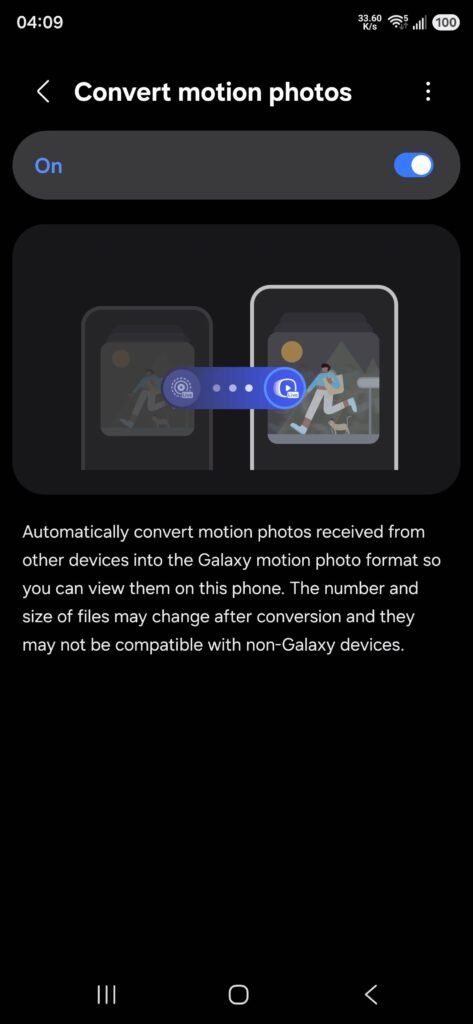
Many Android companies and even Apple take different approaches to handling motion pictures, which makes it difficult to open them on a new device. That is where this new feature will help users. The new function, Convert Motion Photos, will automatically detect such live images and convert them into a supported format so you don’t miss the content or message inside them.
How to Enable Convert Motion Photos on Galaxy S26
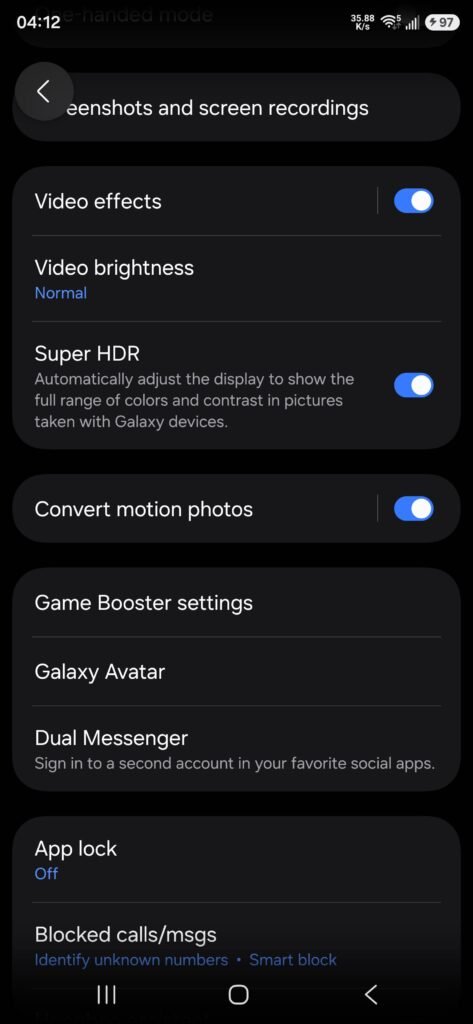
This feature is exclusive to the One UI 8.5 version. If your device is running the new version, then you can follow these steps to activate it.
- Open Settings
- Go to Advanced Features
- Find Convert Motion Photos and enable it
Can Converted Motion Photos Support Other Devices
Samsung has noted that when you receive a live image from other devices, it will convert it into a supported file on Galaxy devices. Further, the company stated that once the file is converted on your smartphone, it does not guarantee it will work on other Android or Apple devices. This means you can receive an image and automatically convert it, but when you share that image with other phones, they may not support it.
How to Share and Receive Motion Photos?
You can send and receive motion photos on your device via Quick Share, Bluetooth, Wi-Fi Direct, File Transfer, or by downloading them from a website. Once you receive the image, the Convert Motion Photos feature will automatically take care of the remaining conversion process.
When will it come to my Device?
According to the source, the feature is exclusive to the One UI 8.5 version and is currently available on the Galaxy S26 series. When your Galaxy device receives the new version, you will be able to access it. The Galaxy S25 series, Galaxy Z Fold 7, and Galaxy Z Flip 7 are currently in the One UI 8.5 beta testing phase, so those users will receive it soon.



Leave a comment