

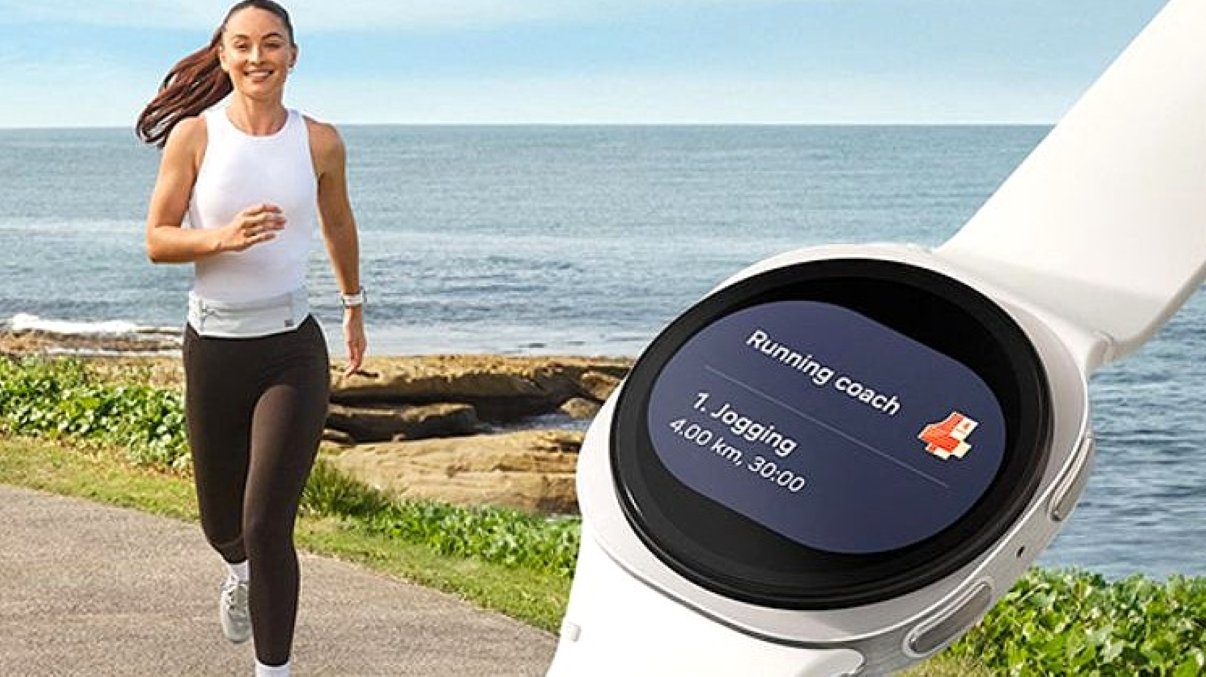
Almost all smartwatch and fitness tracker companies now recognize their female users. A couple of years ago, only a few watches and smart bands had menstrual cycle functions. It was in 2020 when Apple, Samsung, and Xiaomi launched the period tracker function on their wearables.
As for Samsung, the Galaxy Watch Active was released in early 2020. In the following years, the technology became more advanced, and now women users can take advantage of it. The latest Galaxy Watch 8 and Watch 8 Classic have women’s health tools with the necessary features.
Initially, it was a basic feature to log monthly data. Now, with the help of industry leaders and a partnership with ‘Natural Cycles’ (previously ‘Glow’), it will surely guide you during those days. There are also some expert health tools to give you more tips and advice.
The ‘Natural Cycles’ feature is a free tool and guide for ovulation and menstruation. It may be worth spending money, but the free period tracker features are also enough for you. For new women users, here are the simple steps to use the period tracker on Galaxy Watch 8 & Watch 8 Classic.
Features of Galaxy Watch Period Tracking
• cycle prediction
• your cycle and PMS
• ovulation prediction
• fertile window detection
• reminders and notifications
How to Track Your Period on Galaxy Watch 8
1. Open the Samsung Health app
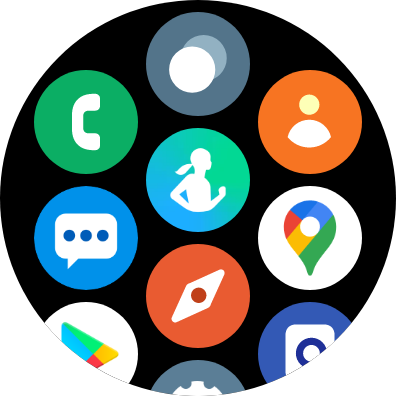
The women’s feature is a part of the Samsung Health app. The app is available on the smartwatch, and if not, you should download it from the Play Store or Galaxy Store.
2. Search for Women’s Health
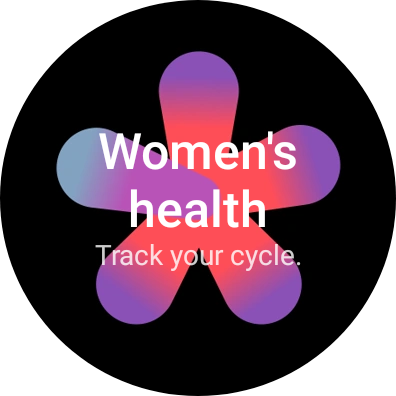
In the Health app, search for Women’s Health. Different companies have different names for this feature, such as period tracker, women’s health tool, menstrual cycle, Glow, and more. On the Samsung watch, it is called Women’s Health.
3. Turn on the function on a paired phone
If this is your first time using the tool, you will need to provide some basic information. When you open the tool, it will ask you to open it on the phone. Tap the OK button to be redirected to your paired smartphone.
4. Fill in the details
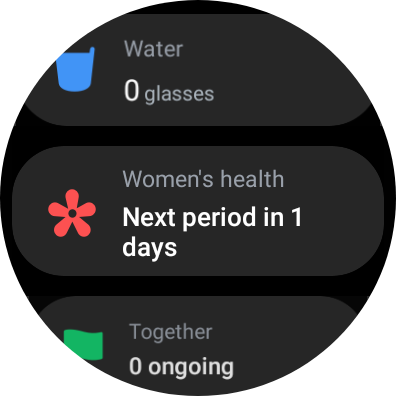
In the Women’s Health section, the first step is to fill in the necessary information. On the first page, provide details such as when your last period occurred. After that, tap the Next button.
On the next screen, enter the data for your monthly cycle. If you usually get your period after 28 days, choose that option, or select another number of days according to your cycle.
5. Get the next period details
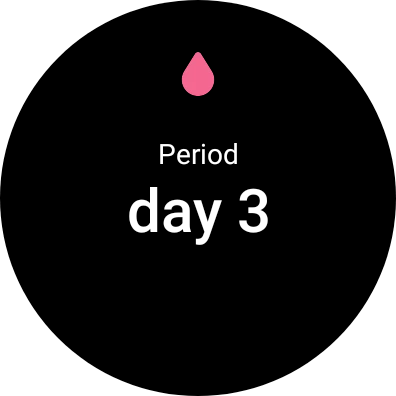
After providing the necessary information, the app will estimate when your next period will occur. The first page will show the last period, predicted fertile window, predicted ovulation, and predicted next period.
6. To edit logs, go to Settings
You can edit the data if you find it incorrect or if you want to add more options. To do this, go to Settings. Tap the three dots in the upper-right corner. It will show the available options to choose from or edit.
8. Add Log
Finally, you can use your Galaxy Watch 8 & Watch 8 Classic to get reminders for your next period. From the first day, you can add a daily log to the app.
I hope this guide helps you. Do not rely on this tool for anything beyond reminders of your periods. It is not a medical app, so it is advised not to take any treatment based on it.
Frequently Asked Questions (FAQ)
Is my cycle data secure?
Yes, Samsung has made it clear that your personal cycle data is secure and private inside the app. The Samsung Health app will not sync your data with your Samsung account or any other third-party apps. However, if you want, you can back up your history by using Smart Switch on another device.
Can I take medicine based on these results?
No, this data is only for fitness and wellness purposes. It is not for medical use, so do not make any decisions or take medicine based on Samsung Health results. It is advised to consult a medical professional or a doctor in any emergency.
Is the Samsung Health period tracker free?
Yes, with the Galaxy Watch 8 & Watch 8 Classic, you can access all the features, including the period tracker, without paying any fees. It is free for all Samsung users.
Samsung Smartwatches That Support Period Tracking
The cycle tracking features are really helpful for women users, so Samsung made sure to launch them for most of its Galaxy Watches. Here is the list of smartwatches that support a period tracker.
- Galaxy Watch 4
- Galaxy Watch 4 Classic
- Galaxy Watch 5
- Galaxy Watch 5 Pro
- Galaxy Watch 6
- Galaxy Watch 6 Classic
- Galaxy Watch 7
- Galaxy Watch Ultra
- Galaxy Watch 8
- Galaxy Watch 8 Classic
- Galaxy Fit 2
- Galaxy Fit 3
All these Samsung Galaxy wearables support cycle tracking with advanced features. If you have any of these devices, you can access them from the Samsung Health app.





Leave a comment