

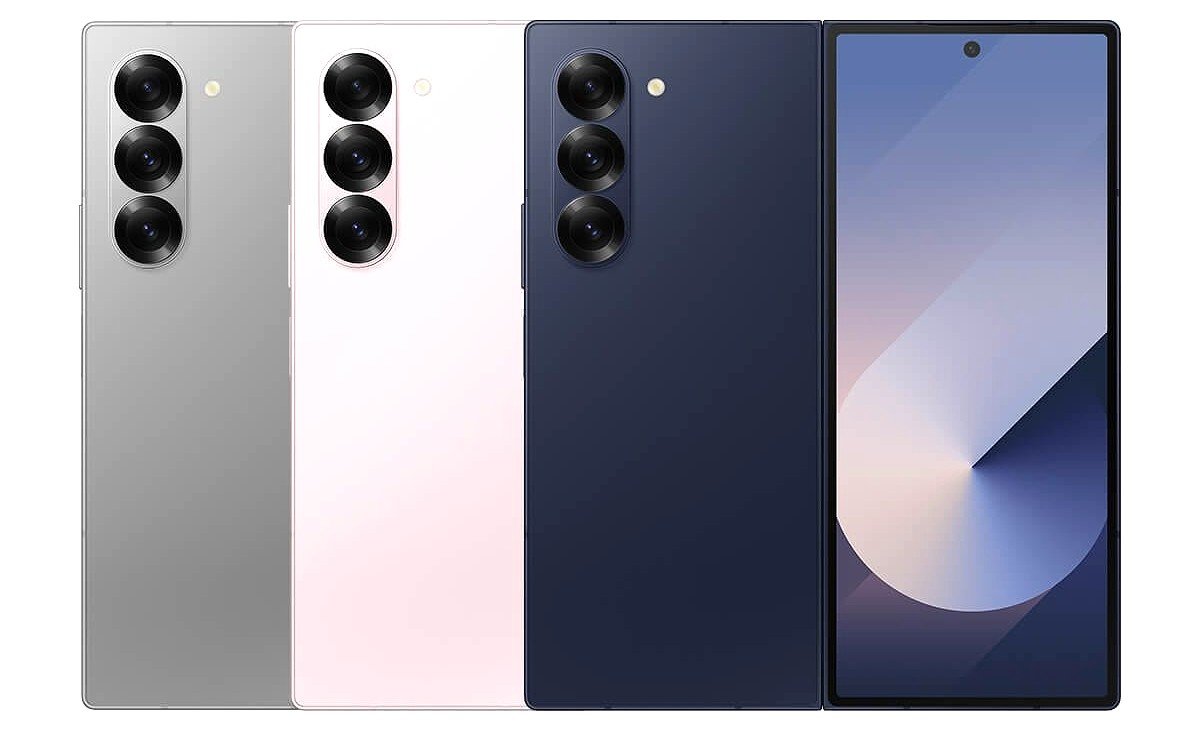
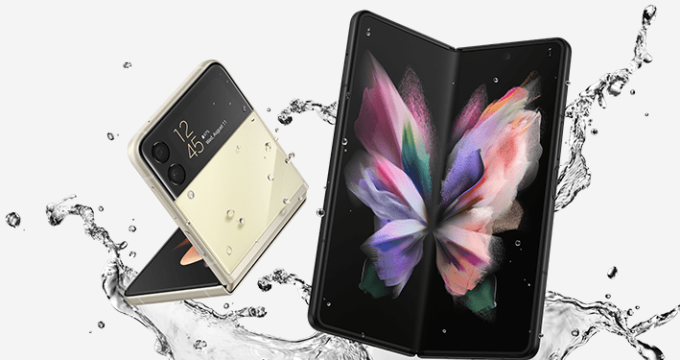
Samsung has started rolling out the March 2026 security update earlier than expected, making the Galaxy Z Fold 6 and Flip 6 the first devices to receive it. This makes the Fold 6 & Flip 6 the first Galaxy phones to get the March 2026 software ahead of a wider global rollout. The update fixes 65 security vulnerabilities and improves overall performance and stability on the foldable phones.
The firmware version for Galaxy Z Fold 6 is F956NKSS3CZC1 with a 553MB size, and for Galaxy Z Flip 6, F741NKSS3CZC1, with a 415MB file size.
Galaxy Z Fold 6 and Flip 6 March 2026 Update Details
With the new March 2026 software, Galaxy Z Fold 6 & Z Flip 6 have become the first Galaxy devices to receive the latest security patch. Samsung is simultaneously working on the same firmware for other flagship models, and they may also get it in the next few days.
What’s New in March Firmware
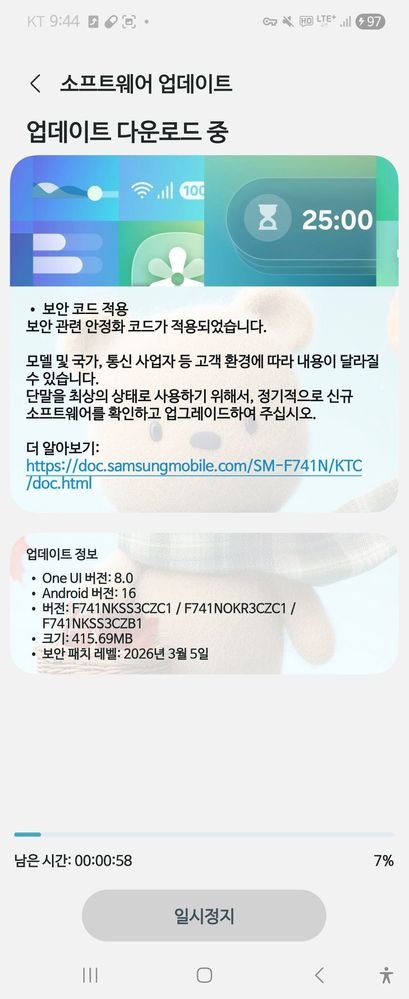
The latest firmware version brings fixes for 65 vulnerabilities from the previous code to secure the devices. Samsung has mentioned removing 8 critical security flaws, along with 5 high-level and 52 other flaws from the code. Furthermore, it has optimized apps and services to enhance the overall user experience.
One UI 8.5 Firmware Version
Galaxy Z Fold 6 & Flip 6 may not join the beta testing program this month, but they are eligible to get the next major One UI 8.5 update. The new version is currently running on the Galaxy S26 series, with expansion planned for other devices. Samsung has also conducted a beta program on Galaxy S25, Galaxy Z Fold 7, and Flip 7 devices.
Galaxy Z Fold 6 Detailed Changelog
Firmware Version: F956NKSS3CZC1
Update Size: ~553MB
Security Level: March 5, 2026
OS: One UI 8.0
Changes: Bug fixes, improved security
Region: South Korea (expanding soon)
Galaxy Z Flip 6 Detailed Changelog
Firmware Version: F741NKSS3CZC1
Update Size: ~415MB
Security Level: March 5, 2026
OS: One UI 8.0
Changes: Bug fixes, improved security
Region: South Korea (expanding soon)
How to Install New Firmware
The latest March 2026 software is now rolling out in South Korea and is expected to be released in other countries in the next few days. To install the new firmware, go to Settings > Software Update > Download and Install, and check for any available updates.









Leave a comment