

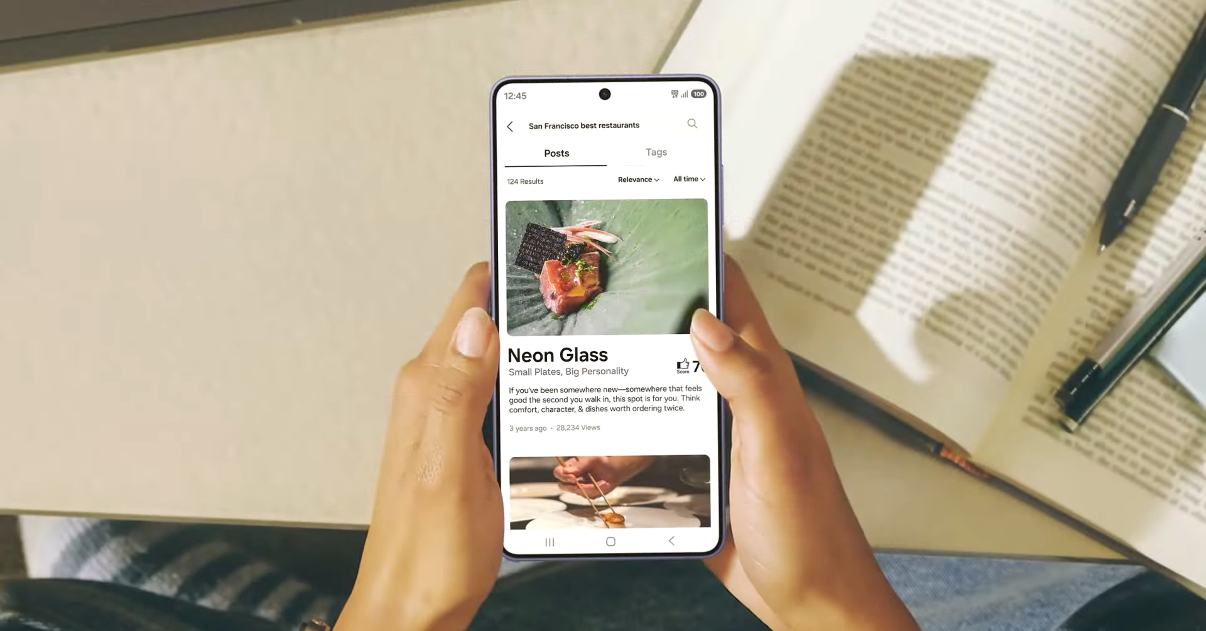
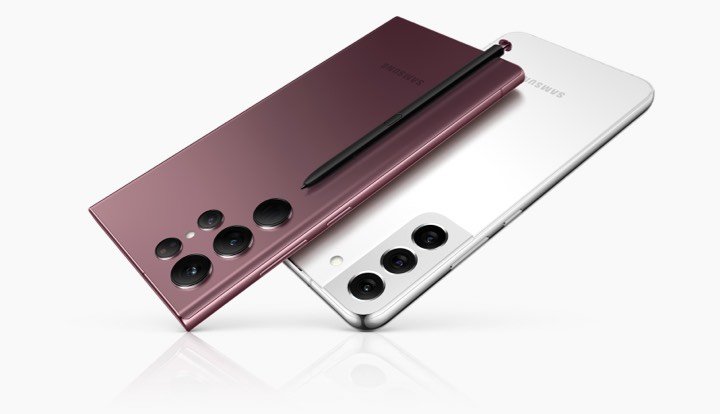
If you recently bought Galaxy S26, S26+, or S26 Ultra, you may want to install the best apps for Galaxy S26 to use the power of this premium smartphone. These new smartphones are now on the market with high expectations from customers. The advantage of being a user of the Galaxy S26 series is that you will get better hardware and software specs.
The Galaxy S26 series comes with advanced features like Galaxy AI tools and a stunning AMOLED display. Installing the right apps will help you unlock the full potential of your flagship Samsung smartphone.
First of all, we congratulate you on purchasing one of the best smartphones of this year, and we will guide you through this. I know the bigger display is extraordinary for watching movies or web series on Netflix, YouTube, Disney Plus, or Amazon Prime Video.
Apart from these apps, I have dug out some of the best performers in the Play Store. Below you will see the list of the 10 best apps for Galaxy S26, S26+, and S26 Ultra devices.
Best Apps for Galaxy S26
1. Zoom Workplace
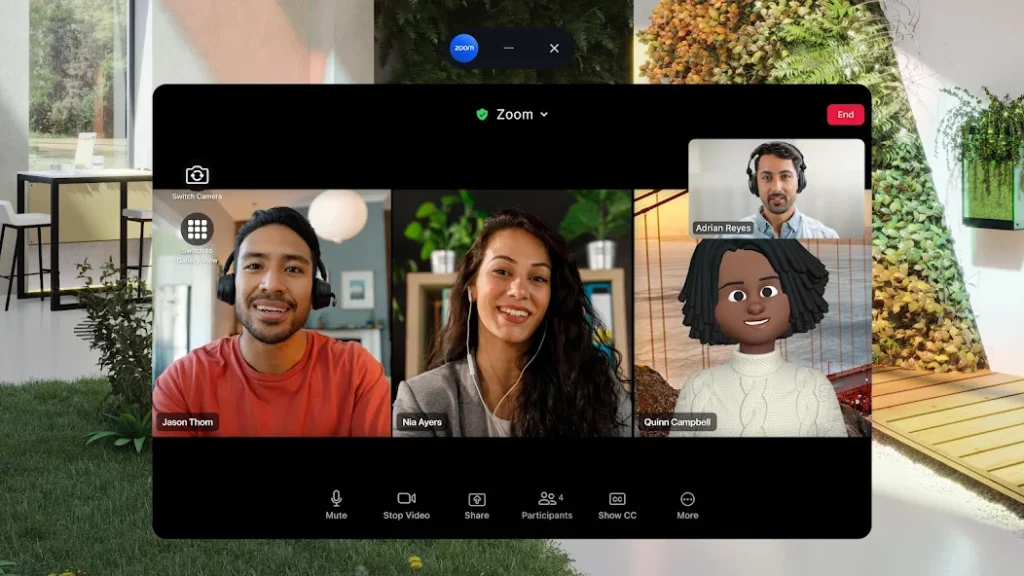
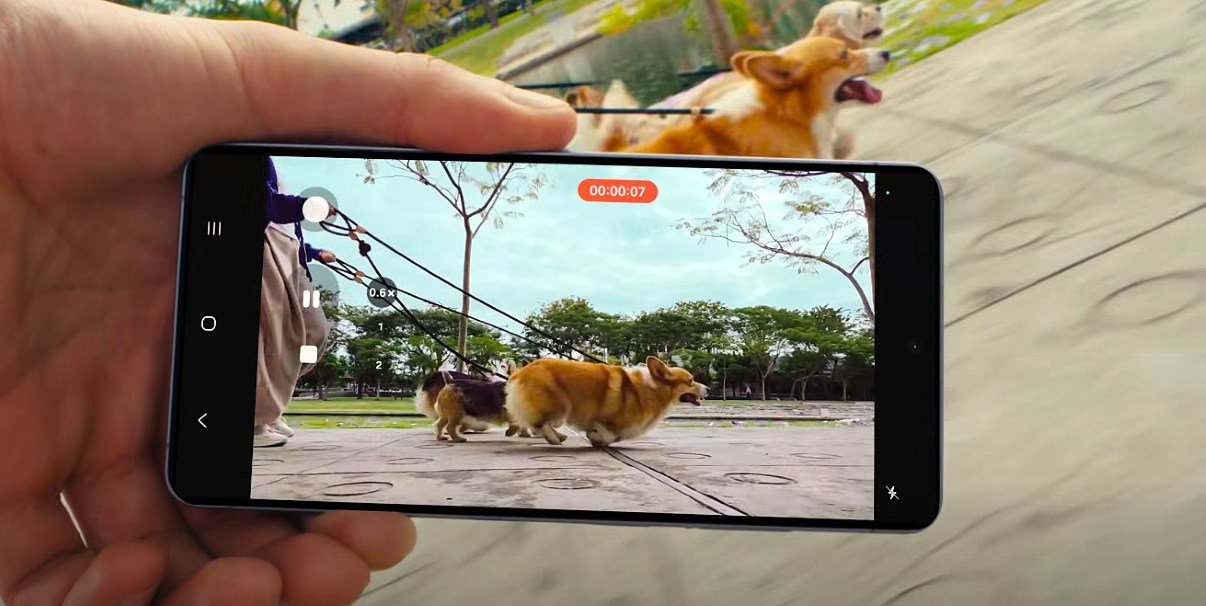
During the world pandemic, the Zoom Workplace app became one of the most popular apps. It allows you to video call your friends or organize meetings with company employees. Compared to Google Meet and WhatsApp Rooms, Zoom offers much better video quality. Also, the 200MP main camera and 12MP selfie camera will give you the best video calling experience, and further, it is excellent in low-light areas.
You can also add up to 150 users to a group chat without any quality or network issues, and it is optimized for Samsung’s latest 5G modem on these devices. In the free version, you have a limit of 30 minutes, and in the premium version, you can talk without any worries.
Download: Zoom Workplace
2. Google Home
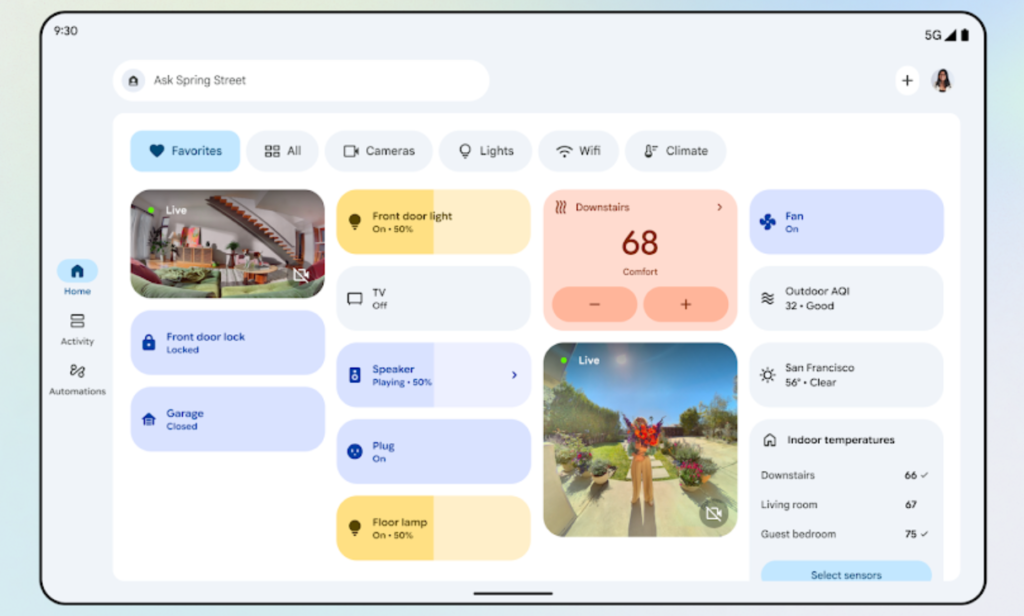
In the advanced section, I recommend that you use Google Home to connect all your home devices and control them. In the era of the Internet of Things, you need one trusted app that provides world-class service and an extra layer of security.
You can connect smart bulbs or lamps, thermometers, smart speakers, washing machines, home displays, cameras, and many more devices. Samsung’s SmartThings is also good in terms of services, and Amazon and Apple also provide their own IoT apps.
Download: Google Home
3. Microsoft SwiftKey
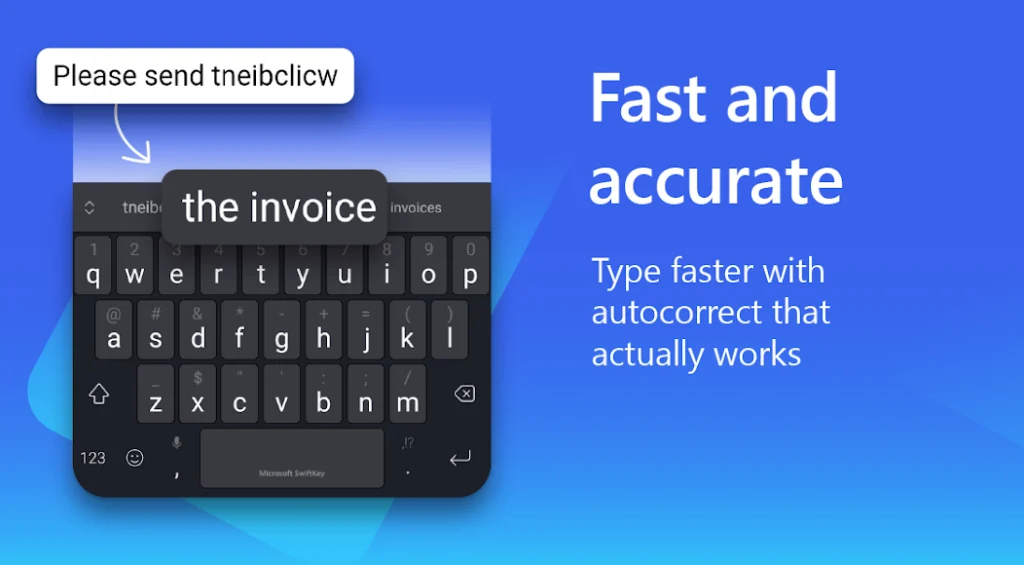
Samsung already has its own keyboard, and it is more than enough to chat, type short notes, or write longer content. However, if you decide to use a third-party keyboard, then I recommend SwiftKey. More than 5 million users use it, and it has a 4.4 rating on the Play Store. I also use it on every smartphone.
It has emojis, stickers, voice input, and GIFs to make conversations more engaging. Microsoft has acquired SwiftKey, so we can expect more updates and features in the future. Interestingly, Stephen Hawking once used this keyboard. You can download it for free on the Galaxy S26 series.
Download: SwiftKey
4. ExpressVPN
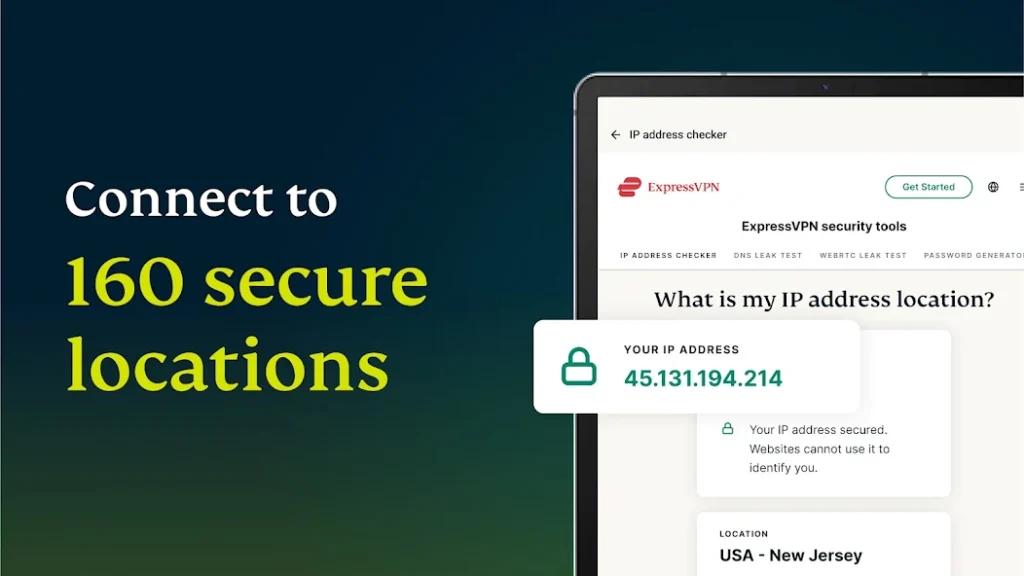
Now let’s talk about your security and freedom in the online world. Virtual Private Networks can be used for many reasons. Some users use them to hide their online presence or identity, while others use them to unlock or unblock certain services. There are many services that work with VPNs, and ExpressVPN is one of the apps that allows you to do this.
Once installed, you can browse the web freely, and your messages and other information will stay protected. You can use the service on all your devices and access it anywhere.
Download: ExpressVPN
5. Camera Zoom FX Premium
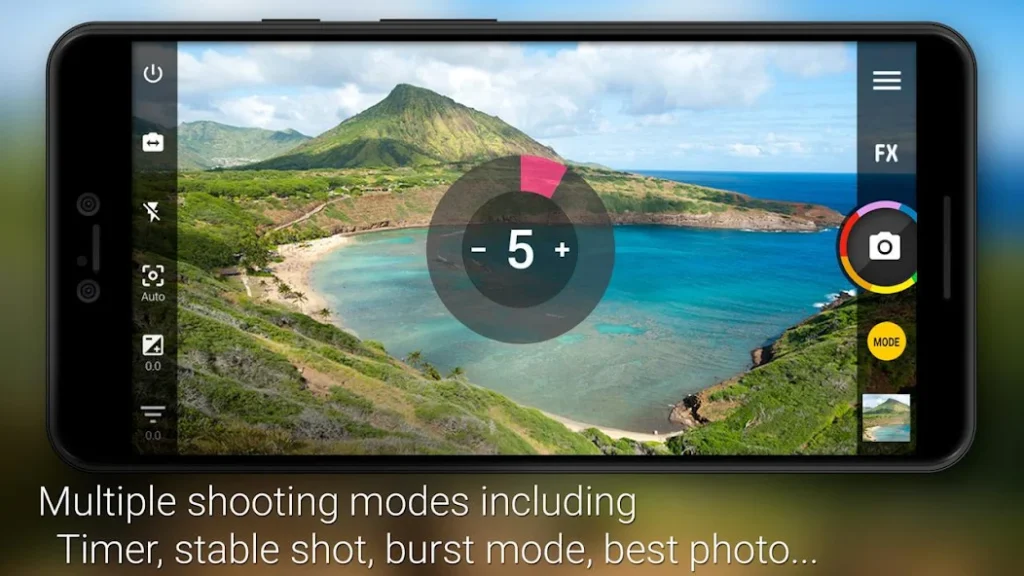
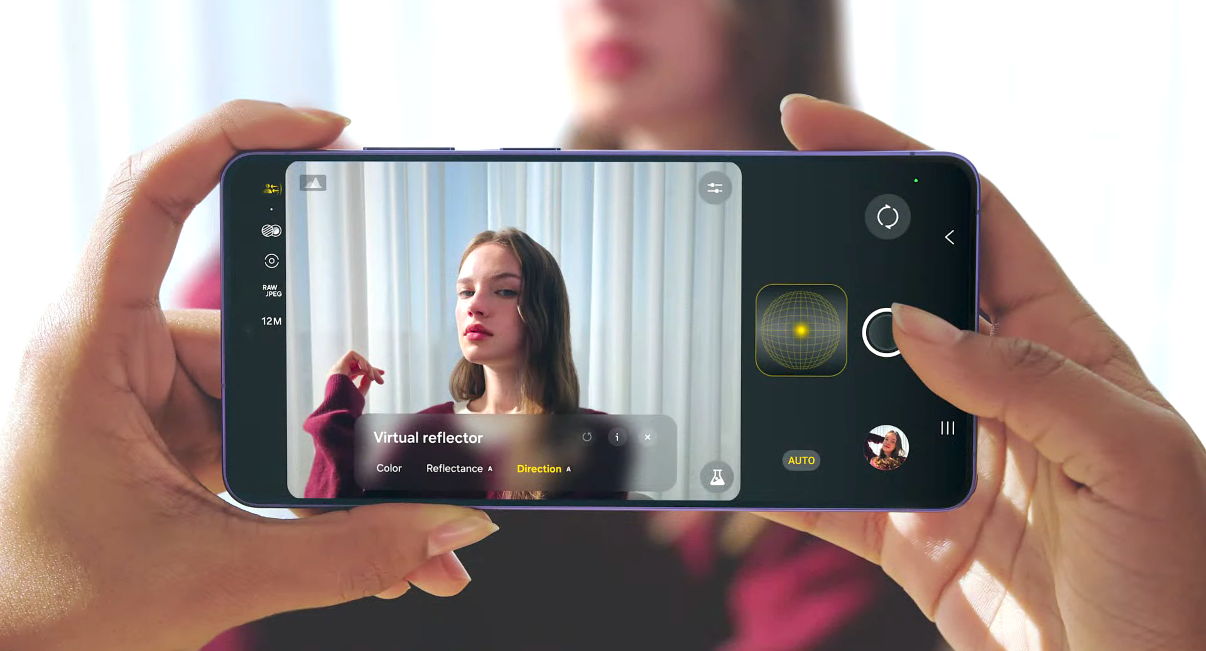
It may seem unusual to recommend a camera app for Galaxy S26 Ultra users who already have powerful camera sensors. Samsung offers professional apps like Expert RAW, Camera Assistant, and Galaxy X with Galaxy AI tools to enhance photography and videography.
Still, with the Camera Zoom FX Premium app, you can create professional or DSLR-like photos with your device. Still, if you want to tweak images while capturing photos, then you can try third-party apps.
One such feature-rich app is Camera Zoom FX Premium, which is filled with plenty of features. You can use filters, stickers, and many other tools while taking photos or videos. You can also optimize and share images directly on social media. The Camera MX app is available for free in the Android Play Store.
Download: Camera Zoom FX Premium (paid: $3.99)
6. Google Calendar
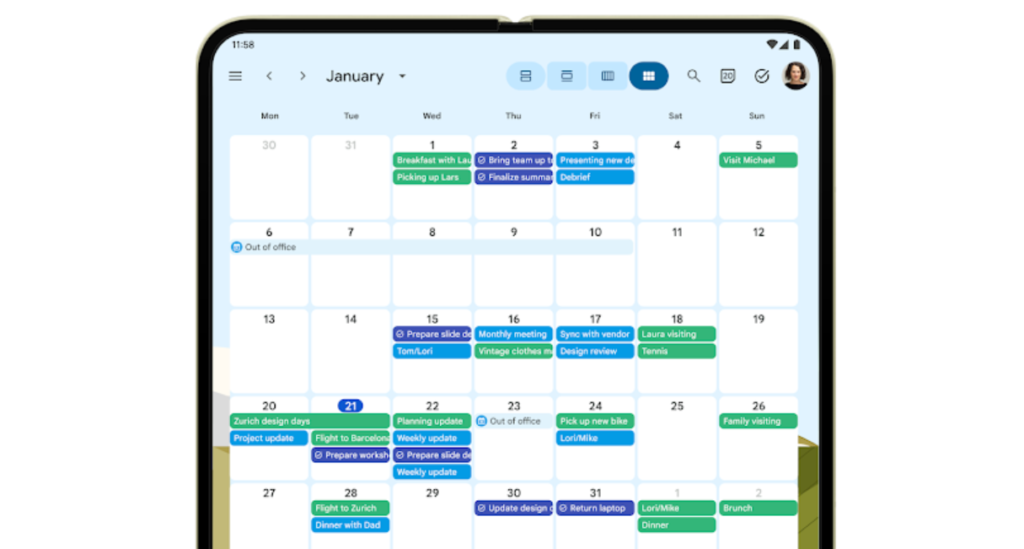
In our busy lives, we often need reminders to stay on track. There is always a chance that we may forget important tasks or appointments due to our hectic schedules. This is where reminder apps become helpful. Google offers the Google Calendar app for users to manage their schedules.
It will remind you about appointments, and you can track them on a daily, weekly, and monthly basis. It also allows integration with Gmail, so you can receive notifications for upcoming events. It is a free app and does not require a subscription.
Download: Google Calendar
7. CamScanner
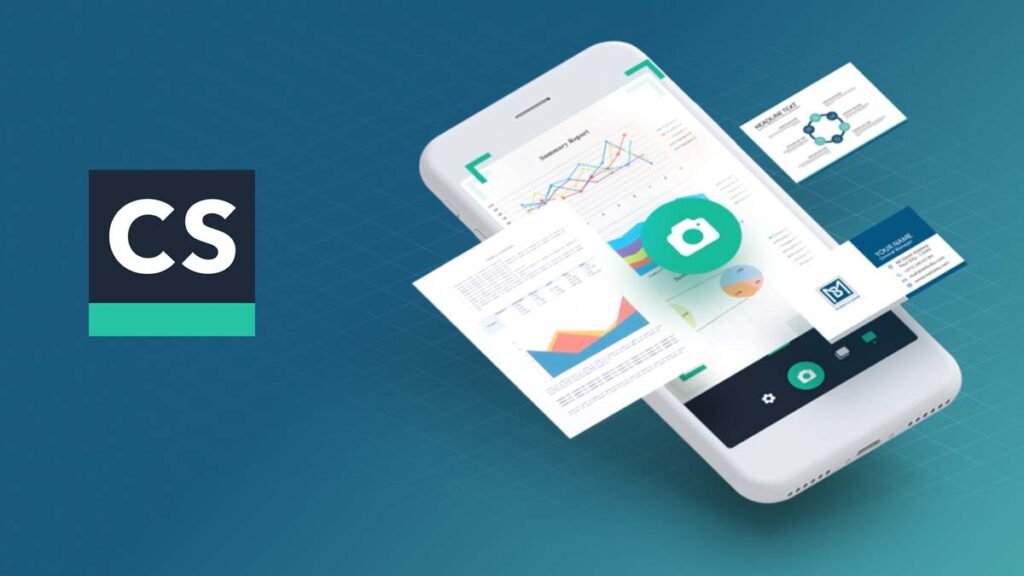
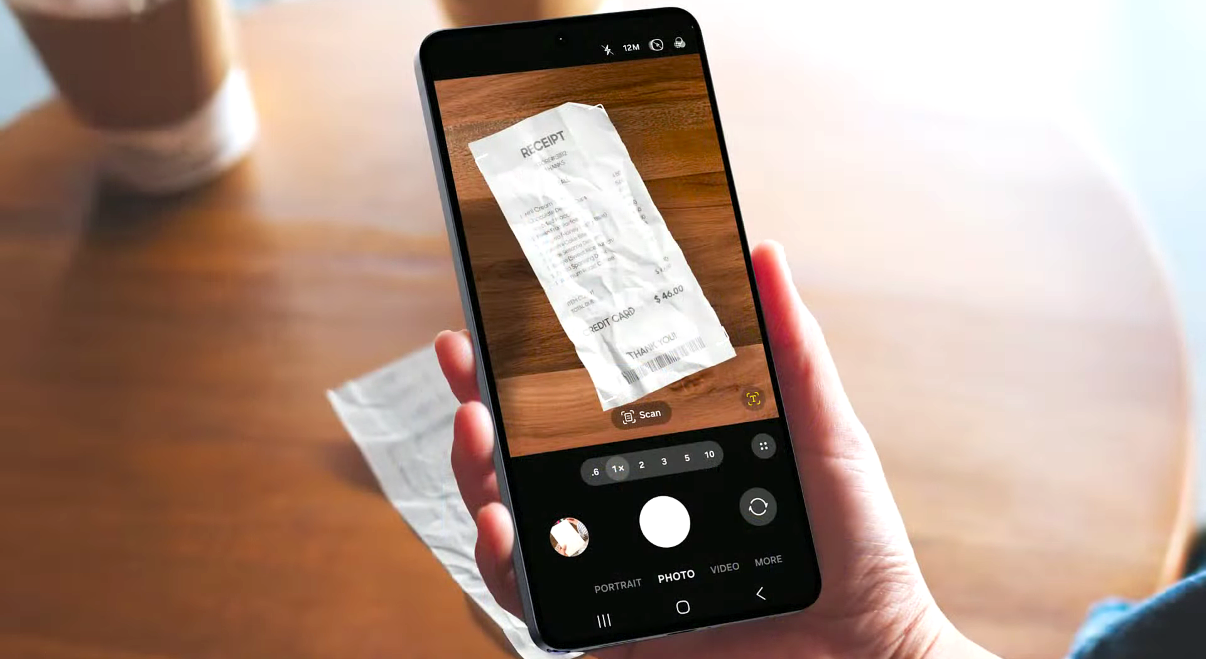
By beating Adobe Scan and Microsoft Office Lens, CamScanner became one of the most popular scanning apps on the Play Store. It is easy to use on Galaxy smartphones. Open the app and place it over the document. It will quickly scan the document and create an editable PDF file. You can share the PDF version of documents through email, social media apps, or Bluetooth.
Note that the Indian government has banned 59 apps like TikTok, WeChat, and ShareIt, and CamScanner is one of them. Users outside India can still use it. Indian users can prefer other alternatives like Adobe Scan and Microsoft Lens.
Download: CamScanner
8. Microsoft Office
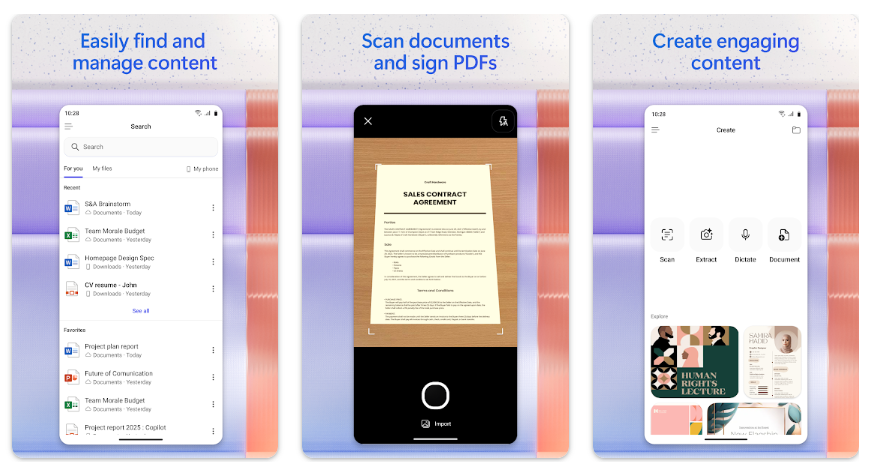
Remember that you are a Galaxy S26 user, probably one of the most powerful smartphones available. You also have access to the S Pen, one of the best inventions from Samsung for its Galaxy S series. With the S Pen, you can handle many tasks easily. If you need more productivity tools, then Microsoft Office is here for you.
The powerful Windows-based productivity suite is now available for Android phones. It includes MS Word, MS Excel, MS Outlook, and MS PowerPoint to handle office work. It also has a PDF reader, and all apps support large smartphone displays.
Download: Microsoft Office
9. Clue Cycle & Period Tracker
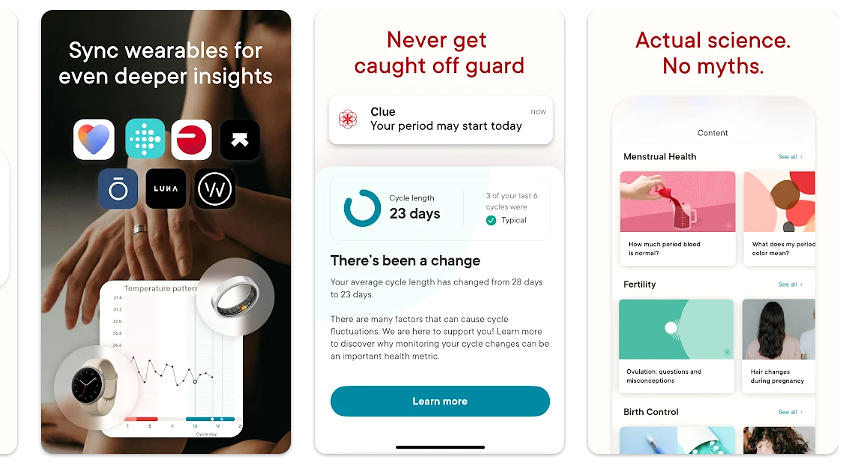
This app is designed for women users to track their periods, PMS, and fertility predictions. The app is developed by women, so users get an ad-free experience and strong support. The trust in the Clue Period Tracker on the Play Store is very high, and it has achieved a 4.8 rating.
It has received tremendous responses from users over the years. The Clue Period Tracker and Ovulation Cycle Calendar app also has its own encyclopedia website, HelloClue.com, for additional support from the female team. You can download this 100% ad-free app on your Samsung smartphone.
Download: Clue Period Tracker
10. Disney+
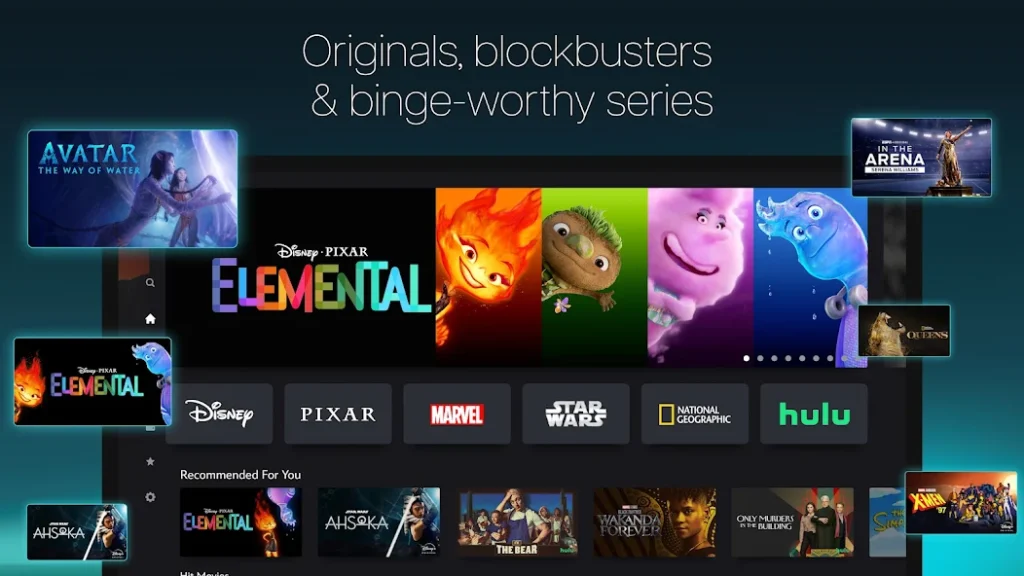
Disney+ is a strong competitor to Netflix and Prime Video in the entertainment category. Disney+ offers hundreds of blockbuster movies, hit web series, and our all-time favorite cartoons. In India, Disney+ is known as JioHotstar and is combined with the Star network.
The video streaming app features Star Wars, Marvel movies, The Simpsons, Donald Duck, Mickey Mouse, and many other evergreen shows. You can download and install Disney+ for free and choose a monthly or yearly subscription within the app according to your preference.
Download: Disney+
These are the 10 best apps for Galaxy S26, S26+, and S26 Ultra devices. You can use them personally and share your reviews or experiences with us.
You can also follow your dedicated Galaxy S26 Firmware Tracker page to get the latest updates.





Leave a comment