
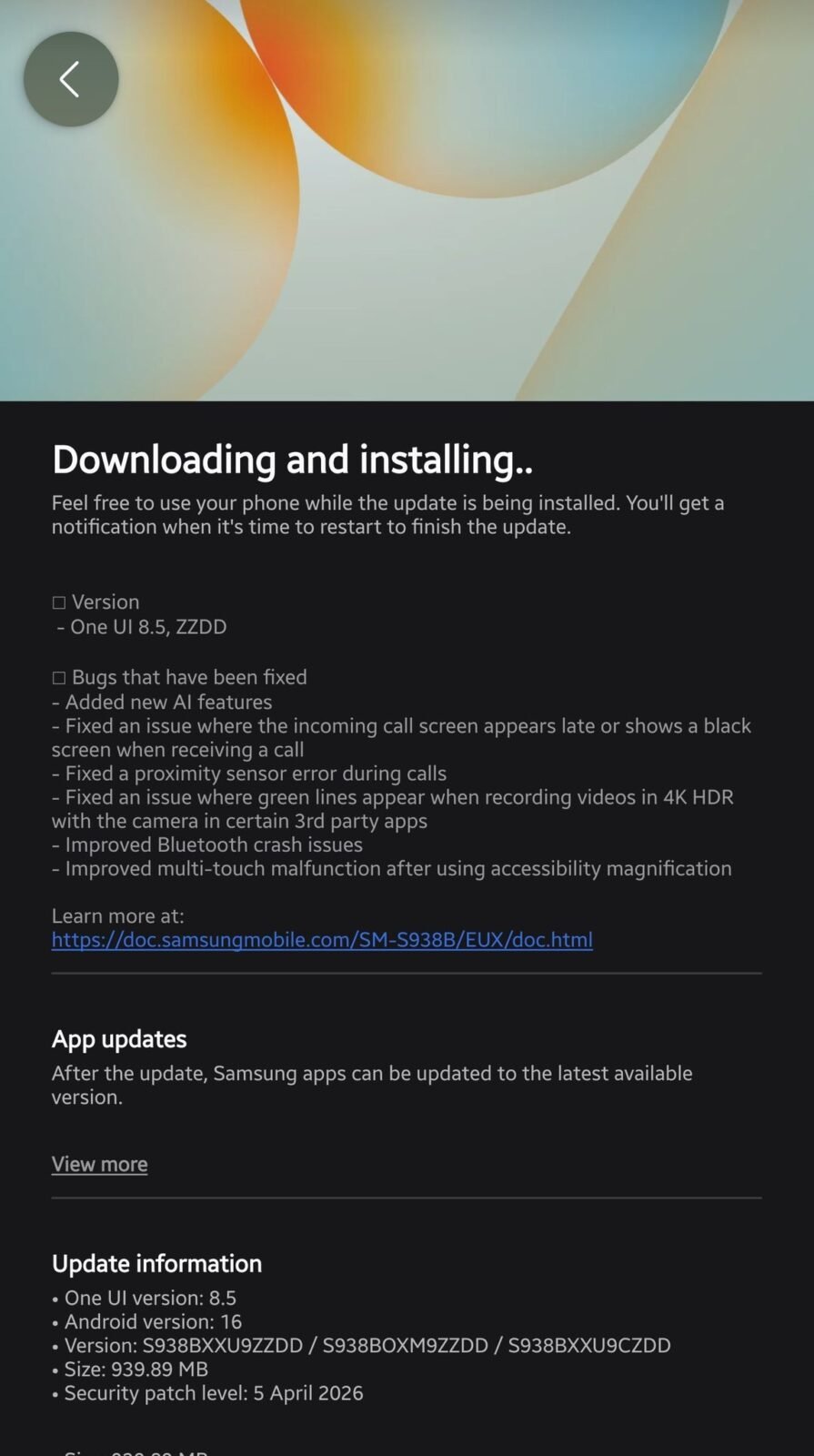
Samsung has finally released One UI 8.5 Beta 10 for the Galaxy S25, S25+, and S25 Ultra smartphones, which brings new Galaxy AI features. These massive AI features will bring the Galaxy S25 Ultra closer to the Galaxy S26 Ultra. The latest beta version, S938BXXU9ZZDD, has been released in the UK, South Korea, Germany, and India. It is said to be the last beta version for the series, and the next one will be the stable release.
According to the changelog, the new Galaxy AI features have been added to the Galaxy S25 Ultra. Those Galaxy AI features are Call Screening, Creative Studio, Photo Assist with improved features, and an enhanced Audio Eraser function. All these AI tools were first introduced on the Galaxy S26 series, and with the new beta, they are now part of previous models. Now, let’s look at all these features one by one.
Galaxy S25 New Galaxy AI Features
1. Call Screening
A few weeks ago, there was controversy regarding this function when Samsung denied its launch for older models. Galaxy Updates first covered this news, and later Samsung confirmed it would release it for older devices, and now, finally, it is here. Call Screening will help users detect whether a call is spam or genuine. On behalf of users, it will take the call, ask for the information, and also save it as a transcript. If the call is spam or fraud, it will be automatically blocked.
2. Creative Studio
The new Creative Studio app will help users bring their imagination to life and also create stickers. It will take the help of an AI module to generate sketches or pictures. Users have to describe what they want with simple text, and the tool will bring it to reality. It is too early to say Creative Studio will replace Canva or Adobe Express, but it could be Samsung’s first step toward it.
3. Audio Eraser
It has been part of Samsung Galaxy phones since the Galaxy S24 series, and now it has improved with new features. It now works with more third-party apps, and users can also access it through the quick panel.
4. Improved Photo Assist
The new version will help users in many ways, such as sorting out images while chatting with someone. For example, on WhatsApp, if users are talking about their recent trip, then the app will bring all the images to the table so users can share them easily. Further, it brings some other new features to enrich editing.
Apart from that, Samsung has improved other services and removed known bugs from the previous beta to make it more stable. The recently spotted green line issue has also been fixed in the new version, so users should upgrade to the 10th beta version. All non-beta users will get the new Galaxy AI and Galaxy S26 series camera features in the stable rollout, which is expected to be released in the first week of May if no major bug found in the current beta.




Leave a comment