
If you recently bought the COROS Pace 4 and are wondering whether you can install the official Strava app directly on the watch, you’re not alone. Many runners and cyclists rely on Strava to track and share their workouts. Here’s everything you need to know. The official Strava app is available for devices like the Apple Watch and Wear OS-powered Galaxy Watch models, but what about COROS watches? Can you use the official Strava app with your new Pace 4 smartwatches?
1. Can you use the Strava app on the COROS Pace 4?
The short answer is no. The official app is not available for the COROS Pace 4 or any other COROS watches. This means you cannot install or use the native Strava app directly on the watch. It doesn’t matter if you are using a Galaxy S26 Ultra or any other flagship phone; you can not download the Strava app for COROS Pace 4.
2. How to Sync COROS Pace 4 Data with Strava
While the official Strava app is not supported, you can still automatically sync your workout data to Strava. You can share your running, hiking, swimming, and cycling data with the app. Once connected, your activities automatically sync to Strava after each completed workout. Further, you can manage all your history and access data from various devices.
3. How to Connect Strava with COROS Pace 4
- Open the COROS App: Navigate to your Profile page.
2. Access Settings: Tap on Settings > Third-Party Apps.
3. Choose Strava: Select Strava from the list and hit Connect Now.
4. Authorize: Log in to your Strava account and allow COROS to upload activities.
5. Toggle “Notes Sync” (Optional): Enable this to have your COROS Training Load data automatically appear in your Strava activity descriptions.
4. How to See Your Data on Strava
To see all your daily data, open the Strava app or website on your smartphone or computer. Now, log in to the app and go to your Profile. Here you can see all your history and progress. Also, you can join the Community page of runners or other athletes on the platform. You can create a new community to connect with people with the same interests.
While you cannot install the official Strava app directly on the COROS Pace 4, seamless automatic syncing ensures you won’t miss any of your training data. For most runners and cyclists, this integration is more than enough for tracking progress and sharing activities.
5. Alternative Third-Party Apps Support for COROS Pace 4
The outage for Strava in February did not allow users to sync their daily health data to their accounts. In the future, to avoid such a situation, I will give you some other alternatives to Strava, so you can sync your data with those accounts too. Here are the best third-party apps that you can use on Pace 4.
- TrainingPeaks
- Relive
- Komoot
- Relive
- Decathlon
- Nike Run Club
- Health Connect
You can also add more services to the smartwatch via the COROS app > Settings > 3rd Party apps > Data Sync section.
FAQs
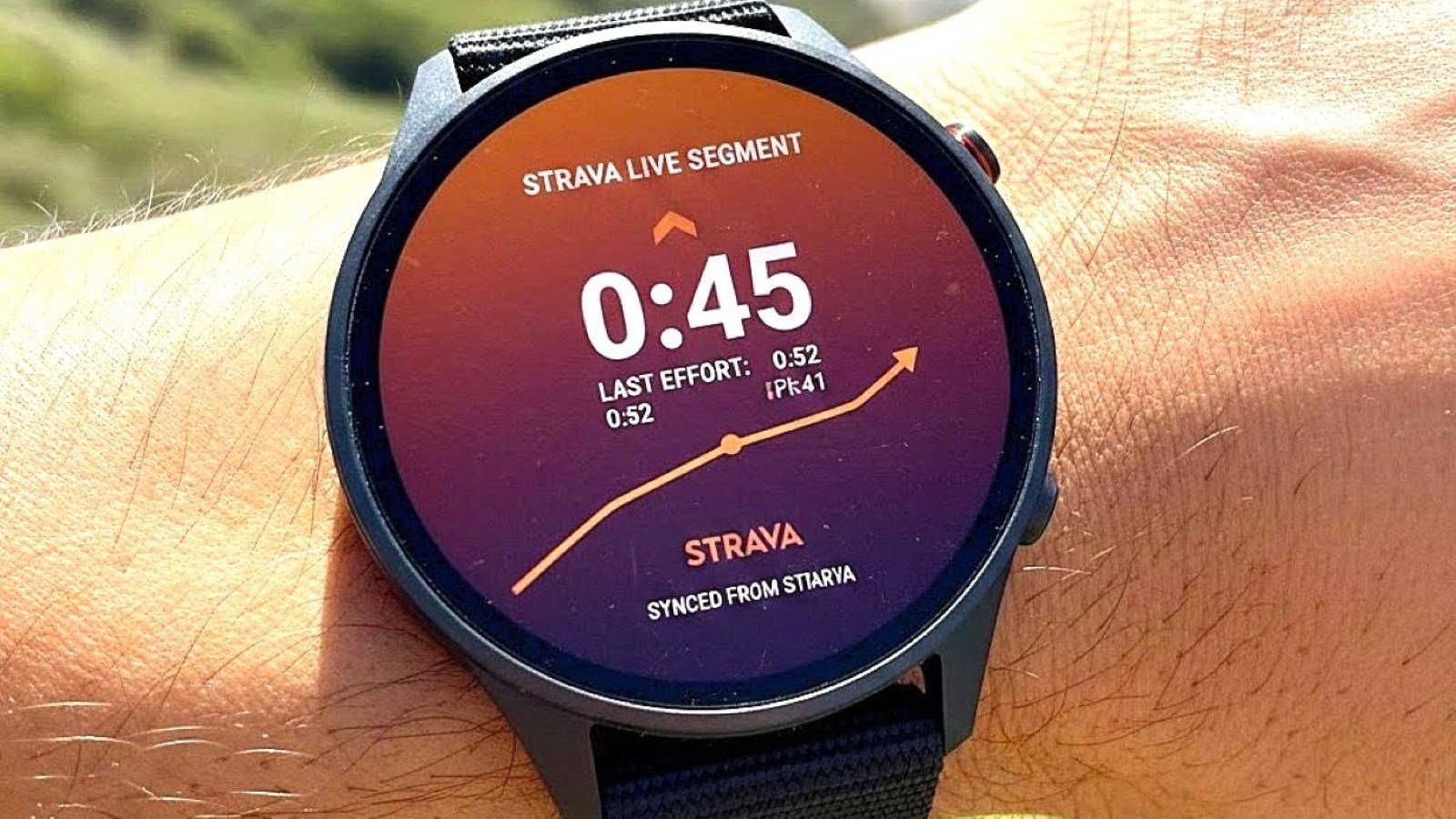
Does the COROS Pace 4 support Strava Live Segments?
Yes. With a Strava Premium subscription, you can star segments in Strava, and they will sync to your Pace 4 for real-time tracking during runs or rides.
Can I sync Strava Routes to the watch?
Absolutely. Any route you “Star” in Strava will appear in your COROS Route Library, which you can then follow using the Pace 4’s breadcrumb navigation.
Does it require a phone to sync?
The Pace 4 features Wi-Fi Sync. Once configured, it can upload your workout directly to Strava without your phone being nearby.




Leave a comment