


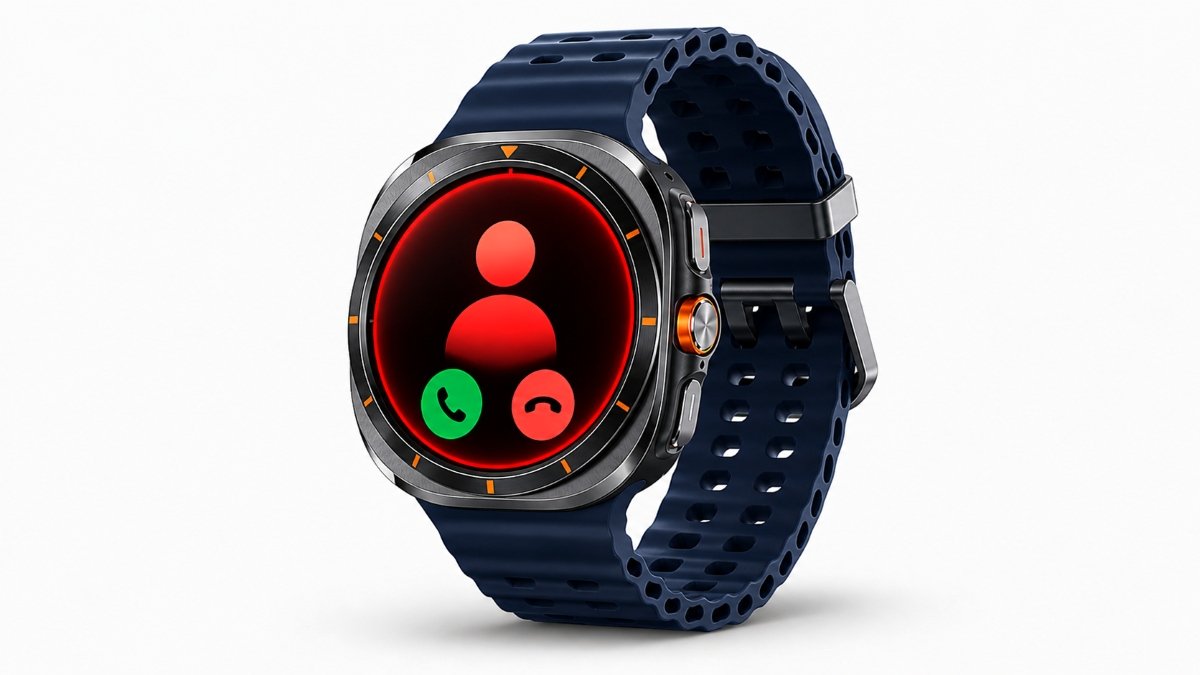
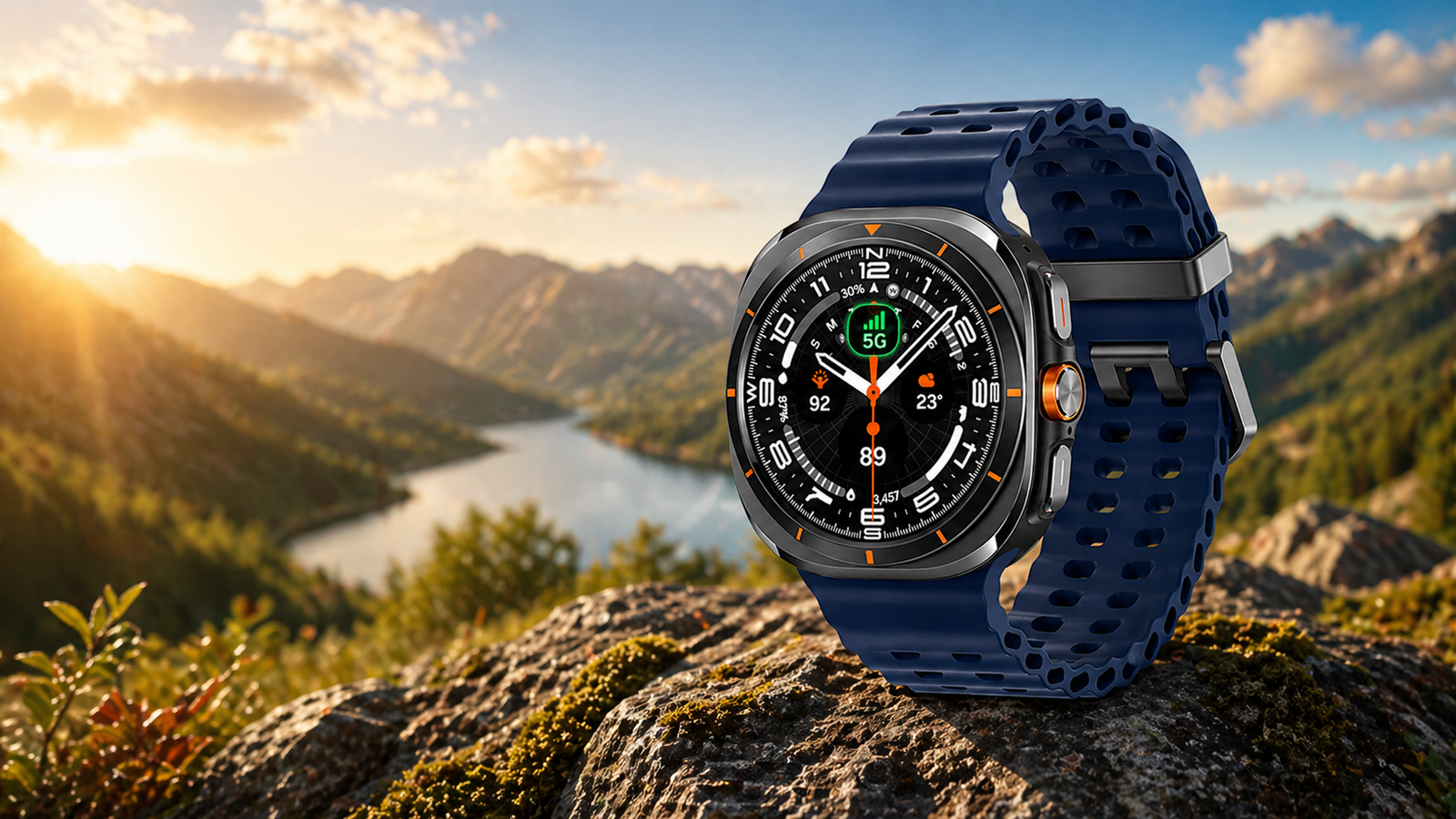
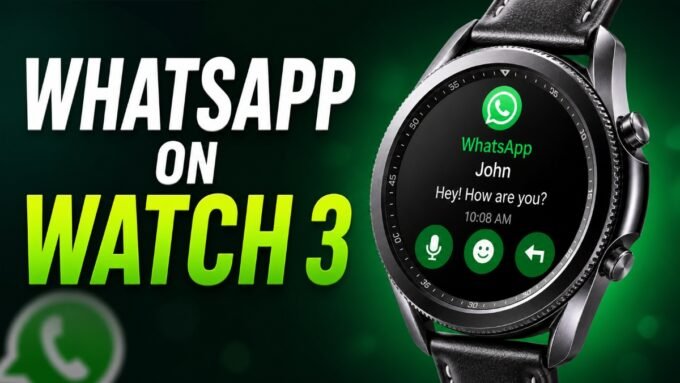
Tired of spam calls on your phone? Truecaller is now available on Galaxy Watch, letting you identify and block unknown callers directly from your wrist. It has officially launched for the Wear OS platform, and users can install it on Galaxy Watch 4, Watch 5, Watch 6, Watch 7, Watch 8, and Watch Ultra smartwatches. This is one of the first spam-call detection apps available directly on Galaxy Watch. With the Truecaller app, you can reveal the name of any mobile number that calls from an unknown number. This will help you decide whether to pick up a call or reject it.
Truecaller finally arrives on Galaxy Watch
The app is popular for filtering spam calls and also blocking all contacts that are not in your contact list. In India, Truecaller is a very popular app, and almost all smartphone users use it daily. We know about call spam and fraud, and every day, many users have to deal with them. Now, with the app, users can secure their devices by blocking those numbers.
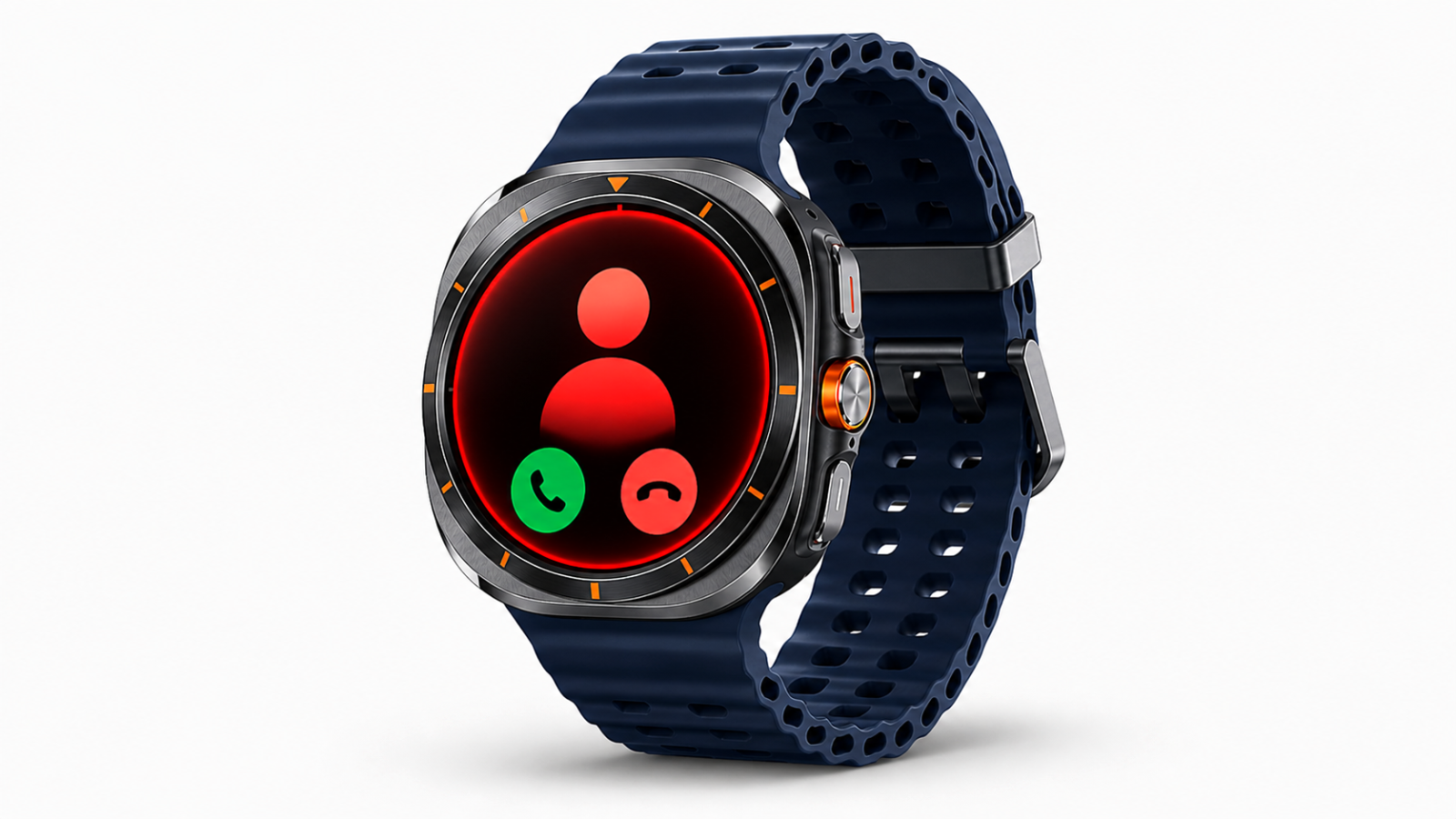
Blocks spam calls directly from your wrist
With the Galaxy S26 series, Samsung has introduced the Call Screening feature for such services, but Truecaller can still be the best alternative for users. I have used the Truecaller app on a Samsung phone and also on the Galaxy Watch; the result is excellent. It successfully blocked all unknown numbers most of the time.
Works well, but has one major drawback
Note that many times it may not recognize unknown but safe numbers like banking or delivery numbers. It may also block emergency numbers, so you have to manually add them; otherwise, you could miss some important calls, including verification calls.
Benefits of Truecaller on Galaxy Watches
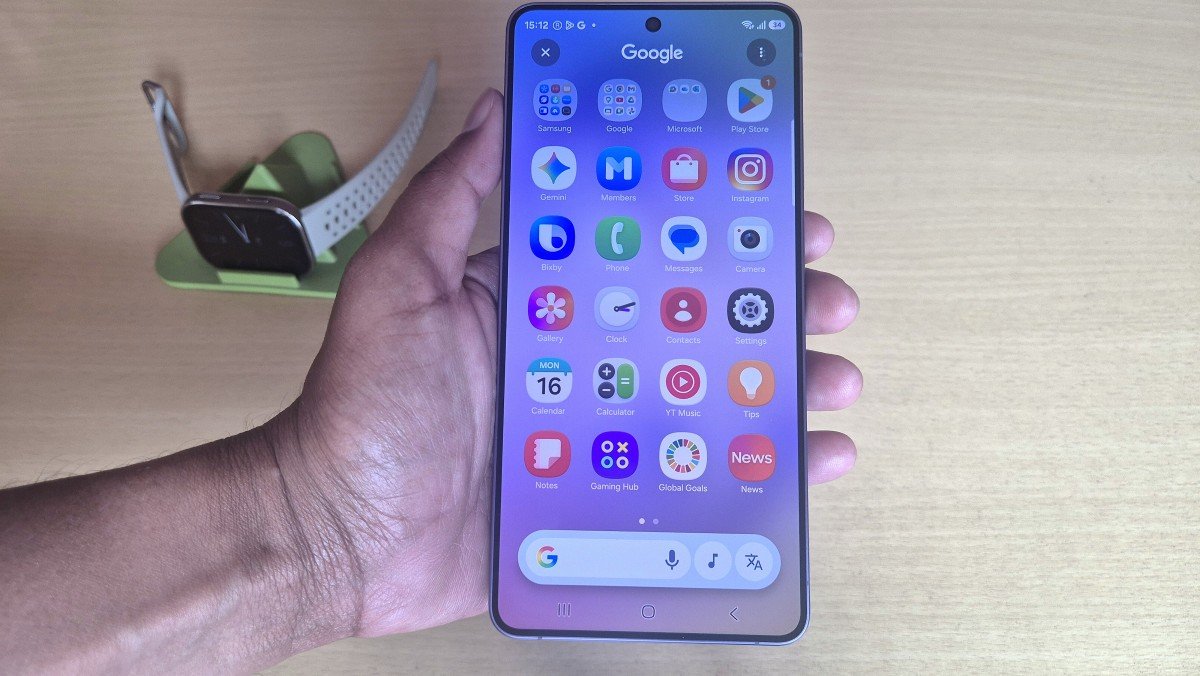
Further, these days, users are frustrated with telemarketing calls, and this app will notify you about them by displaying their names. You can block such calls for future use and keep your phone book clean. To use the Truecaller app on your Samsung Watch, you must install it on your phone and then on your smartwatch. To download the app, go to the Play Store on your smartphone.
It also offers premium services and an ad-free experience with its paid membership. In the free version, you get almost all the features that help you avoid unwanted calls. However, you can purchase the premium service for an ad-free experience. Finally, I would suggest using the app if you don’t want to get irritated by unknown telemarketing calls or fall for fraudulent calls.







Leave a comment