


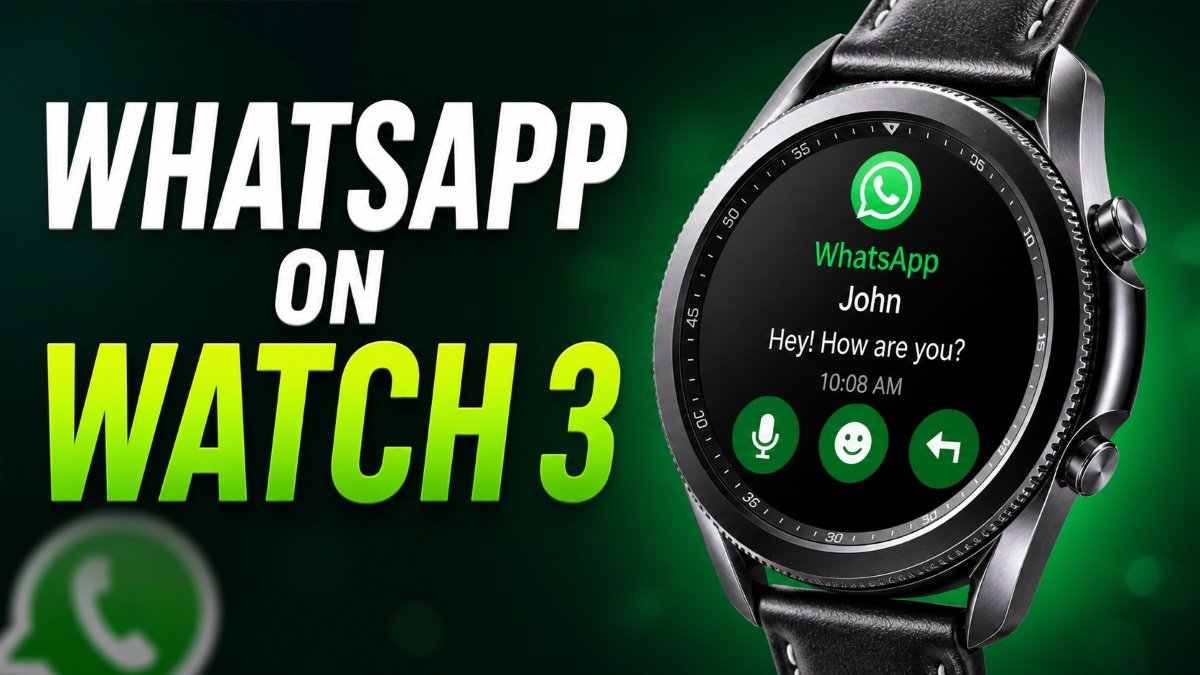
If you want to use WhatsApp on the Galaxy Watch 3, there’s no official app in 2026, but you can still receive and reply to messages using notifications. On a smartwatch, you can receive WhatsApp messages and reply to them using the keyboard and emojis. It is not possible to start a conversation, but you can react to incoming messages and also delete them. It’s been almost 6 years since Samsung launched the last Tizen-based Galaxy Watch in the market. In 2021, it switched to Wear OS and launched the Galaxy Watch 4 with Google’s software.
How to Use WhatsApp on Galaxy Watch 3
Galaxy Watch 3 was the last watch of its kind, and many users still use it. This is the last Tizen wearable from Samsung that comes with a rotating bezel, which we can now see on the Galaxy Watch 8 Classic. Most customers complained about its empty app store, which Samsung shut down at the end of 2025. This means users cannot download new apps in 2026 from the store or access previously downloaded apps.
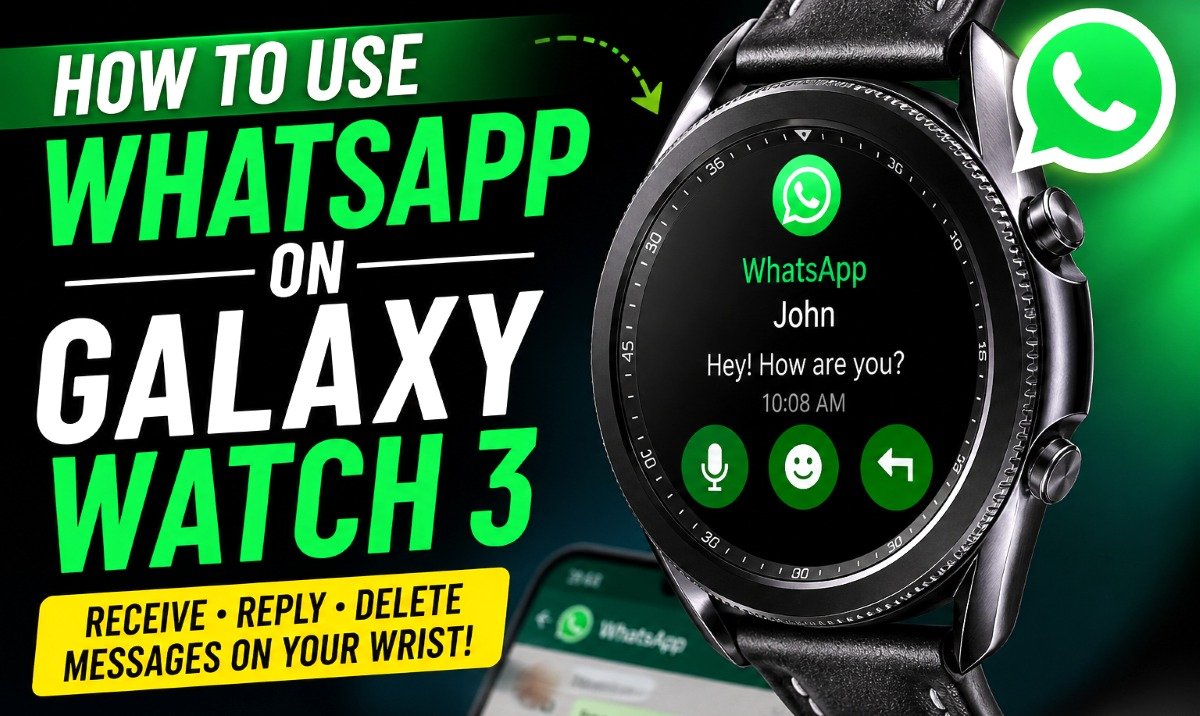
Why is WhatsApp Not Available?
WhatsApp is one app users always search for on their smartphones and now on their smartwatches. It is easier to send and receive messages on the wrist via this messenger app. Sadly, the WhatsApp app is missing on Samsung smartwatches. It has not been officially released for previous watches, though you can download it on newer Samsung Galaxy Watches.
How to Reply to WhatsApp Messages
However, there is a way to use WhatsApp on the Samsung Galaxy Watch 3. You just have to follow some simple steps to get what you need from the app. Here are the steps on how to use WhatsApp on the Samsung Galaxy Watch 3.
- First, pair your Galaxy Watch 3 with your Android or Apple smartphone.
To pair, you must download the Galaxy Wearable app from the Play Store or iOS App Store. Now open the app and select your smartwatch. Then pair it using Bluetooth to complete the setup.
- Download WhatsApp on the smartphone (if you don’t already have it) and log in.
- Now go to Settings on the watch and tap on the Manage Notifications option.
- You will see a toggle next to WhatsApp. Turn it on to activate notifications.
- After that, your WhatsApp account will automatically sync with the Galaxy Watch 3.
- That’s it, you have successfully enabled WhatsApp on the watch to receive messages.
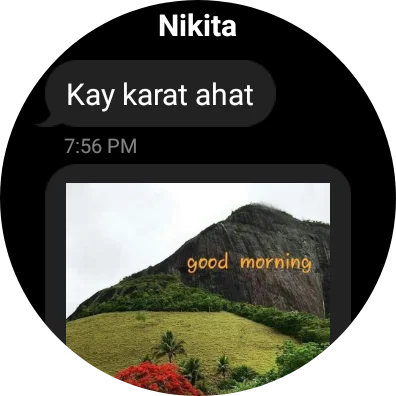
- To read incoming messages, just swipe left on the home screen. You can reply to or delete WhatsApp messages directly from the watch.
That’s it. Follow these steps to get all text or media messages on your Samsung smartwatch. When a new message arrives on your smartphone, it will also appear on your smartwatch at the same time. It is not the best way to send or reply to messages, but it is still a useful workaround.
Some formats may not be supported on the Galaxy Watch 3 due to limitations, but it is still helpful for receiving messages. If you face any difficulties with the steps or need help, let me know in the comment box below.
Frequently Asked Questions:
- Can you install WhatsApp on the Galaxy Watch 3?
No, you can not install WhatsApp on Tizen-based watches
2. Why is WhatsApp not showing on my watch?
The official WhatsApp app doesn’t support the Galaxy Watch 3
3. Can I send messages from Galaxy Watch 3?
Yes, but you can only reply to the message. You can’t start the conversation.





Leave a comment