

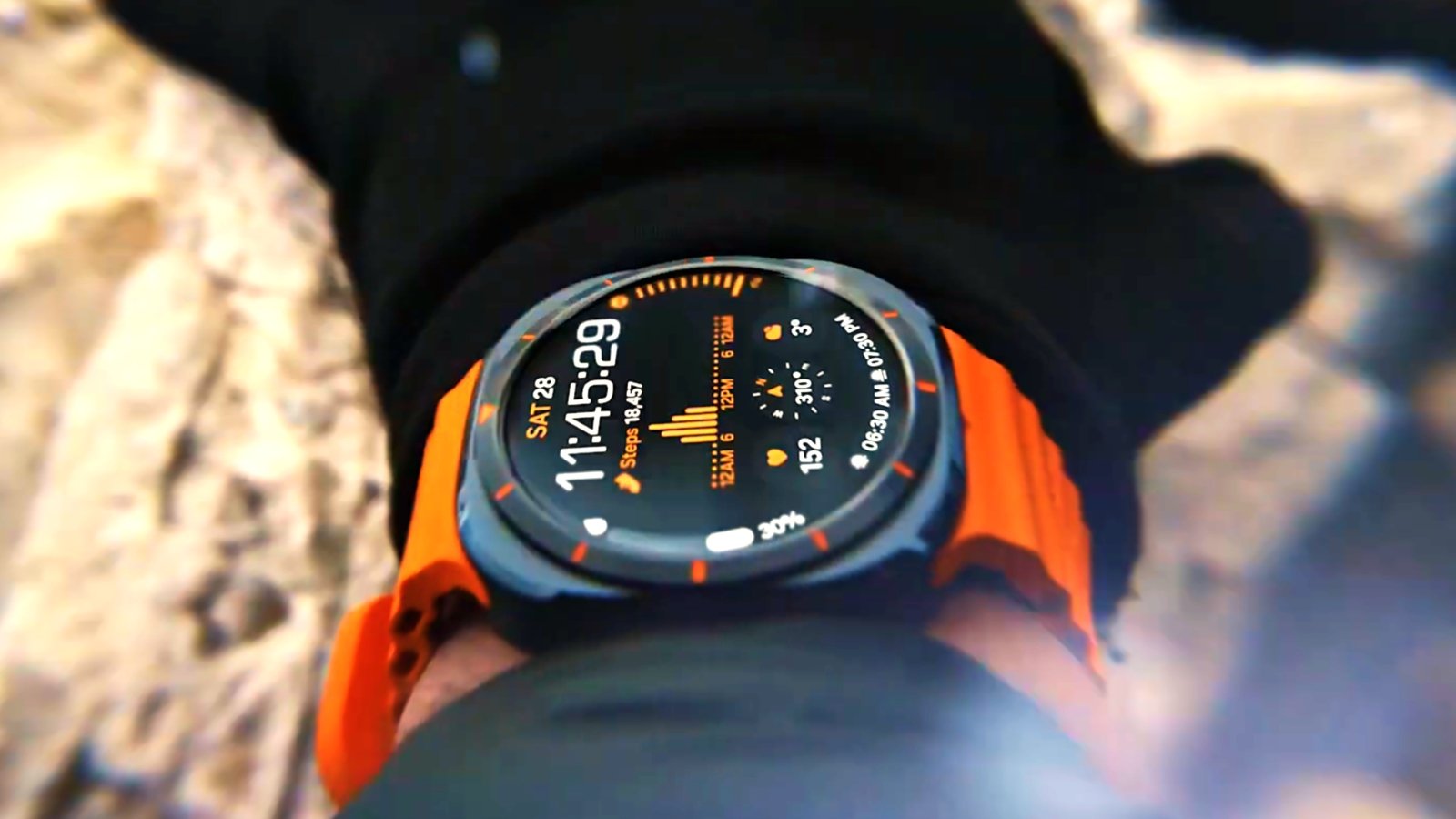
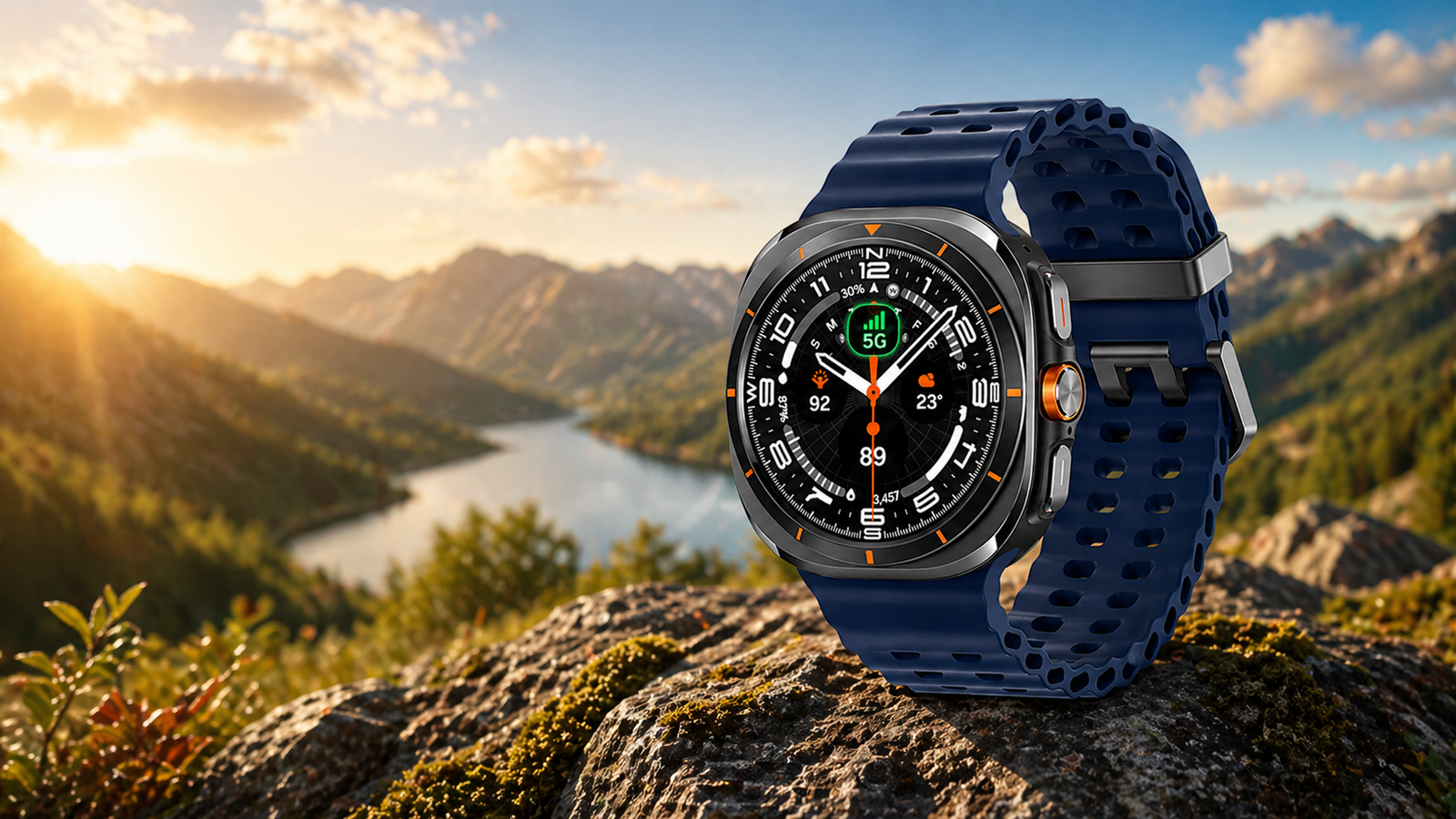
Want better workout results on your Galaxy Watch? Samsung lets you set interval training for running, cycling, and more to improve endurance and calorie burn. Samsung Galaxy Watch & Watch Ultra have over 100 workout modes with various custom settings. You can choose any exercise for your daily fitness session, including HIIT workouts. Still, if you want to set up interval training on Galaxy Watches, you can do that too.
You can use custom training to add your specific goals and targets. You have to open activities from the given list to enable the training. It applies to all Samsung watches from the Galaxy Watch 4 to the Galaxy Watch 8 and Watch Ultra devices.
How to Set Interval Training on Galaxy Watch
- Open Samsung Health on the watch
2. Start a Running or Cycling workout
3. Tap Settings
4. Select Target
5. Enable Interval Training
6. Set time/distance/rest goals
7. Start workout
You can also pause your workout when you finish the target. More options may come to the Galaxy Watch in future updates. The option is available for all workout modes on Samsung smartwatches in the Samsung Health app.
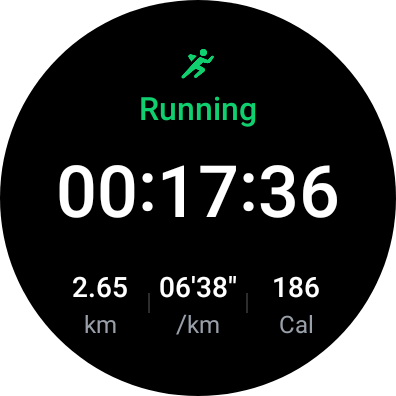
You can use even more workout modes specifically built for the Galaxy Watch Ultra. It includes exercises for running, swimming, and other high-intensity workouts. On a regular Samsung watch, you will find all the necessary modes you use daily.
Slowly, Samsung is making its Galaxy Watches more fitness-centric by adding useful features like HIIT workouts and interval training. Rival watches or fitness-focused watches like the Apple Watch Ultra, Garmin Fenix series, and COROS Pace series also offer this feature. Users who want to improve their endurance, burn calories efficiently, and need a structured workout should enable interval training on the Galaxy Watch.








Leave a comment