


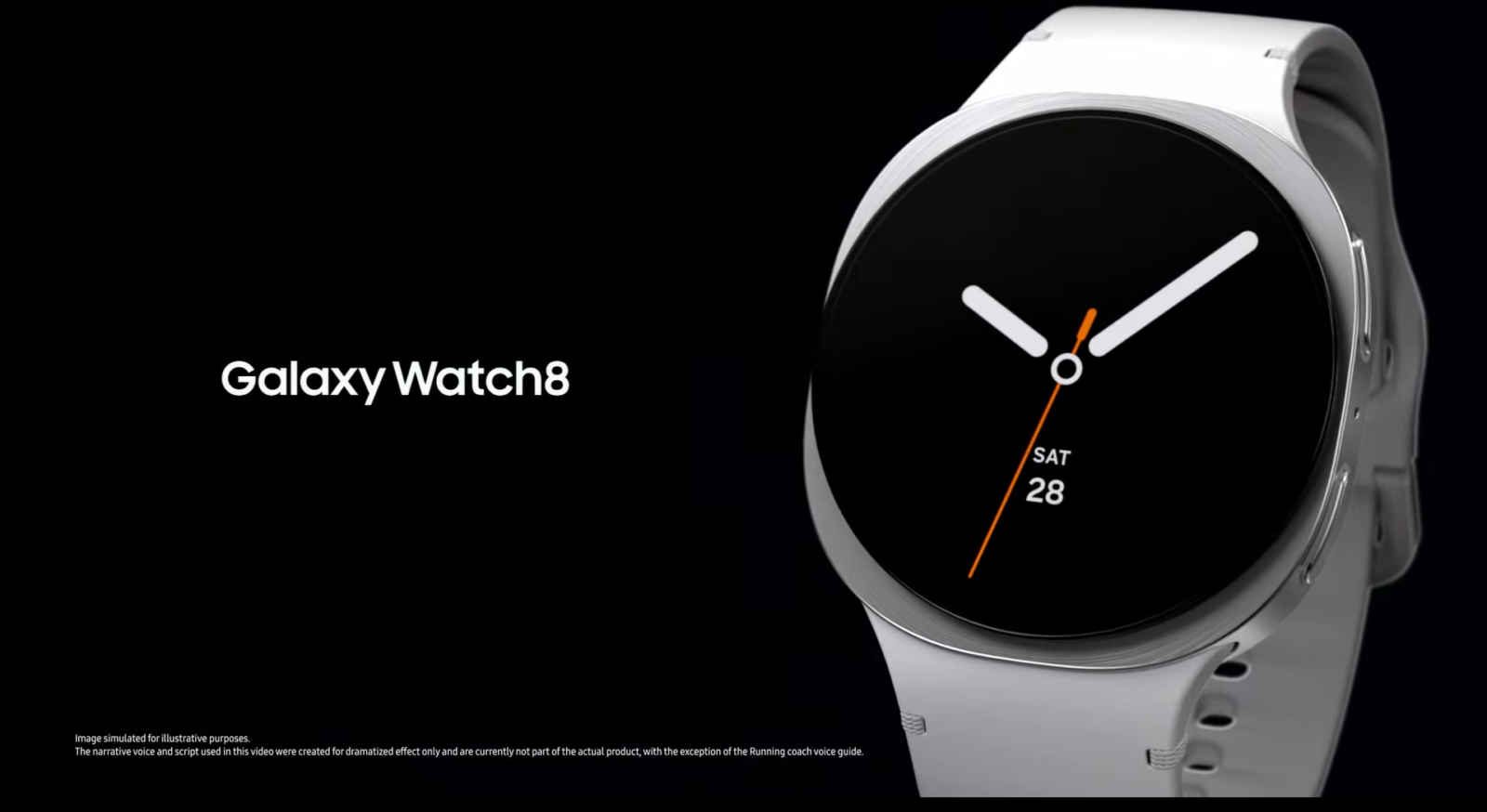
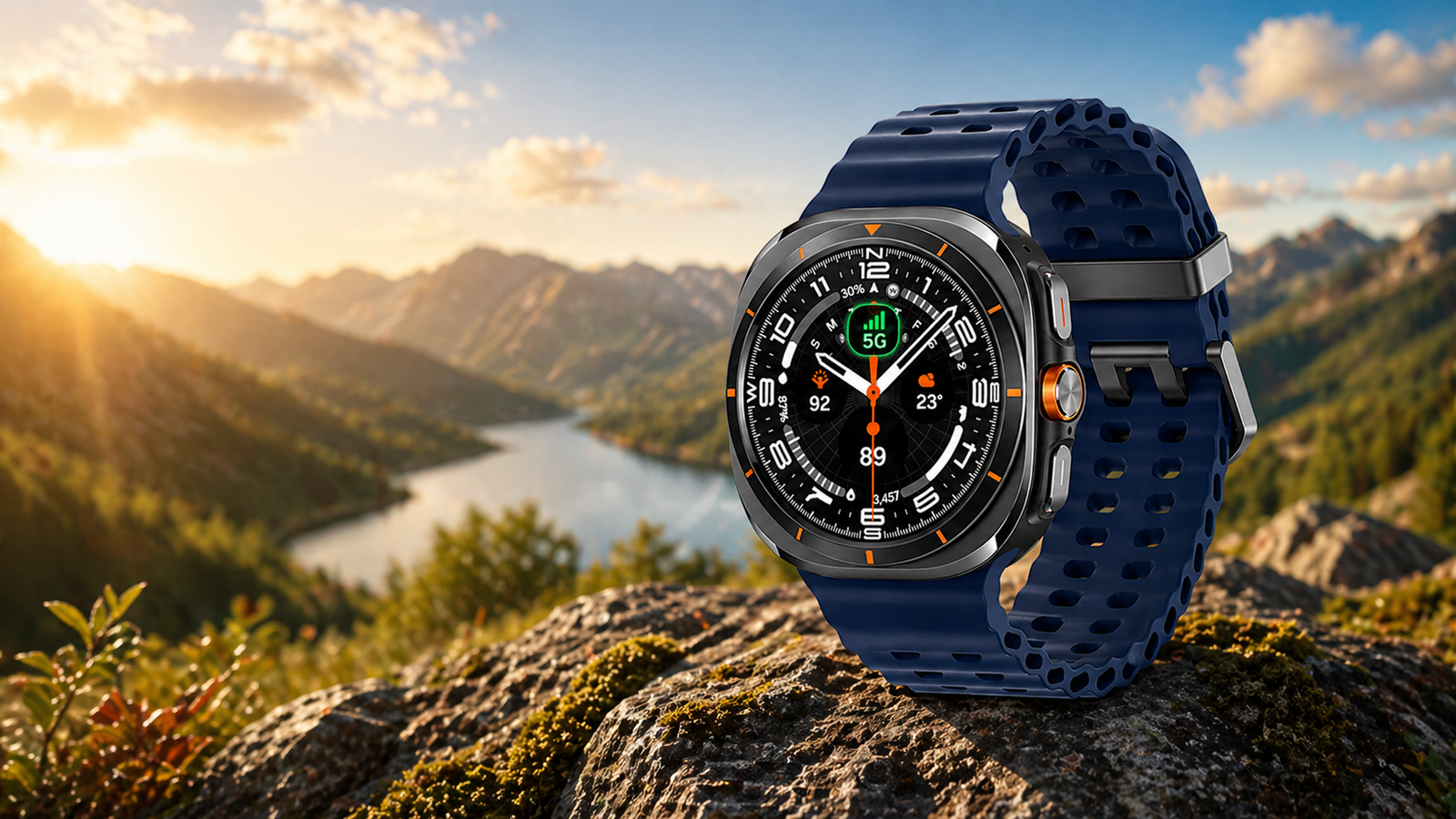
The Galaxy Watch 8 & Watch 8 Classic support over 100 workout modes, including full HIIT and custom interval training directly from your wrist. You can use normal workouts or HIIT workouts in your daily fitness session. Like Garmin or Coros, Samsung’s Galaxy Watches are not the first choice for runners or athletes, but you will get the most from the smartwatch.
HIIT, or interval training, includes planks, air squats, burpees, running, cycling, jumping jacks, mountain climbers, high knees, pushups, rope jumping, and many more. You can also set an interval for your target on the watch.
Add HIIT workouts to your Galaxy Watch
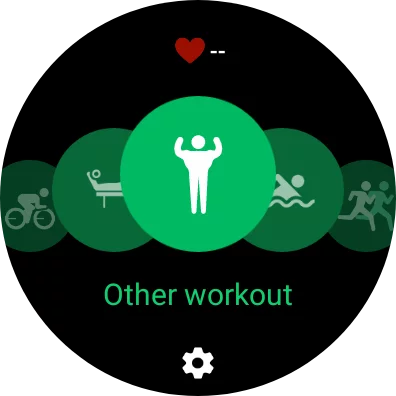
- Go to the Samsung Health app on your phone or watch.
2. Open My Exercises.
3. Now, click on the ‘+’ sign to add more to the list or add a new one.
4. In the list, you can see all the HIIT exercises that are supported on the watch.
5. Once you add all the exercises, you can operate them from your wrist.
Set Custom Interval Training
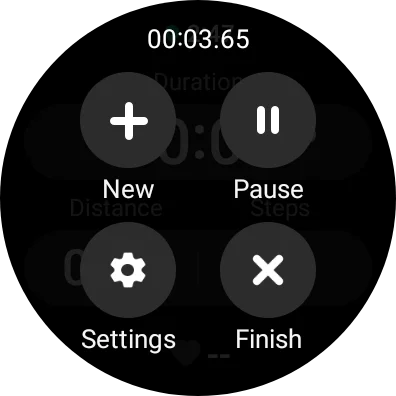
- For custom interval training, you have to start the exercise by running and tapping Settings.
2. In the settings, you can see the Target option, which now enables Target to set custom intervals.
For your daily goal with these modes, you can go to the daily achievement page and set your targets. You can also use these exercises on previous Galaxy Watch 8, Watch 8 Classic, and Watch Ultra models.












Leave a comment