



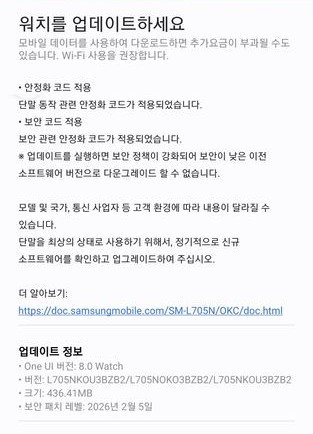
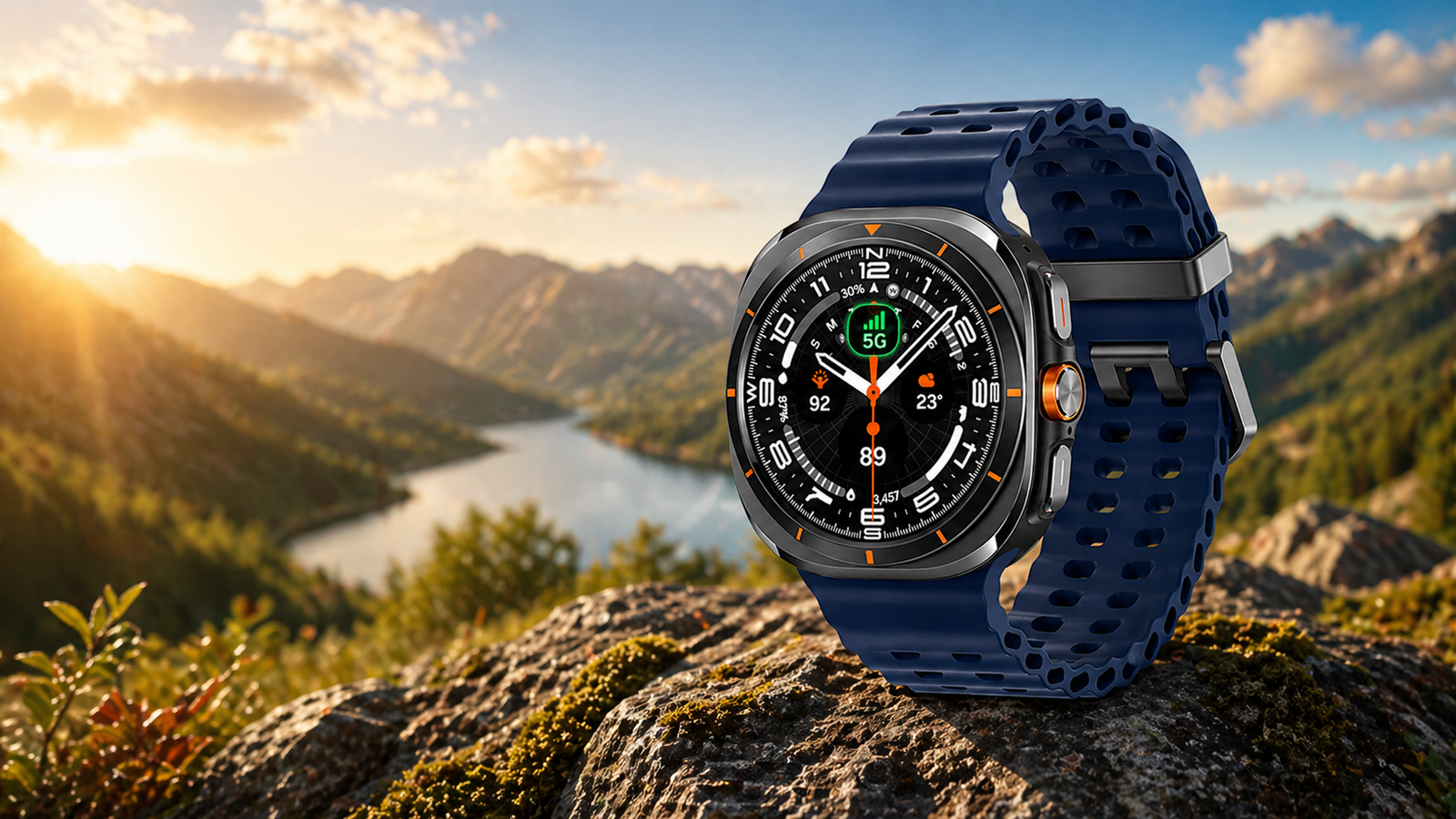
Samsung has started releasing a new February 2026 firmware update for the Galaxy Watch Ultra, bringing the latest security enhancements and system stability improvements. The update is now live in South Korea and is expected to reach other regions soon. The latest firmware version L705NKOU3BZB2 has arrived for the Ultra watch in a 436MB package.
Galaxy Watch Ultra February 2026 Update
The new firmware includes the most recent security patch, aimed at fixing multiple security vulnerabilities. Along with the system improvement, Samsung has brought UI changes to the Galaxy Wearable app and new features in the Samsung Health app.
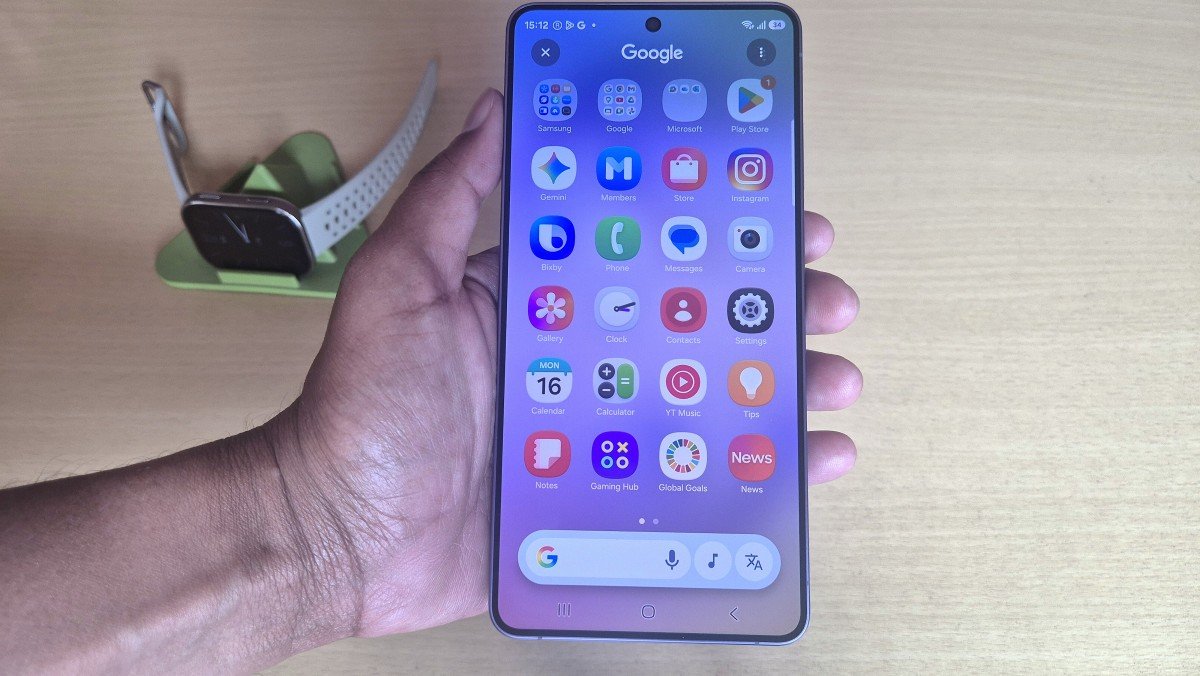
It also brings a Galaxy Wearable app update for the smartwatch, which will give the first impression of the One UI 8.5 UI. Users first need to install the updated app version to install the latest February patch on the Galaxy Watch Ultra.
Galaxy Watch 7 & Watch 8 are already running Samsung’s newest security patch, and now Watch Ultra has joined them.
Galaxy Watch Ultra Detailed Changelog
Firmware Version: L705NKOU3BZB2
Update Size: ~436MB
Security Level: February 5, 2026
OS: One UI 8.0 Watch
Changes: Bug fixes, improved security
Region: South Korea (expanding soon)
Samsung Health app New Features
• Adding the ‘View mode’ of the medication pill bottle (available in some countries)
Intuitively view your daily medication schedule by time at a glance.
• Exercise sharing templates expanded!
Use new vertical and square templates with transparent backgrounds to share stylish records on social media.
• Exercise comparison chart added!
Compare today’s exercise time with yesterday’s to easily track changes in your activity level.
To get all these features, users need to update the Samsung Health app to the newest 6.31.1.013 version separately.
How to Install the New Version
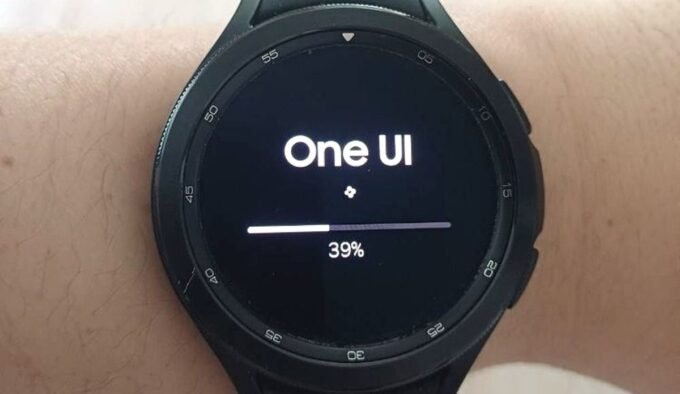
The rollout is expected to expand to more markets in the coming days. Galaxy Watch Ultra users can manually check for the update by navigating to the Galaxy Wearable app, then heading to Watch Settings – Software update – Download & Install.







Leave a comment