


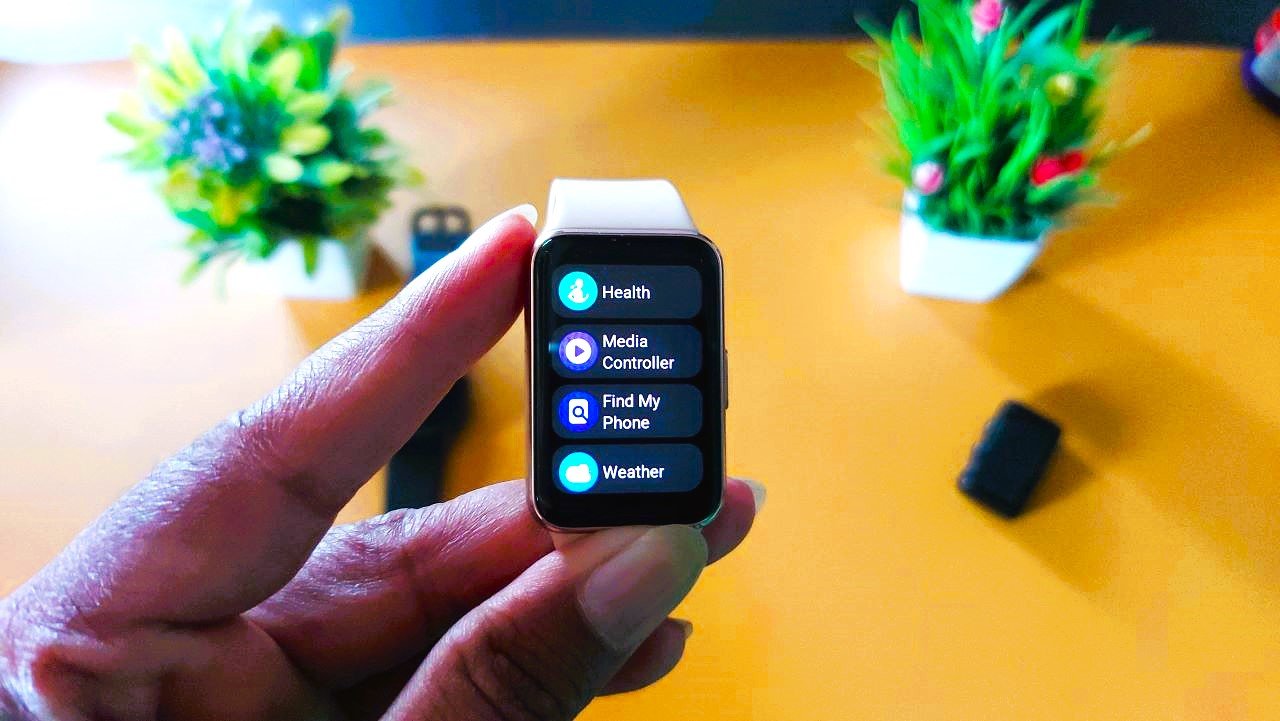
After South Korea, Galaxy Fit 3 is now receiving the latest March 2026 firmware update in more countries. It brings system stability improvements and also fixes several issues on the smart band. The new firmware version for Galaxy Fit 3 is R390XXU0AZA3 and is 17.42MB in size.
Released in Major Countries
Samsung has begun pushing the update to major regions such as India, Australia, New Zealand, Turkey, the US, Canada, Brazil, and several European countries.
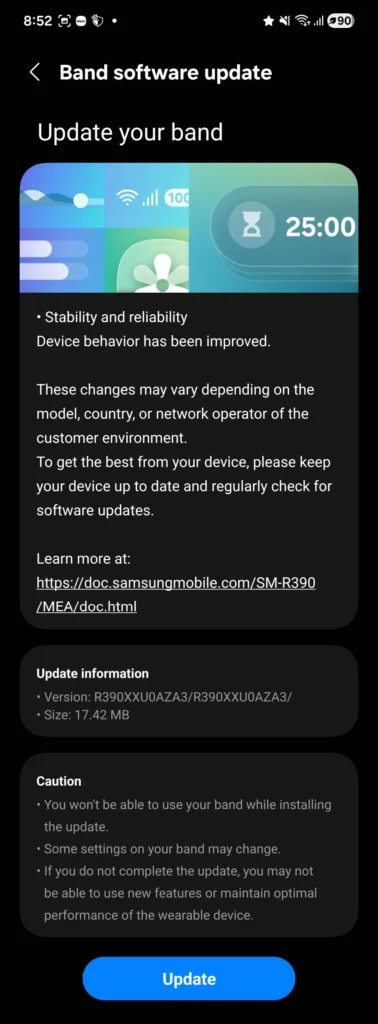
Reason Behind Firmware Delay
In the first week of February, the update was initially launched in South Korea, and now, after one month, Samsung has resumed rolling it out to other countries. The pause in the software rollout could have been due to various issues in the previous code. Many users had complained about notification delay issues, step counter errors, music control not appearing, and battery drain problems.
March Patch Solved Major Issues on Galaxy Fit 3
Now, after installing the update, users have noted that most of these issues have been fixed in the R390XXU0AZA3 software version. Users on the Reddit page for Galaxy Fit have reported that the notification delay has been resolved, and they no longer see problems with step counts during workouts.
Battery performance has also improved with this software. According to the changelog details, the update includes background optimizations designed to improve overall performance, along with a security patch to strengthen device protection.
Galaxy Fit 3 Changelog Details
Firmware Version: R390XXU0AZA3
Update Size: ~17.42MB
Security Level: March 5, 2026
OS: Samsung RTOS Software
Changes: Bug fixes, Notification, Steps, and Battery Issues Solved
Region: Global Rollout in Major Countries
How to Install the New Version
Users who have not yet received a notification can manually check for the update by going to the Galaxy Wearable app. In the app, tap Galaxy Fit Settings – Software Update – Download and Install on the device.








Leave a comment