


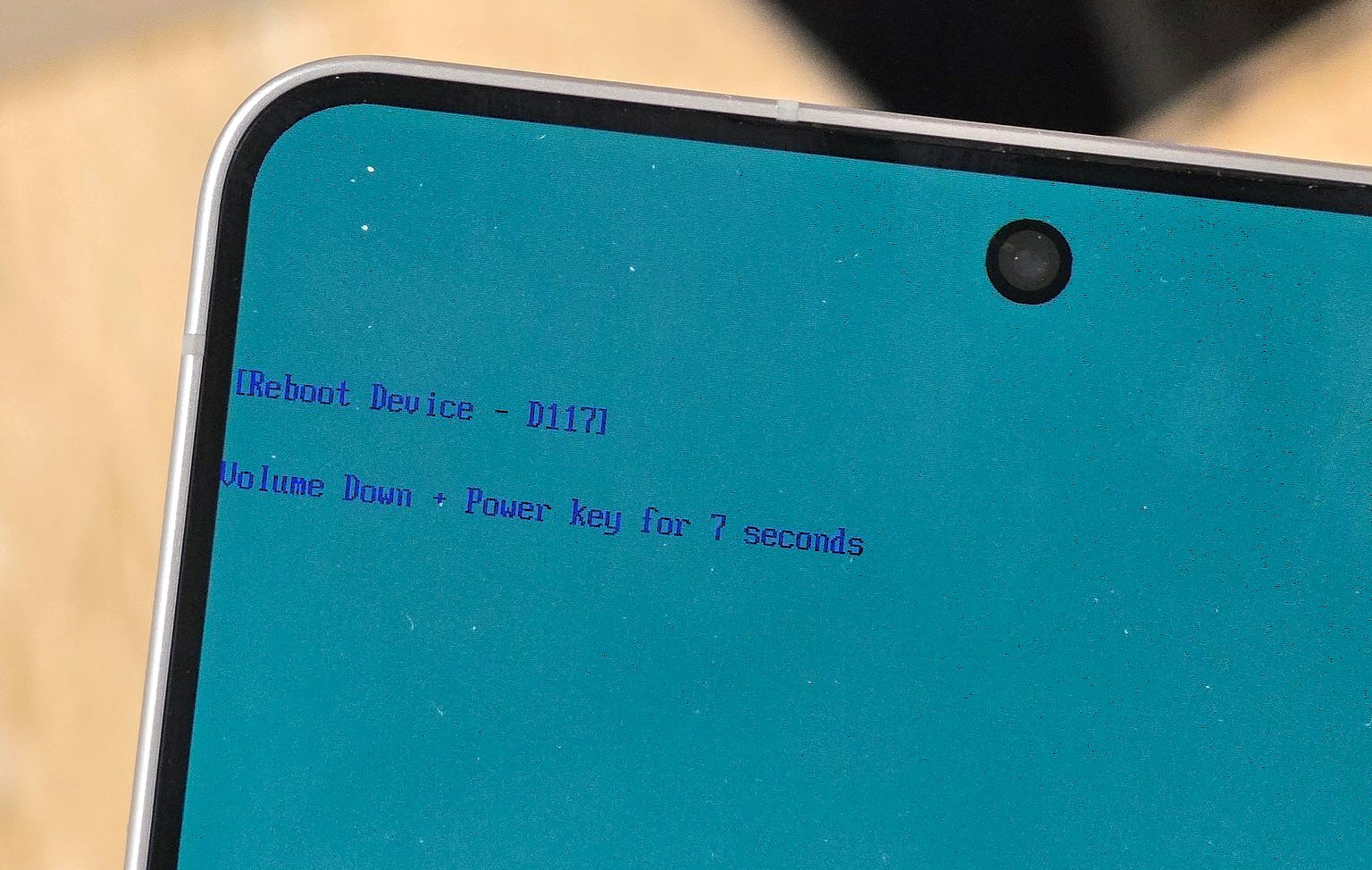
With the new February 2026 firmware update, Samsung has disabled Odin Mode, the internal flashing tool used to manually install firmware on Galaxy devices. It also removed the Wipe Cache Partition option from Galaxy devices. This decision will affect pro users who use these modes to flash new firmware manually on their Galaxy devices. It will now stop them from upgrading or downgrading firmware manually.
What is Odin Mode
Samsung’s own firmware flashing tool allows users to manually install official firmware files, which are downloaded from Samsung servers. It allows developers, tipsters, leakers, and other pro users to upgrade, downgrade, or recover devices.
February 2026 Firmware Update
Samsung is rapidly releasing the February 2026 firmware update to all of its supported Galaxy phones and Galaxy tablets. It has reached flagship models like Galaxy S25, Galaxy S26, Fold 7, the Galaxy Tab S11 series, and many affordable devices like the Galaxy A16, Galaxy M16, and Galaxy A06.
Samsung Removed Odin Mode & Wipe Cache Partition
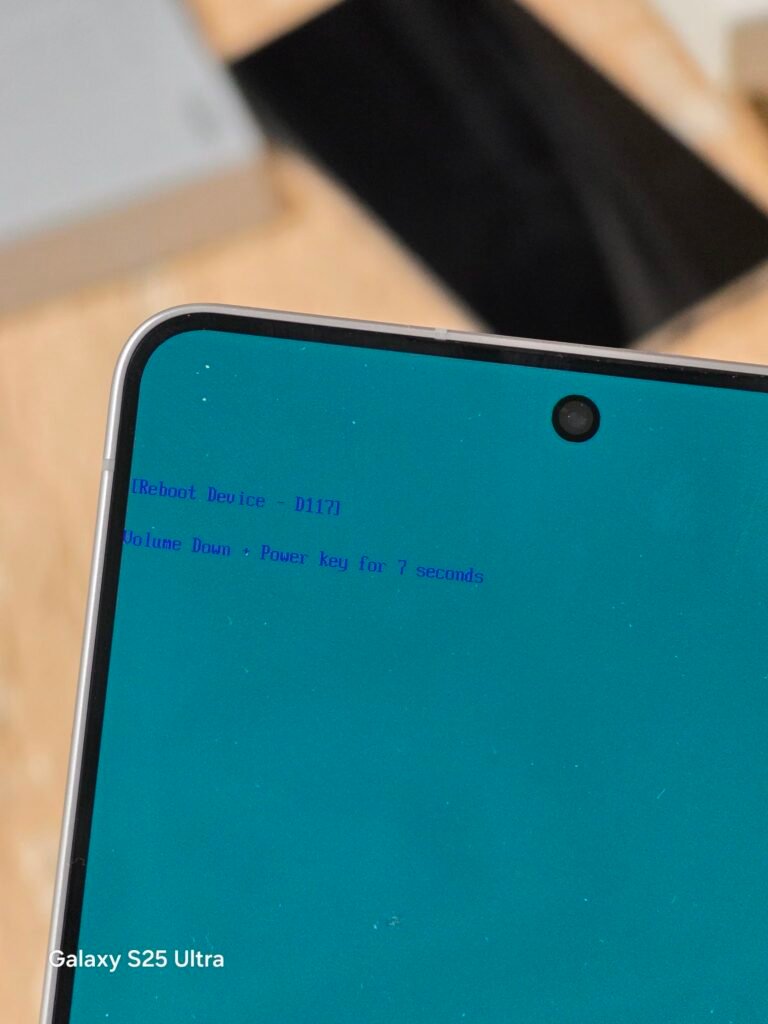
At first, users thought it had improved device security and system stability, but now more users are realizing what has actually changed in the new version. The famous tipster Ice Universe first discovered that Odin Mode has been removed from the Galaxy S26 Ultra. Further research found that the company has removed this option from all Galaxy devices running the February 2026 firmware update.
Will your Phone be affected?
How will it affect your smartphone? Well, if you have never flashed any custom firmware manually on your device, then you don’t have to worry about it. All the new major One UI versions and monthly security patches will continue to be delivered to your phone.
Who will be affected?
It will affect users who flash or upload new firmware on their devices, such as tipsters, leakers, and advanced users. They flash upcoming firmware on their devices so they can analyze it before other users and search for new or unannounced features.
Samsung’s stand on the issue
It has also been removed from the low-range Galaxy A16 smartphone and the high-end Galaxy S25 Ultra, so all devices appear to be affected by it. Samsung has yet to comment on this issue, whether they removed it on purpose or will bring it back later.
Have you also noticed it on your Samsung Galaxy device? You can tell us in the comment box below.







Leave a comment