


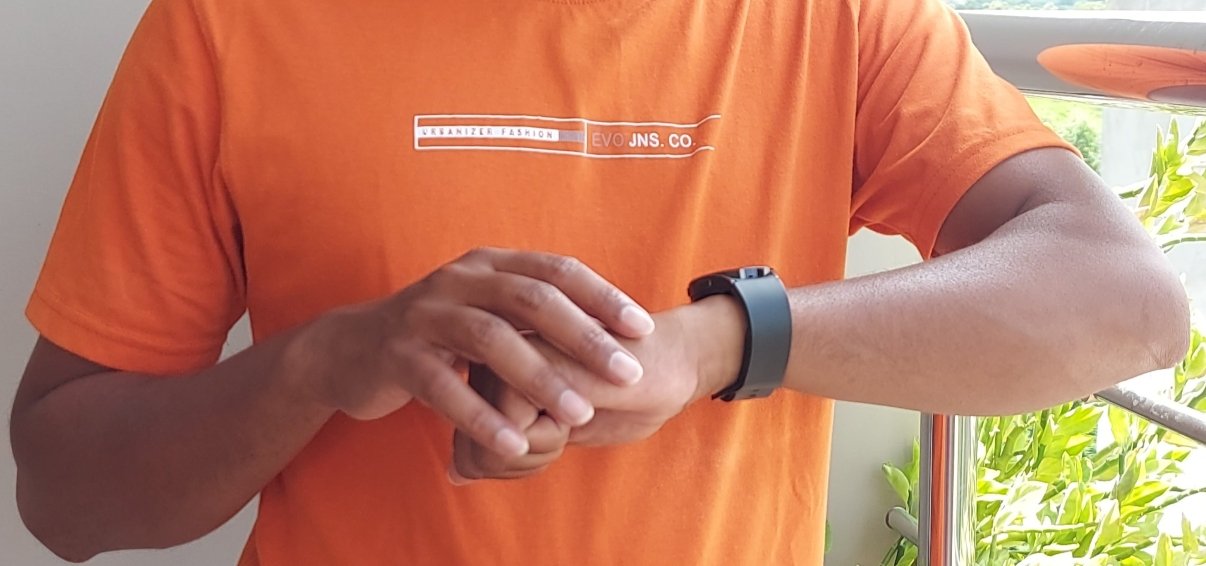
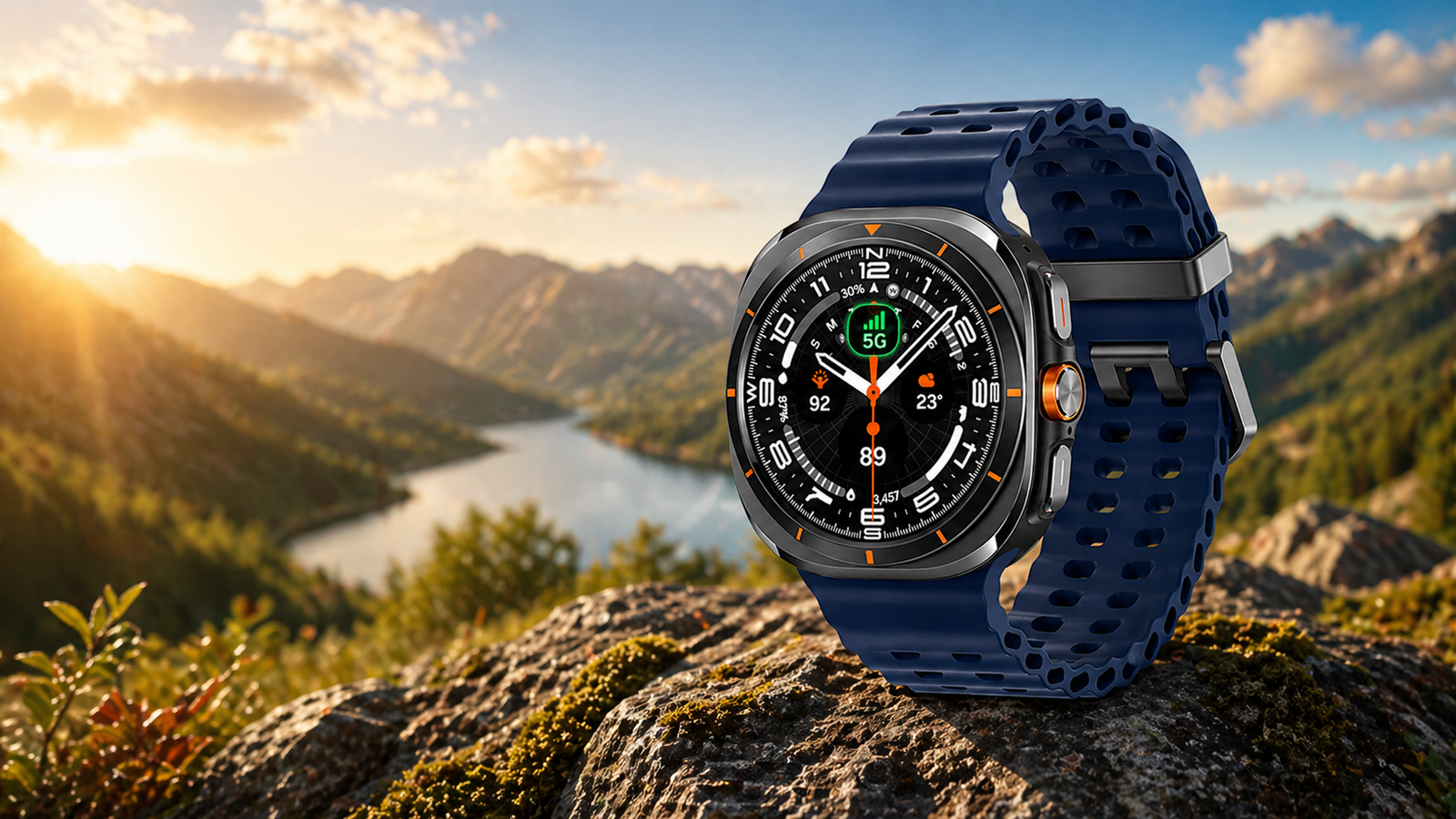
Samsung allows users to make and receive calls using Galaxy Watch 8 and Watch 8 Classic smartwatches. With the new Galaxy Watch 8 series, you can make calls, answer calls, use the dial pad, search contacts, and even answer calls using Bluetooth earbuds like Galaxy Buds or the built-in microphone and speaker.
Two Ways to Make Calls on Galaxy Watch
Bluetooth / Wi-Fi Model
However, there are two ways to make calls on your Galaxy Watch 8 and Watch 8 Classic. Making calls on a Samsung smartwatch depends on which variant you are using. If you have a Bluetooth or Wi-Fi-only model, then you have to rely on your paired smartphone.
LTE eSIM Model
If you are using an LTE eSIM variant, then you don’t have to worry about your phone, and you can make calls independently.
How to Make Calls on Galaxy Watch
To make a call, follow these steps:
- Open the Phone app
- Search for a contact or dial a number
- Select SIM 1 or SIM 2 (on a dual SIM phone)
- Tap Call
How to Answer, Mute, or Reject Calls

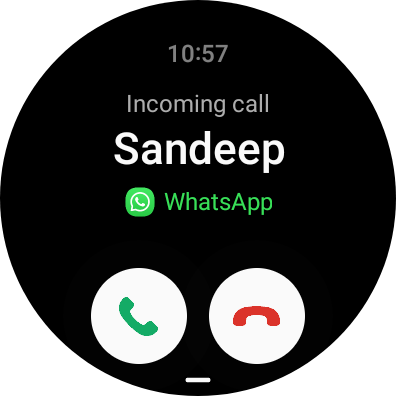
To answer a call, you have to accept it by swiping your finger. You can also mute or reject calls. To reject a call, swipe your finger on the red slider, and to mute the ringtone, press the Home or Power button.
LTE Galaxy Watch: Advantages & Limitations
The main benefit of having the Galaxy Watch 8 LTE or the Watch 8 Classic LTE variant is that you can manage all your calls without your phone. Once paired with the Galaxy Wearable app, you can leave your smartphone at home and go outside for activities like workouts or watching a movie.
Further, you can access the internet on your Galaxy Watch without your phone. You can use the internet to browse using Samsung Browser, listen to Spotify music, or download Play Store apps.
The main drawback of the LTE variant is its cost. To get the LTE model, you have to pay extra.
Wi-Fi Galaxy Watch: Advantages and Limitations
The first benefit of having a Wi-Fi-only model is its affordable price. It is cheaper than the LTE model, so most users prefer it.
Yes, you can make and receive calls, but only when it is connected to your smartphone.
With this model, you can’t access the internet without your phone. You first have to connect it to your phone and then access Wi-Fi. After connecting to Wi-Fi, you can use the internet.
Now you know which Galaxy Watch 8 variant you should choose and how to manage calls with it.
Here are some of the most asked questions and their answers.
Can you make a call without a phone?
Yes, you can make a call without your phone. For that, you need to buy the LTE variant of the smartwatch.
Can you answer calls using any third-party Bluetooth headphones or earbuds?
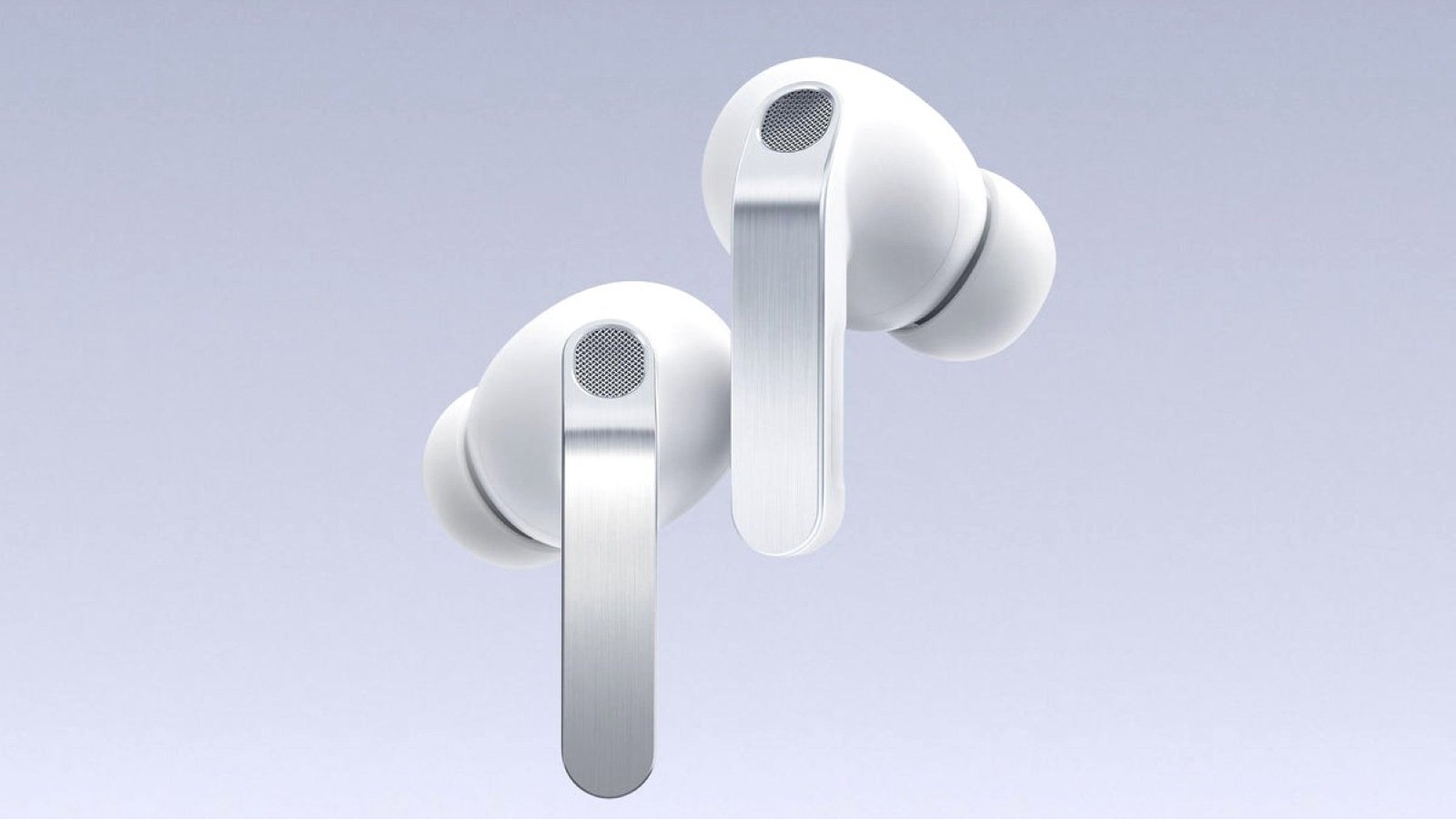
Yes, Galaxy Watch 8 supports third-party Bluetooth headphones and earbuds. For example, you can use Galaxy Buds, Pixel Buds, OnePlus earbuds, Boat headphones, and others.
Does Galaxy Watch support WhatsApp calling?
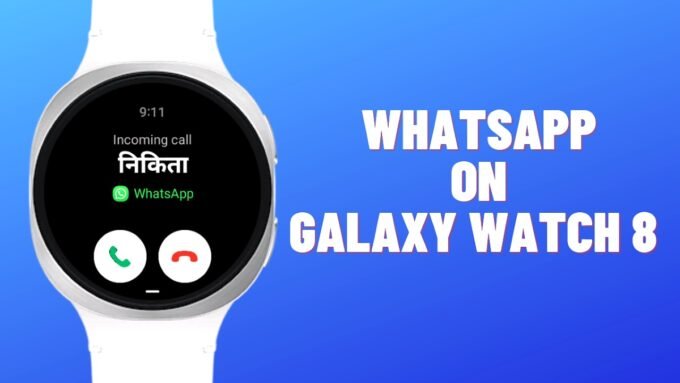
Yes, it supports WhatsApp calling, but you can only answer the call. You cannot make WhatsApp calls from the watch, but if someone calls you via WhatsApp, you can answer that call.







Leave a comment