
Samsung has enabled Google Gemini on older Galaxy Watches running Wear OS. Here’s how to install and use Gemini on Galaxy Watch 4, 5, 6, 7, 8, and Ultra. It first launched for the Galaxy Watch 8 series, including Watch Ultra. The good thing is that you can use Google Gemini on previous-generation Samsung smartwatches. Not only Galaxy Watch 7 or Watch Ultra, but you can also use it on Galaxy Watch 4, Watch 5, and Watch 6 series.
Google Gemini replaces Assistant on your Watch
It is the advanced and upgraded version of Google Assistant, so when you install Gemini on your smartwatch, it will simply replace Google Assistant with Gemini.
In this article, I will guide you on how to download and use Google Gemini on your Samsung Galaxy Watches, including the Galaxy Watch 4. Yes, I have also tested it on the Galaxy Watch 4 smartwatch, so I will share my experience. Sadly, it doesn’t support Tizen-based Galaxy Watch 3 and Active 2, so you need a Wear OS smartwatch like Galaxy Watch 4 or newer watches.
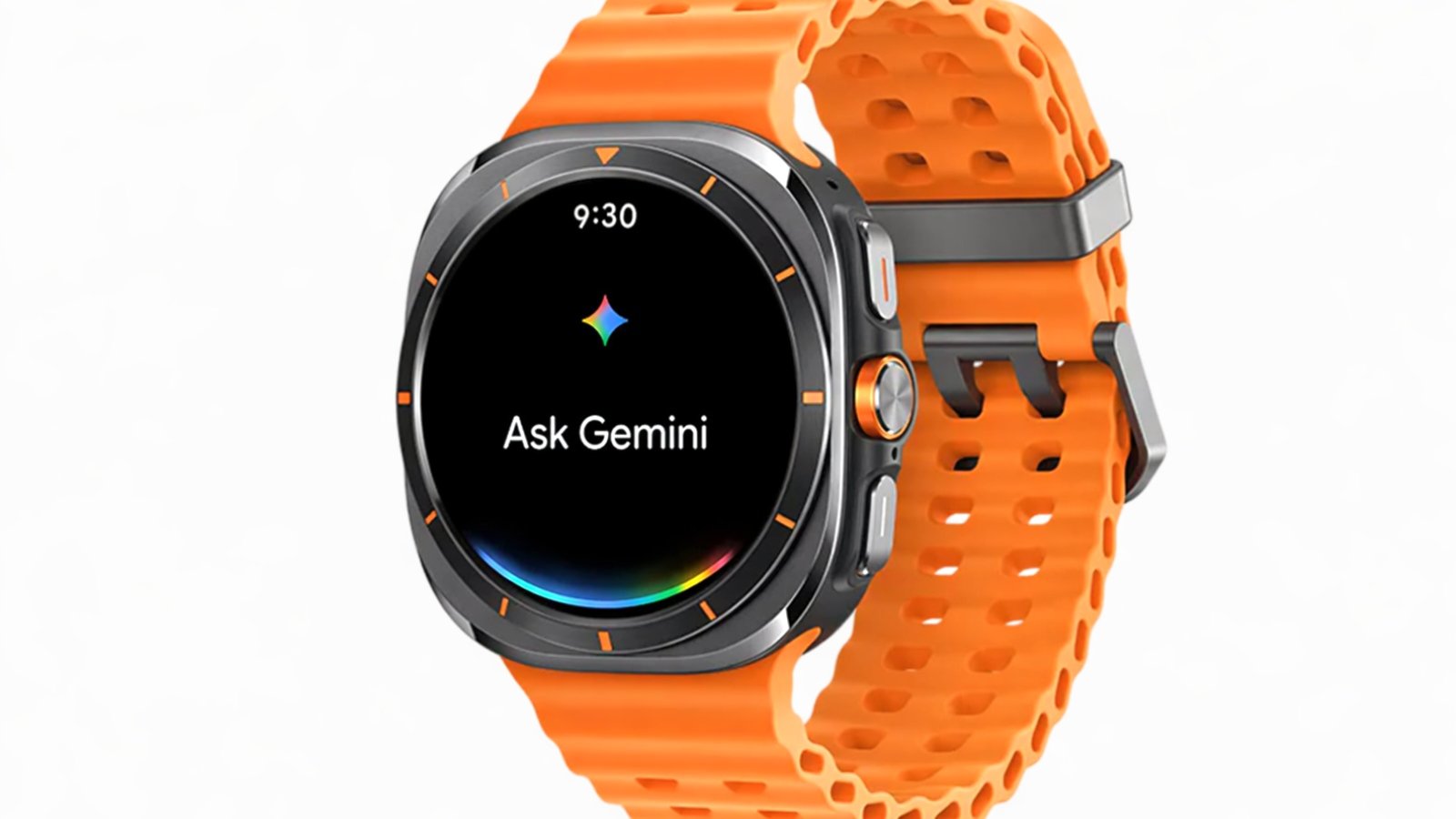
How to Activate Google Gemini on Galaxy Watch
First, on your smartphone, you have to download and install the Google Gemini app. Open the Play Store and search for the app. Now, download it on your smartphone and log in to it. Here, you can see I have successfully installed it on my Samsung phone.
Now, in the second step, open the Play Store on your Galaxy smartwatch. In the app list, scroll down and open the Play Store. In the app, scroll down until you see Manage your apps. Tap on it, and in the list, you will see all the installed apps.
You should now see Google Gemini listed in the apps section. And that’s it, guys. Now tap on it and press the Update button. It will start downloading the app on your Galaxy Watch. Open the app, and you are ready to use it.
Benefits of Gemini on Galaxy Watch
The new Gemini tool on your smartphone replaces your previous digital assistant. Now, Samsung and Google both want you to use Gemini instead of Bixby and Google Assistant. It will take your commands and act on them, like opening the door, playing music, setting a reminder, and starting a workout. For advanced tasks, you should connect your watch to the internet using Wi-Fi or an LTE network.
You can give it any commands and get answers. Some users will see both Google Gemini and Google Assistant apps on the watch; ignore them. Google will remove it later anyway. If Gemini is available on your Galaxy Watch, it’s one of the biggest assistant upgrades yet. Let us know how it performs on your device.




Leave a comment