


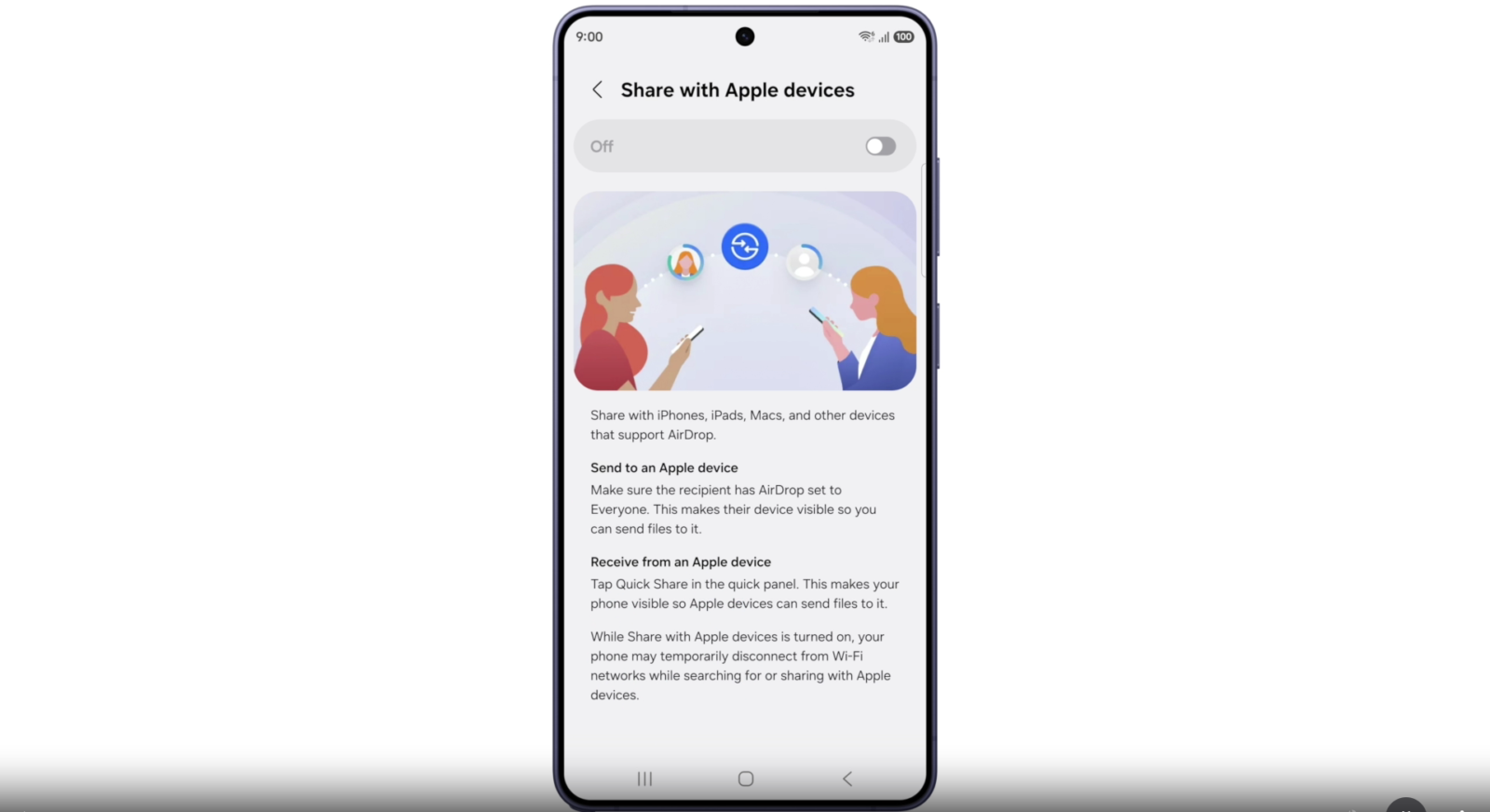
After the Galaxy S26 series, Samsung has finally brought Apple AirDrop sharing to more Galaxy devices via the Quick Share app. Users of the Galaxy S24, Galaxy S25, Galaxy Z Fold 7, and Flip 7 on One UI 8.5 version can now share files with Apple devices using the Quick Share app. Yes, it is available, but there’s a catch: users have to update the official Quick Share app along with its supported plugins through the Galaxy Store, and the device must be running on the One UI 8.5 update.
After the announcement of Apple AirDrop support on Galaxy devices, many users were waiting for this new update so they could share files with their friends and family members who own iPhones or iPads. It was first released for Google Pixel phones at the end of last year, and with the Galaxy S26 series running on One UI 8.5, Samsung has now brought it to Galaxy devices.
How to Enable and Use Quick Share on Galaxy Phones
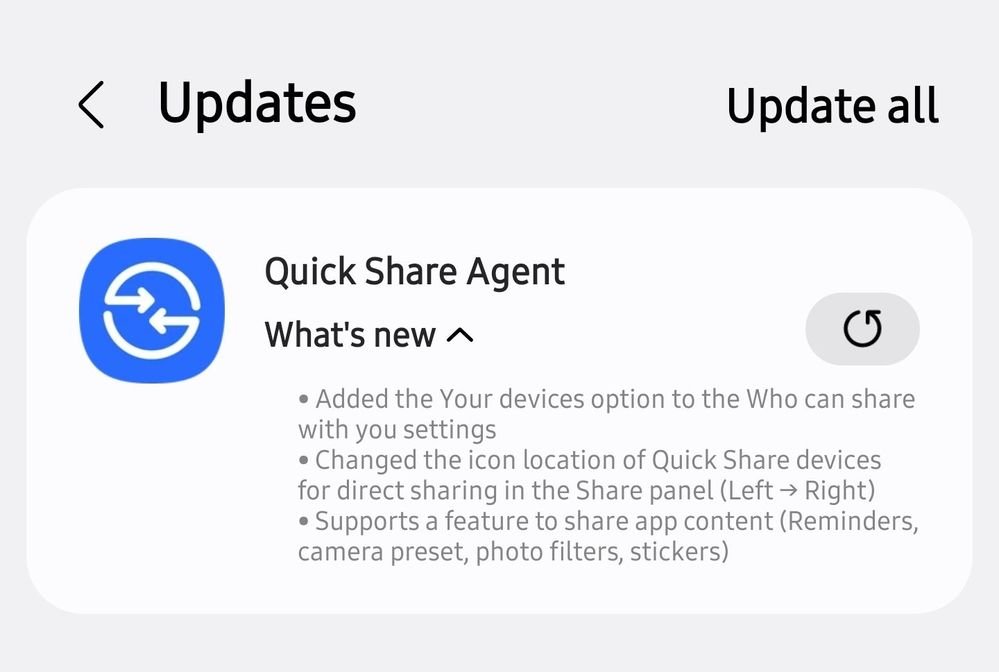
To use the Apple AirDrop feature on Galaxy S24, S25, or Fold 7 devices, you first have to update the Quick Share app to the latest version. You also need to download or update the related agent plugin to its latest version. You will find the official app and Quick Share Agent app in the Galaxy Store.
Next, you have to install the new One UI 8.5 update on your smartphone. After installing the update, you need to activate the “Share with Apple Devices” option in the Quick Share settings. Since this feature is only supported in One UI 8.5 or later, make sure your phone meets these requirements.
Why is it not supported on my phone?
The main reason the Quick Share settings don’t show the “Share with Apple Devices” option is that your smartphone is still running on One UI 8.0 firmware. Currently, Galaxy S24, Galaxy S25, Galaxy Z Fold 7, and Flip 7 devices are running One UI 8.5, so they will see the new option.
Users who opted out of the beta testing program will have to wait until their devices receive the One UI 8.5 update.
If you don’t know how to send and receive files to Apple devices, you can read our step-by-step guide on how to share files from Galaxy S26 to iPhones.







Leave a comment