

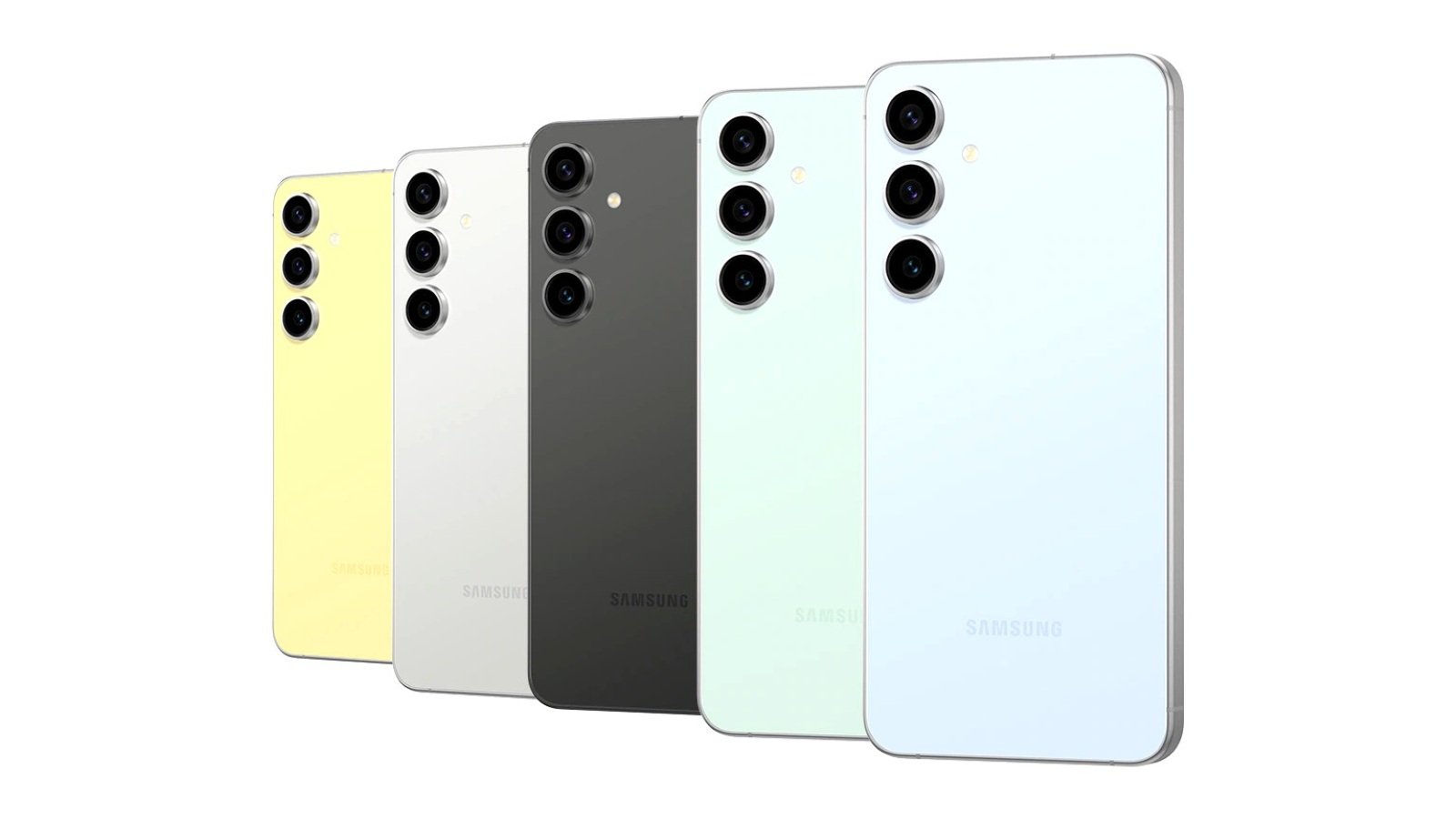
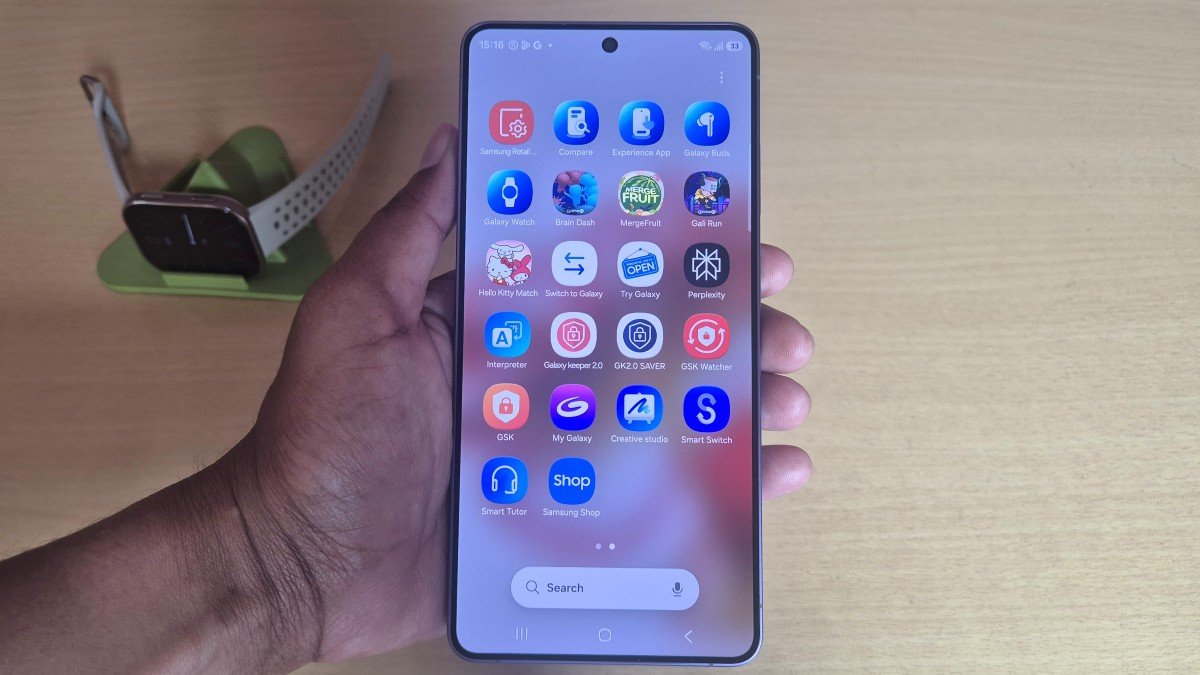
The Galaxy S23 FE and Galaxy S24 FE smartphones are now receiving their next One UI 8.5 beta updates in South Korea and India, bringing a major fix for the green line issue along with other improvements. According to the changelog, the second beta update is rolling out to the Galaxy S23 FE, while the Galaxy S24 FE has received its third beta update. The firmware version S721NKSUBZZDP, with a 734MB file size, has been released for the S24 FE. The S23 FE has received version S711NKSUBZZDP with a 700MB file size.
Fixed Green Line Issue on Galaxy S23 FE & S24 FE
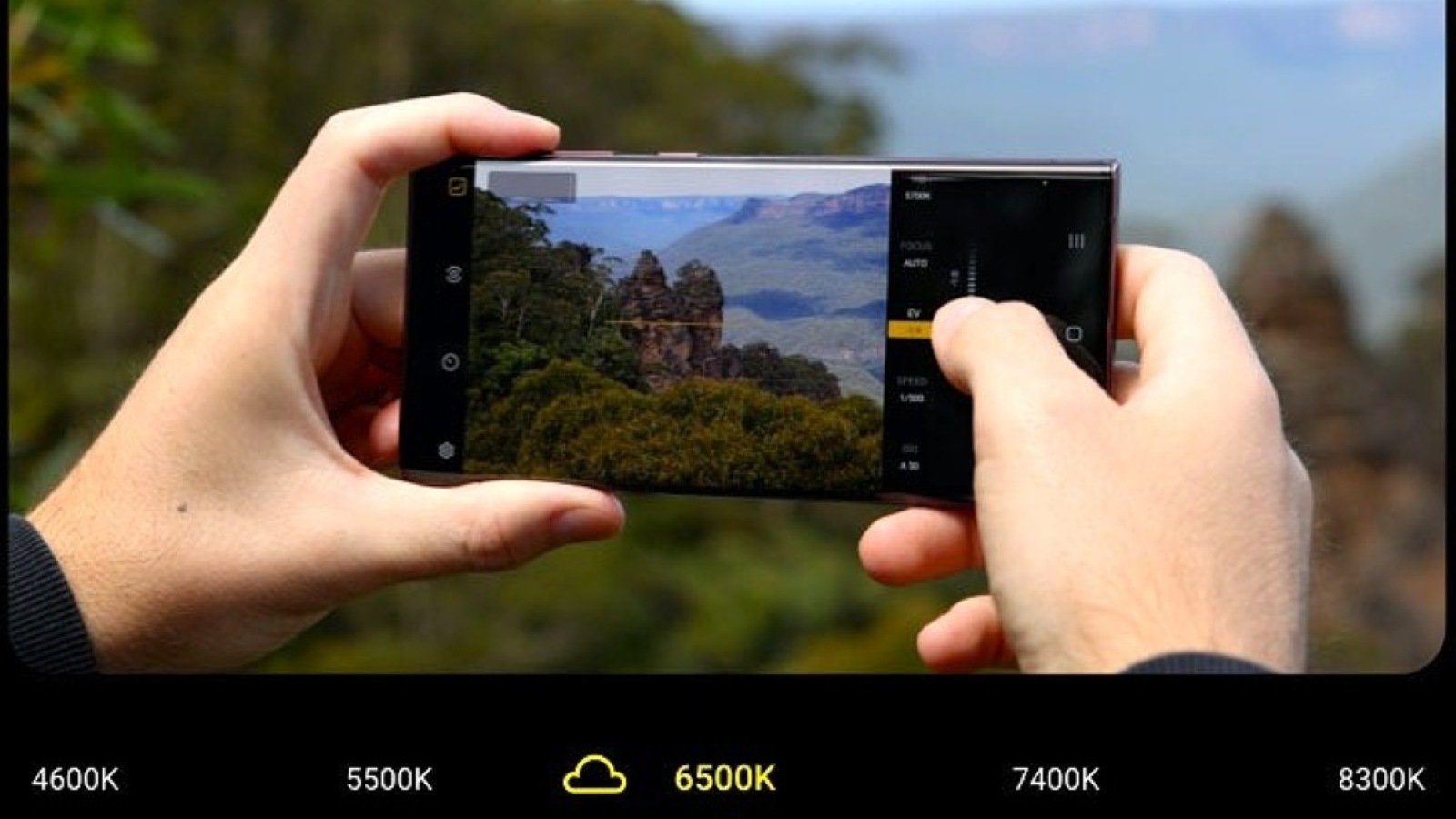
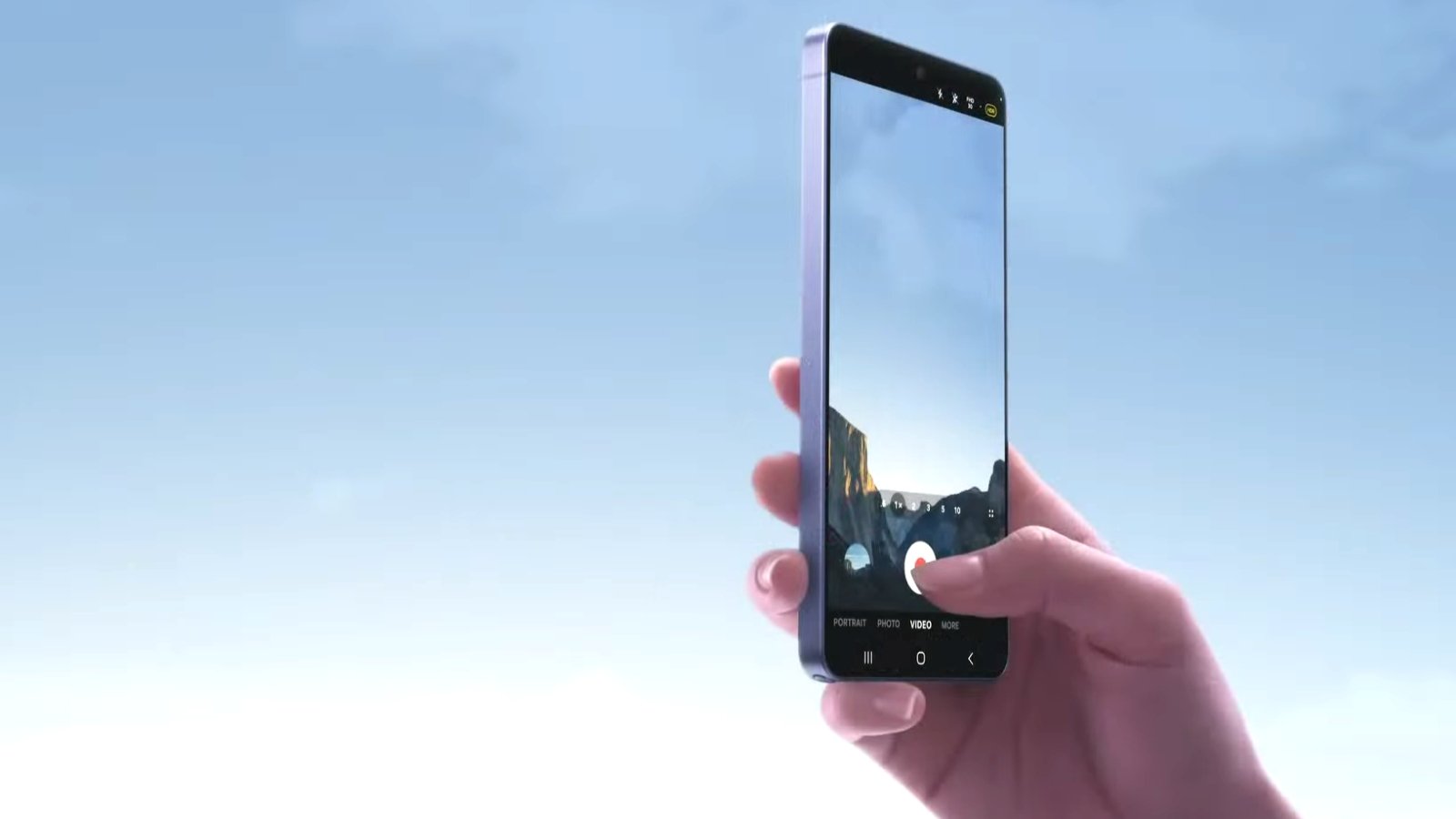
The green line issue, which was recently spotted during 4K HDR video recording in certain camera apps, has now been fixed. In the previous beta version, it was a major problem for users and was also observed on the Galaxy S23 series and Galaxy S24 series devices. Samsung is now addressing it on its Fan Edition models. Additionally, the Bluetooth crash issue has been resolved on both devices, preventing failed connections and pairing problems.
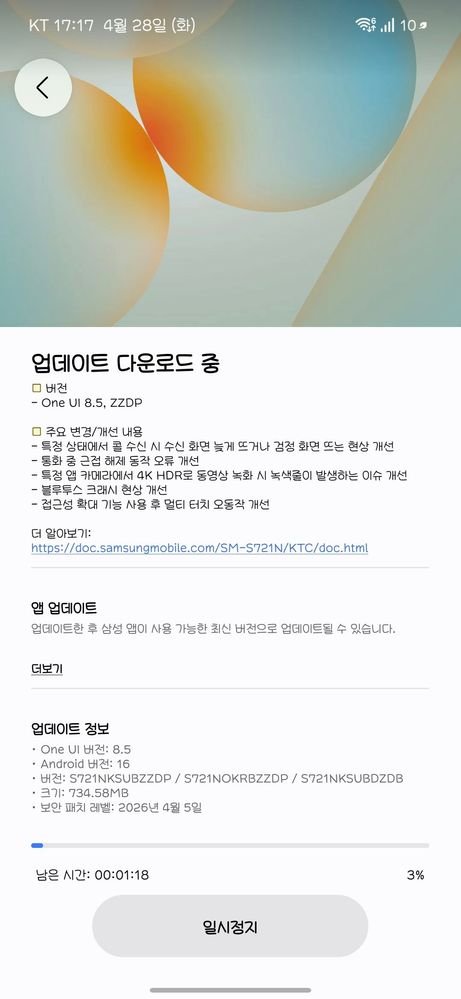
Apart from that, the Galaxy S23 FE has received a new feature called Privacy Alert. This feature is already available on flagship Galaxy devices and has now been added to the S23 FE. The issue where the call screen display was delayed, or the screen went black when receiving a call, has also been fixed in this update.
New Galaxy AI Features Are Still Missing
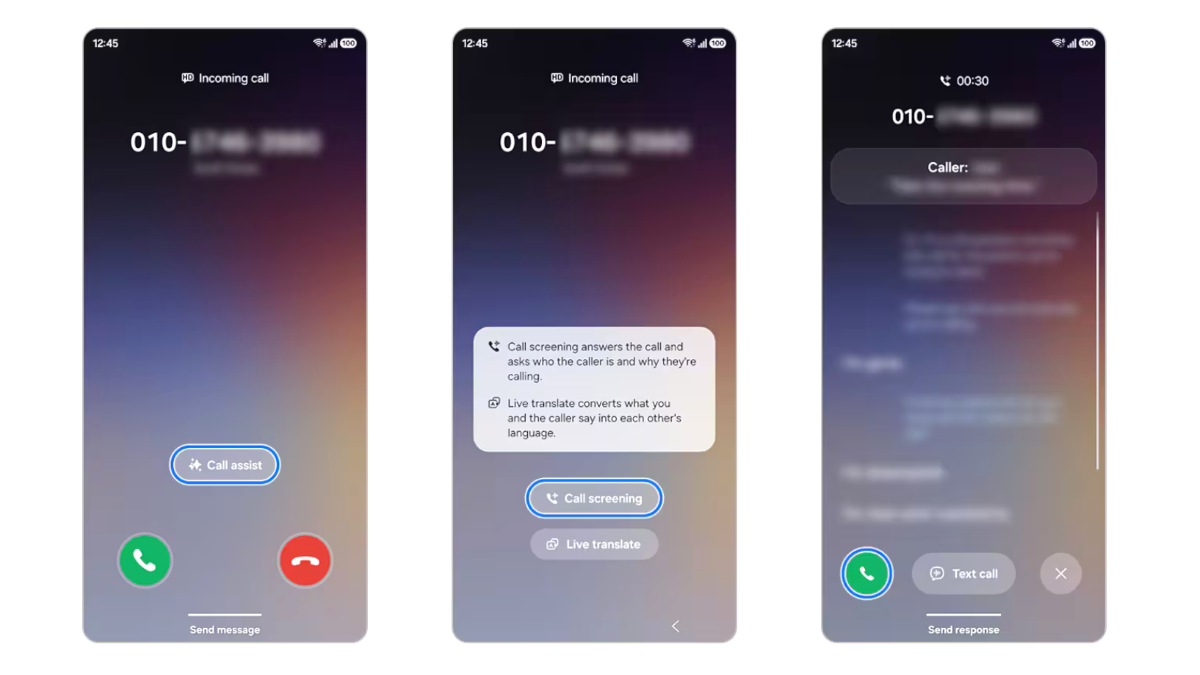
The changelog does not mention any new Galaxy AI or Share with Apple Devices features. In the tenth beta version for the Galaxy S25 series, Samsung has added a couple of new Galaxy AI features and some Galaxy S26-exclusive camera functions. Samsung has previously stated that it plans to bring new Galaxy S26 features to older models, so users may see them in the stable One UI 8.5 update, which is expected to roll out in May in major countries.
The second beta for the Galaxy S23 FE and the third beta for the Galaxy S24 FE are now rolling out in South Korea & India, and will soon be released in other regions, including the UK & Germany. To check for a new beta, go to Settings > Software Update > Download and Install on your device.




Leave a comment