


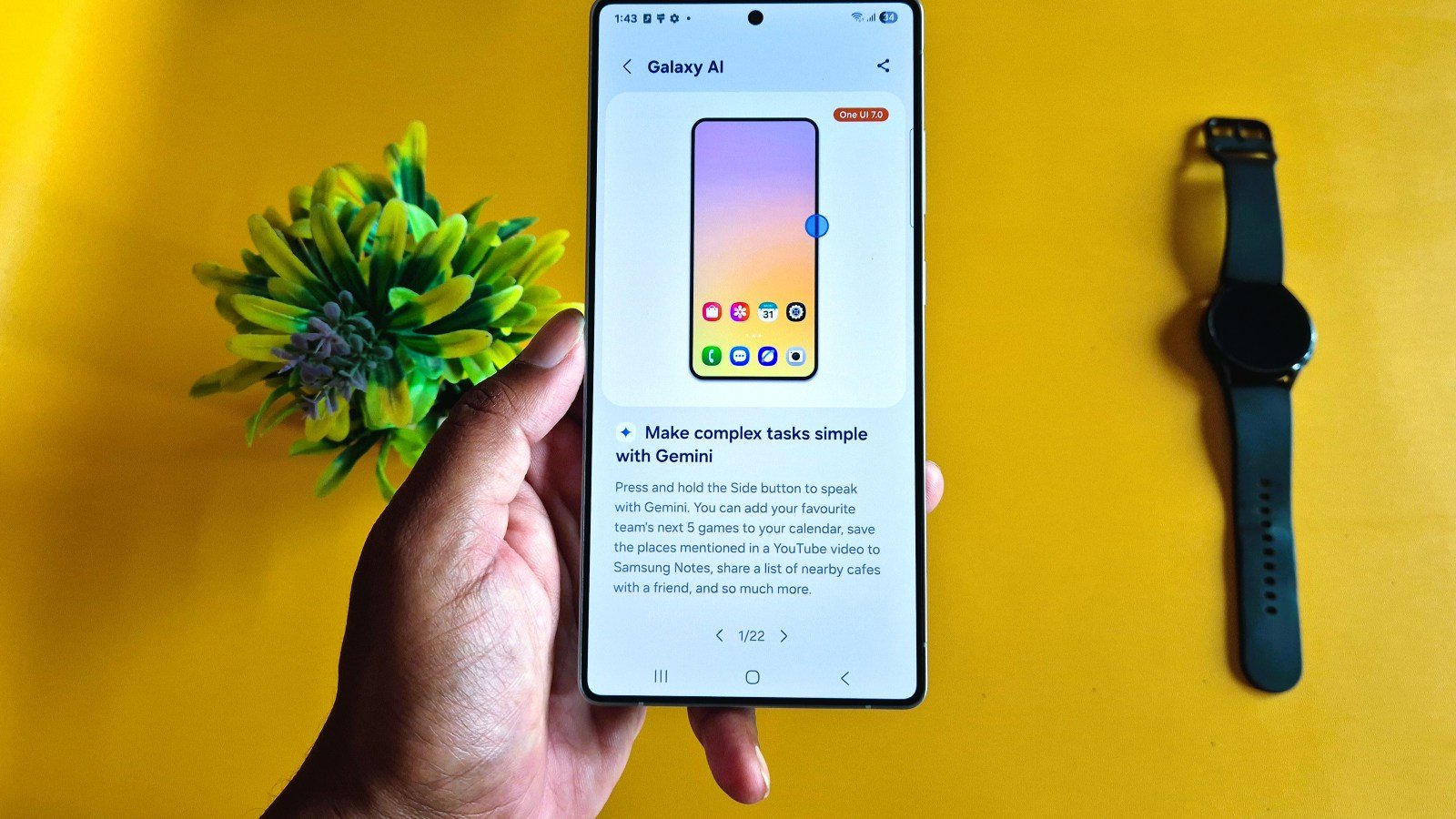
Samsung has started rolling out the stable One UI 8.5 update for the Galaxy S25 series in South Korea, following an extended beta program with over 10 test builds. The update introduces new Galaxy AI features, improved camera features, and some exclusive Galaxy S26 functions. The new firmware version is S938NKSUNCZDP, and it comes with a file size of 583MB. For now, it is rolling out to beta users, and it may soon be released for general users.
Galaxy S25 One UI 8.5 Stable Update
Starting with one of the most talked-about features, the Galaxy S25 One UI 8.5 stable update brings sharing to Apple devices. It allows Samsung users to share content with Apple devices via the Quick Share app. Additionally, the controversial Call Screening function has arrived on Galaxy S25 devices. In this update, Samsung has also included Creative Studio, Photo Assist, and other Galaxy AI-powered tools to enhance productivity.
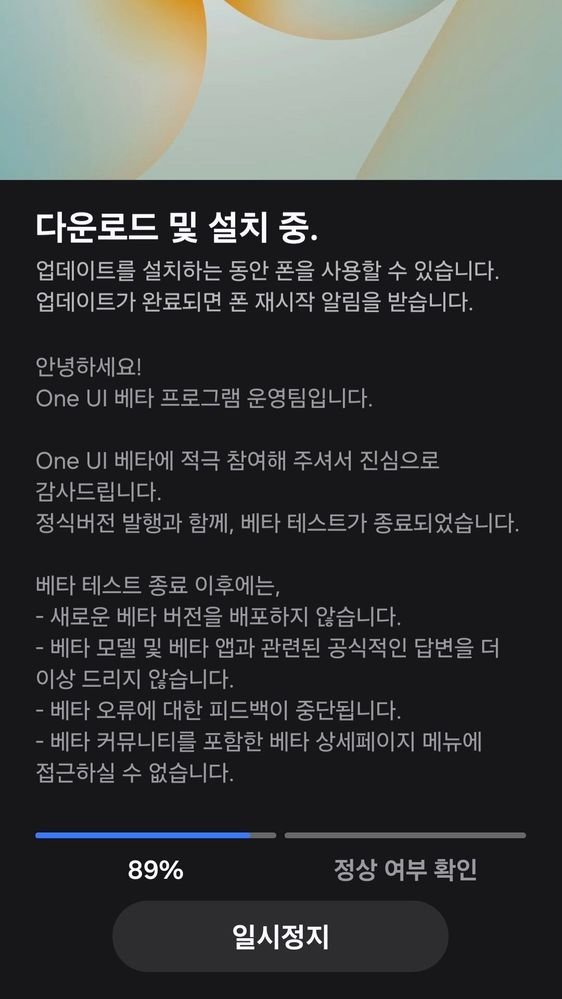
Added New Galaxy AI and Camera Features
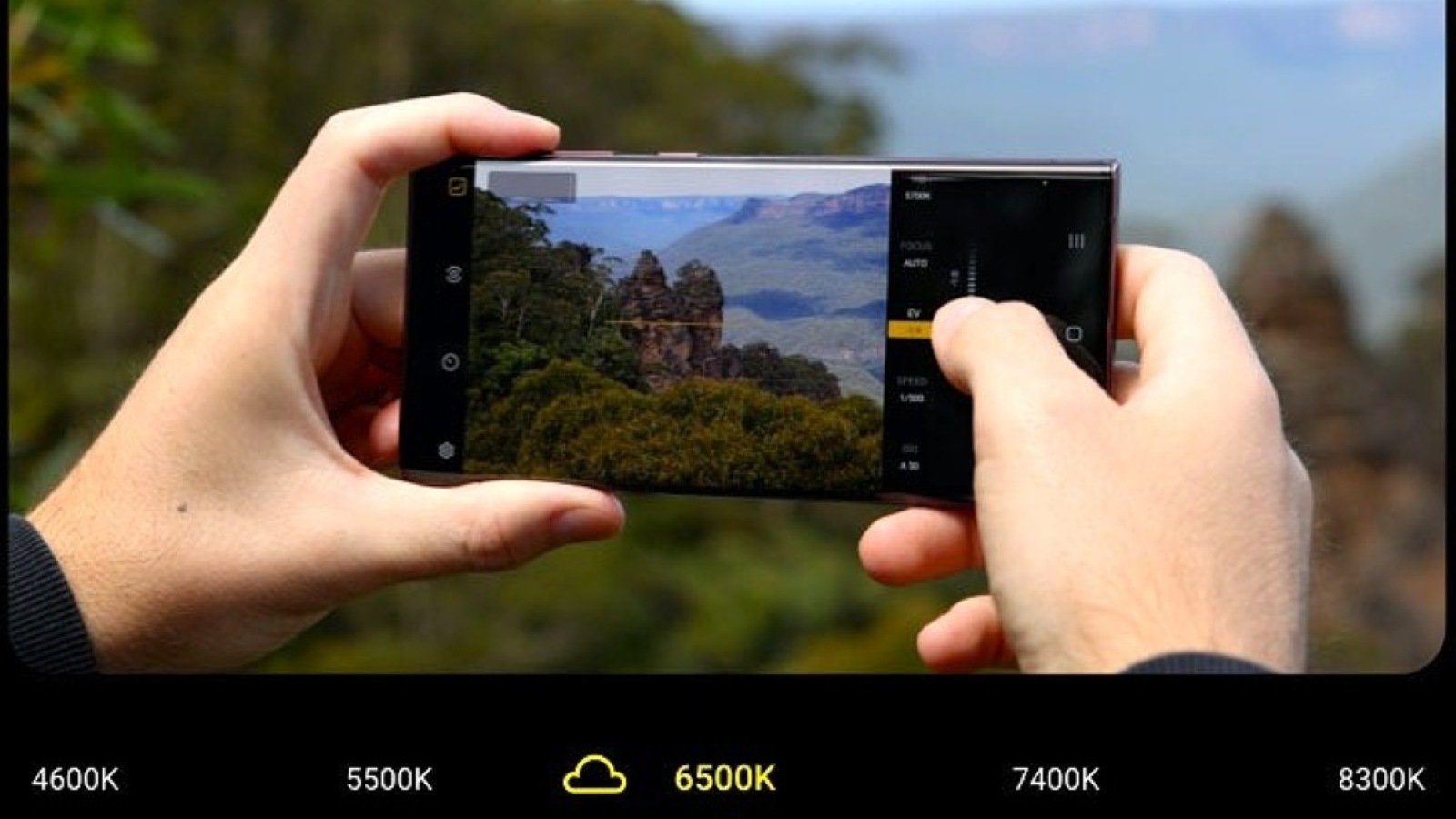
Expert RAW has received two major features in the One UI 8.5 update. The first is Ocean mode (Underwater mode), and the second is the Virtual Reflector function. The Virtual Reflector is currently exclusive to the Galaxy S25 Ultra, inherited from the Galaxy S26 Ultra. It could also arrive on the Galaxy S24 Ultra, although there is no confirmed information yet.
Design Changes and Other Key Features
The changelog doesn’t stop there. Samsung has added many new features, including both major and minor changes. Some features are not mentioned in the list and are still missing on the device, so users can expect them in a future update or possibly in One UI 9, such as Horizontal Lock.
How to Update
The stable One UI 8.5 update for the Galaxy S25, Galaxy S25 Plus, and Galaxy S25 Ultra is currently rolling out in South Korea. In the next few hours to days, it will reach other major countries. Indian users can also expect it on their devices soon. To install the update, go to Settings > Software Update > Download and Install on your Galaxy S25. Don’t forget to share your experience with the first stable version in the comment box below.














Leave a comment