


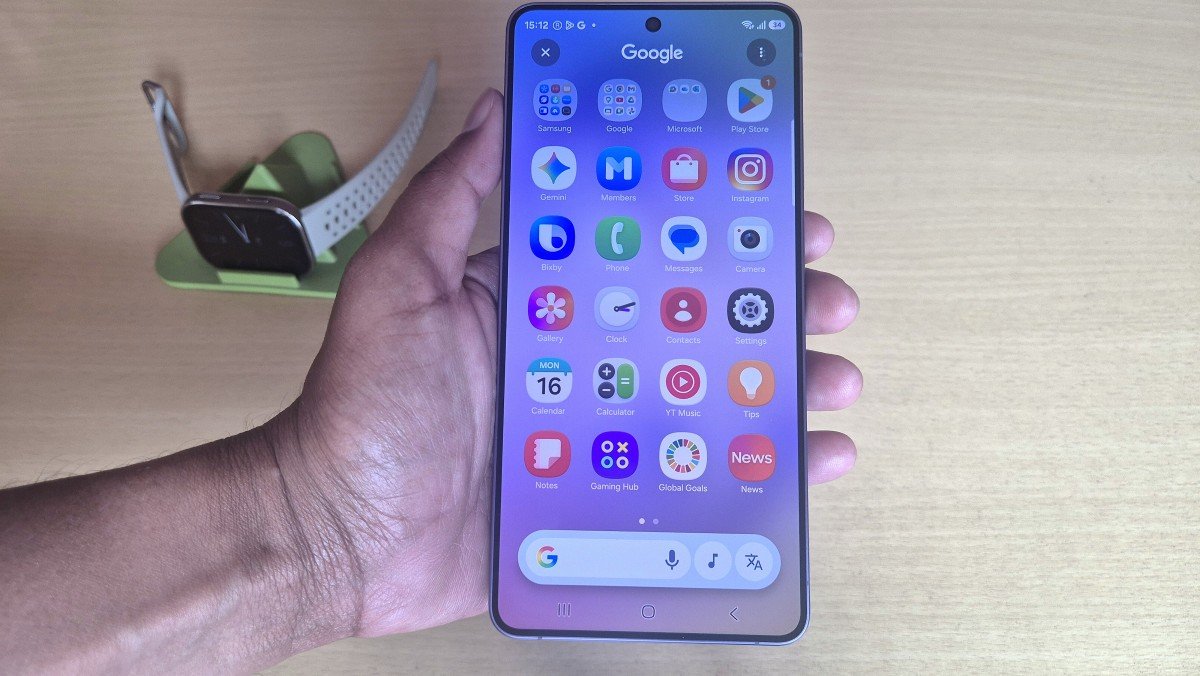
Galaxy S26 Ultra users are reporting a serious battery drain issue just days after installing Samsung’s latest update. The problem appeared suddenly after the April 29 patch, and many users say their phone now struggles to last a full day. Some users say battery life has dropped drastically compared to before the update. The Galaxy S24 and Galaxy S25 series are already experiencing battery drain issues, and now the newest Galaxy S26 Ultra is seeing the same problem.
Galaxy S26 Ultra Battery Drain After April Update
According to multiple users on Reddit, including a user named ConCrisp on the Samsung Reddit page, shared battery performance details and complained that they barely get one day of battery life. Later, many users came forward and confirmed their experience with the latest April patch. When Samsung released the first April 2026 patch, users hadn’t complained about it, which suggests the issue is in the second April patch that was released on April 29 in major countries.
Users Report Battery Problems on Reddit
After the issue went online, many users also shared their experiences. Here are some user complaints shared on Reddit:
“Using power saving for a week. Battery stats incorrect. Device Care does not detect high wakeups or wakelocks. Google Services logs do not get properly attached by Google Play Services. Too many basic issues once again, same as on my S24 and S25 Ultras before. Samsung management does NOT learn from its past.”
Another user says they are witnessing reduced battery life after updating the Samsung Core from the Samsung Store and have been facing poor battery life since then.
“Happening to me now, since the last 3 days, especially after I updated Samsung Core from the Samsung Store.”
What Samsung Says About the Issue
Samsung has yet to comment on the battery issue, and interestingly, it is still working on Galaxy S24 and Galaxy S25 bugs that are causing similar problems. Although there is no official statement, an official moderator at Samsung Community Canada has shared some quick fixes.
Possible Fixes for Battery Drain Problem
We’re sorry to hear that your device heats up and the battery drains quickly, especially while using third-party apps. We’d like to help you troubleshoot this issue in a friendly and supportive way.
Check for updates: Go to Settings > Software update > Download and install to ensure your device is running the latest software.
Clear app cache: Navigate to Settings > Apps > app name > Storage > Clear cache. This can sometimes resolve performance issues.
Safe Mode test: Restart your device in Safe Mode by holding the power button, then pressing and holding Power off until you see Safe Mode. In Safe Mode, only default apps run. Try using third-party apps; if the heating and battery drain do not occur, it may indicate that a third-party app is contributing to the issue.
Battery & device care: Go to Settings > Battery and device care to check for any unusual activity or apps consuming excessive power.
Background apps: Close unused apps running in the background, as they can increase heat and battery usage.
It is the first day of May, and last month on the first date, Samsung launched a new security update. With growing complaints, Samsung may be forced to address the issue quickly in the upcoming May 2026 update.






Leave a comment