


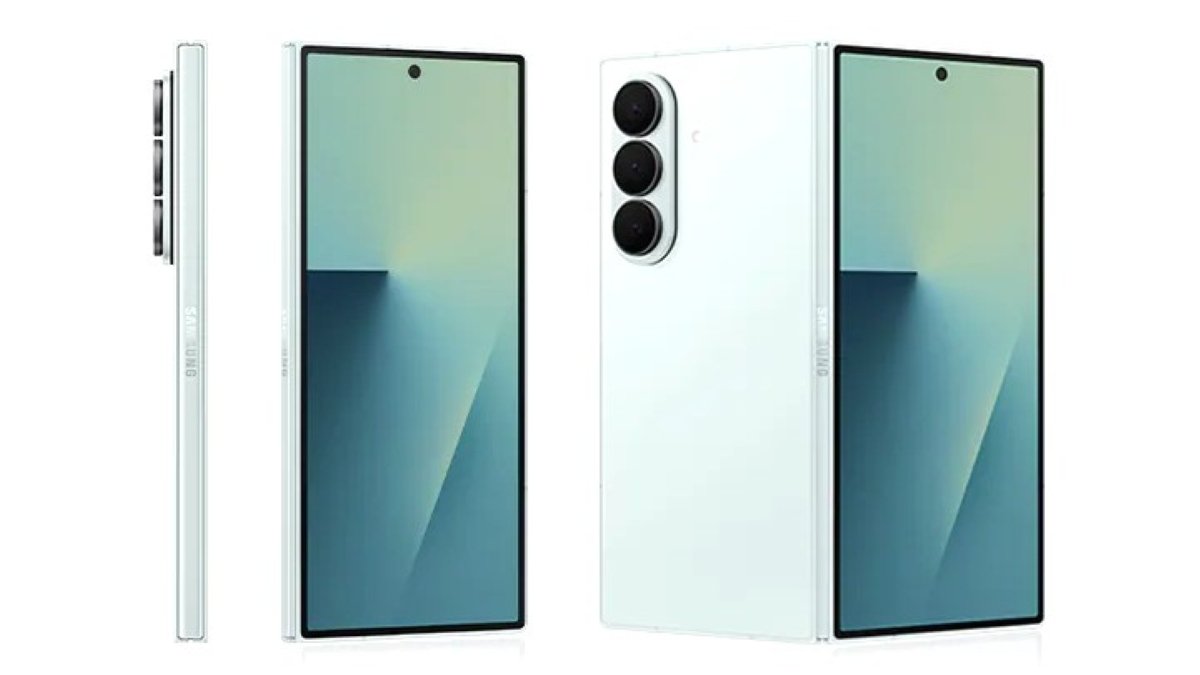
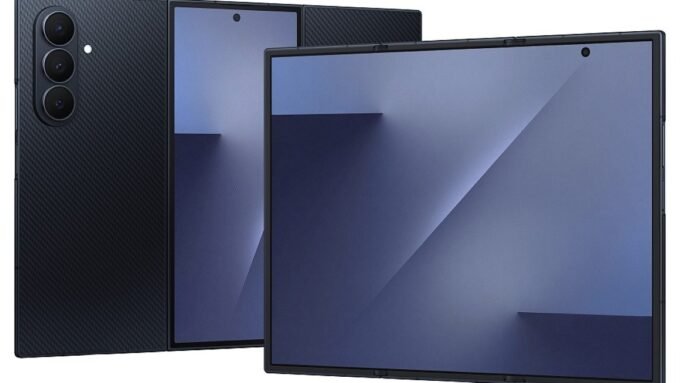
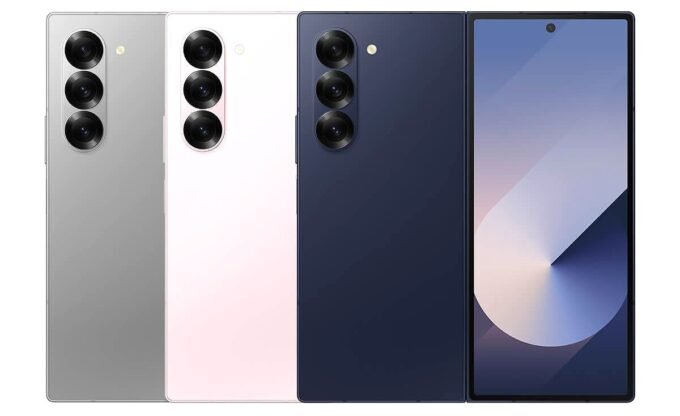
After the Galaxy S25 series, Samsung’s foldable lineup has now received the stable One UI 8.5 update. The Galaxy Z Fold 7, Galaxy Z Flip 7, and Galaxy Z Trifold have all started receiving the update, with the rollout beginning in South Korea. Devices enrolled in the beta program are the first in line to receive it. These devices already received key Galaxy S26 series features and some Galaxy AI features, so this update mainly focuses on code stabilization.
The update weighs 481MB for devices already running One UI 8.0 and carries firmware version BZDP, which marks the end of the beta testing program. Non-beta users may receive it in the next few days with a larger file size.
Stable One UI 8.5 Update Released
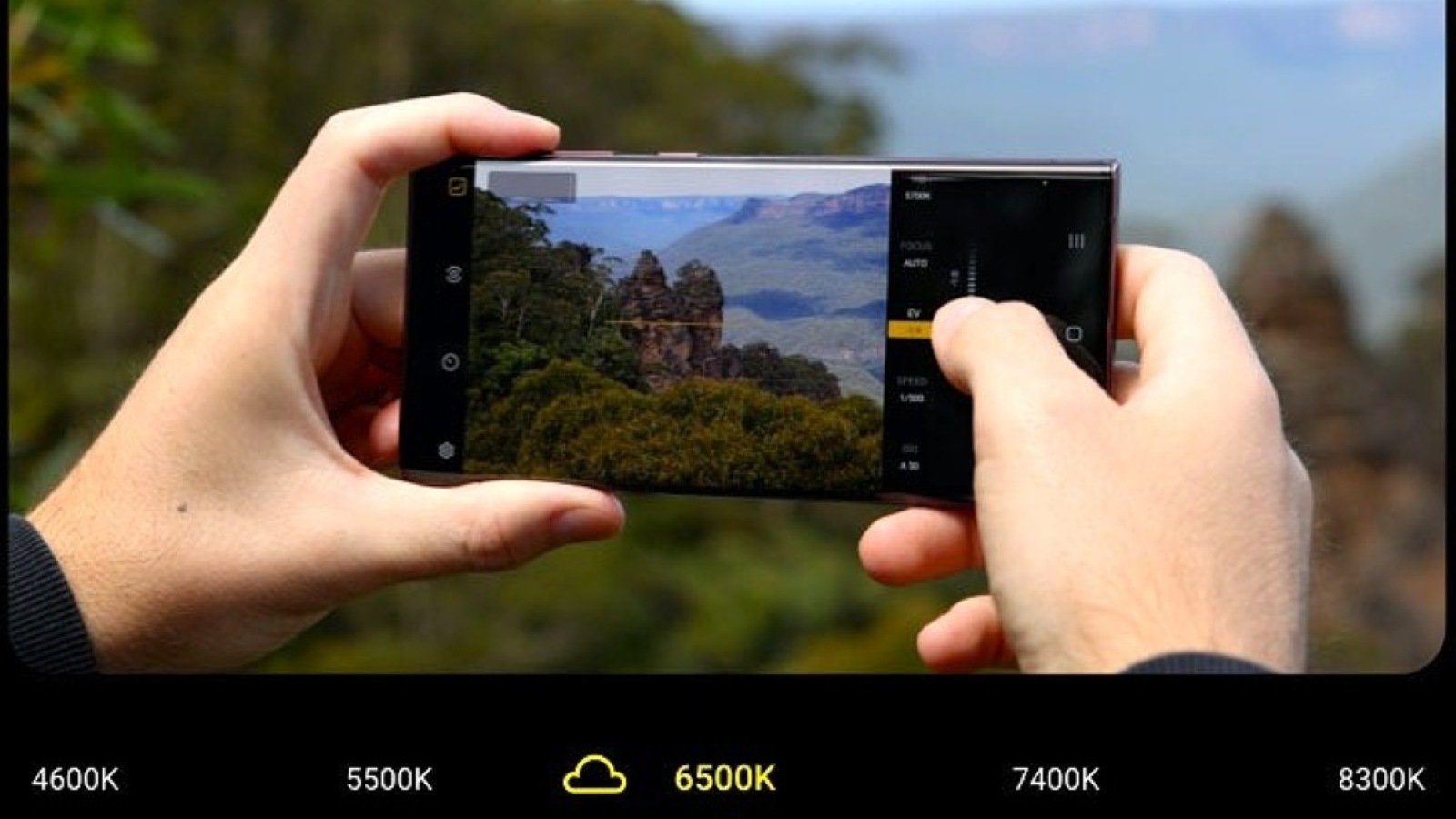
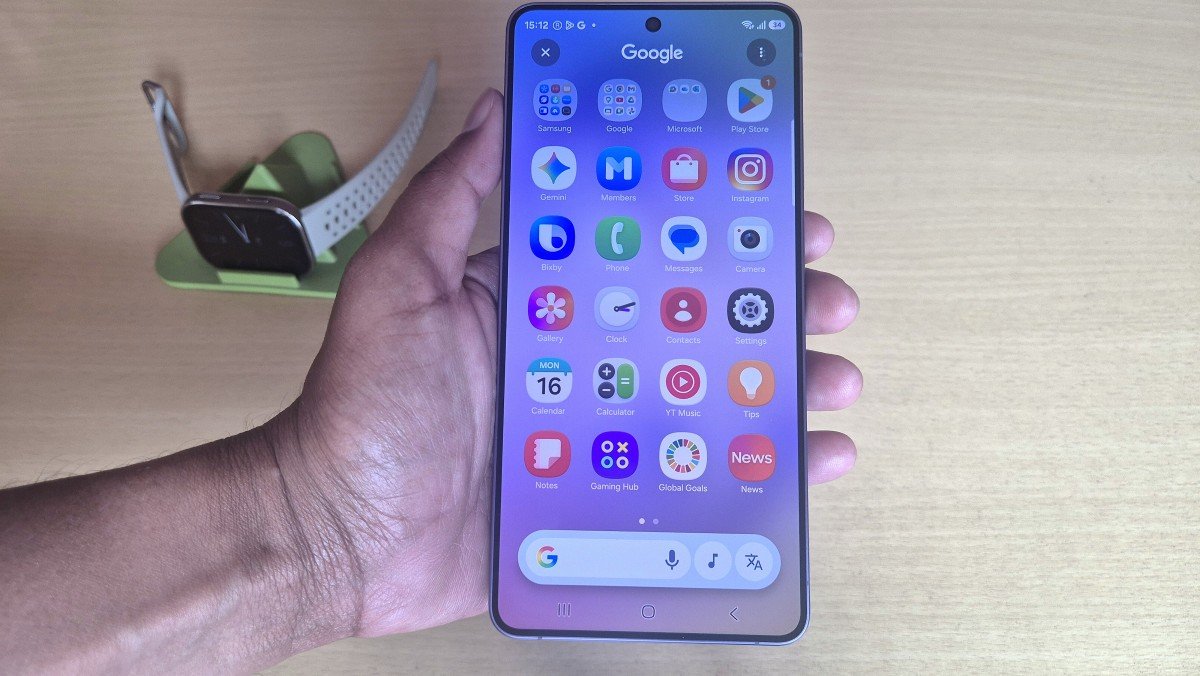
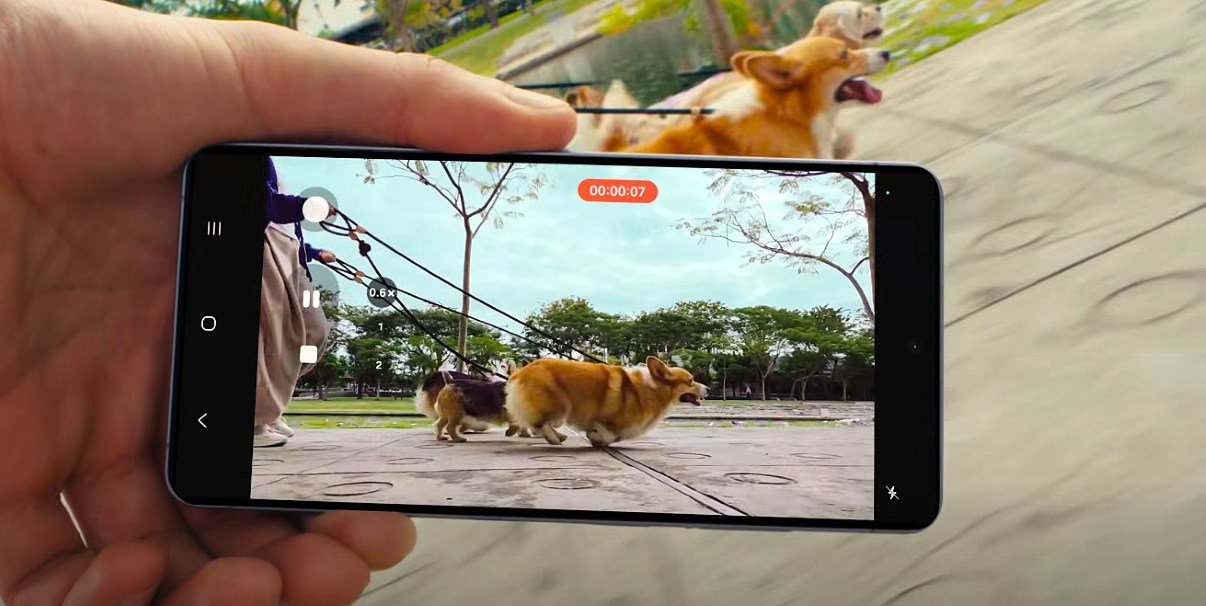
One UI 8.5, based on Android 16, brings several notable changes to the foldable devices. It brings the new creative studio, audio earsor, photo assist, call screening, and many other meaningful features to the phones. The new version introduces a cleaner and more refreshed interface with better consistency across the system. Customization also gets a significant boost, especially for the control panel, where users now have much more flexibility to set things up the way they want.
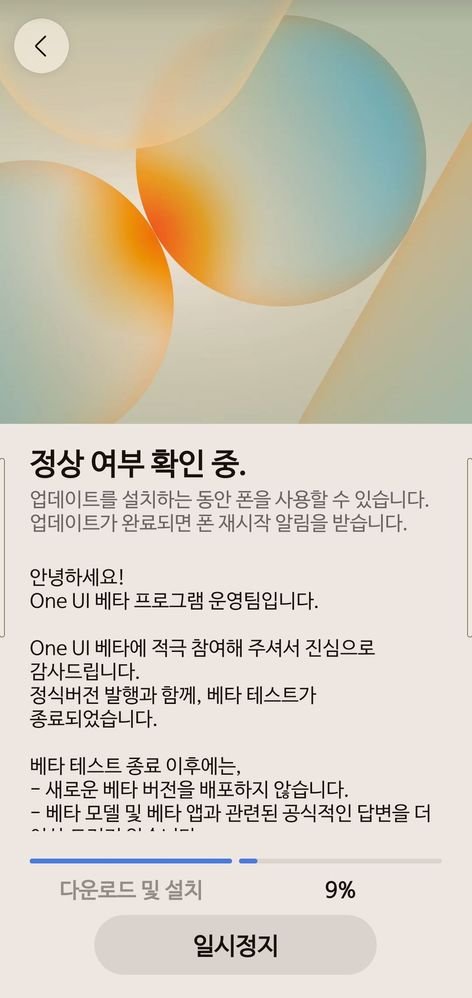
It also adds a new feature for DeX users on phones, previously limited to tablets, allowing them to create and switch between multiple desktops. Apart from that, the latest update brings various improvements that make everyday use smoother and better.
More Countries Will Receive It Soon
As for availability in other regions, Samsung has not provided an official timeline yet. However, going by the company’s usual rollout pattern, markets like India and the US should receive the update within the next couple of days. Other countries are expected to follow shortly after.
How to Update?
To check if the update is available on your Galaxy Z Fold 7, Galaxy Z Flip 7, or Galaxy Z Trifold, go to Settings > Software update > Download and install. If it does not appear right away, try again after a few hours, as the rollout happens in phases.








Leave a comment