


Samsung has finally released its Gallery Assistant app to all users after months of beta testing in its home country. The company has also revealed which Galaxy phones & foldables will support the new app, and some popular flagship models are missing from the list. Users can now download and use the app from the Galaxy Store.
Further, Samsung has posted a list of supported devices that will get Gallery Assistant app support. Surprisingly, it has left out some older flagship phones from the list.
This is the first list of supported devices that will get the stable version of the app. Though some major flagship models are not on the list, they may be added later in future updates.
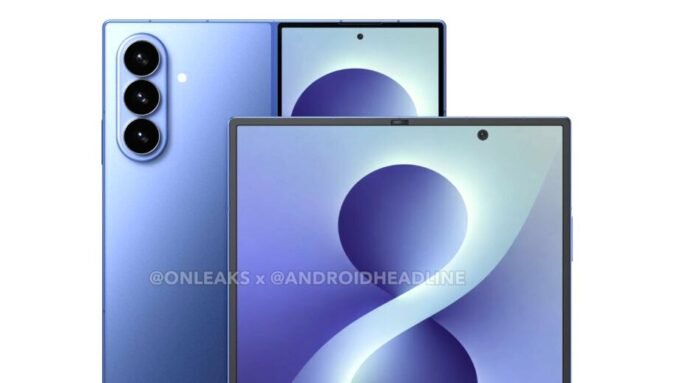
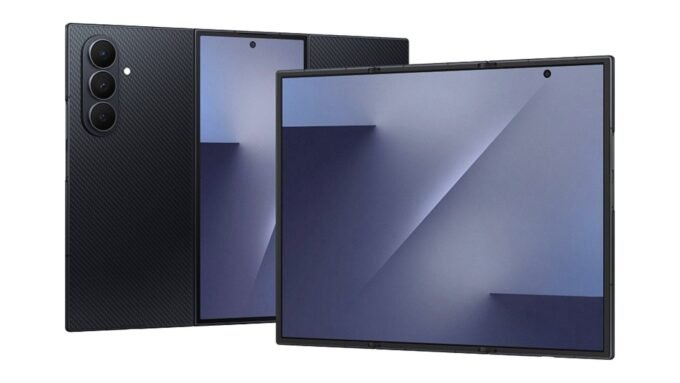
It does not include the Galaxy S23 series, Galaxy Z Fold 6, Flip 6, and other premium devices; they could be added in the next app update.
Supported Galaxy devices
- Galaxy S26
- Galaxy S26+
- Galaxy S26 Ultra
- Galaxy S25
- Galaxy S25+
- Galaxy S25 Ultra
- Galaxy S24
- Galaxy S24+
- Galaxy S24 Ultra
- Galaxy Z Fold 7
- Galaxy Z Flip 7
- Galaxy Z Flip 7 FE
- Galaxy A26
- Galaxy A36
- Galaxy A56
- Galaxy M36
- Galaxy M56
Stable Gallery Assistant App
Samsung first introduced the app in September 2025, and since then, it has been in a beta testing phase. The beta testing was only conducted in South Korea, and it has gone through many beta versions.
Now, Samsung has confirmed the end of the beta for the Gallery Assistant app, allowing more users to access it on their Galaxy devices.
Supported One UI Version
To use all the features of Gallery Assistant, the device should be running One UI 8.5. Users can download the app on their phone with One UI 7, but to access some features like Watermark Frame, the device must be running One UI 8.5.
Gallery Assistant Features
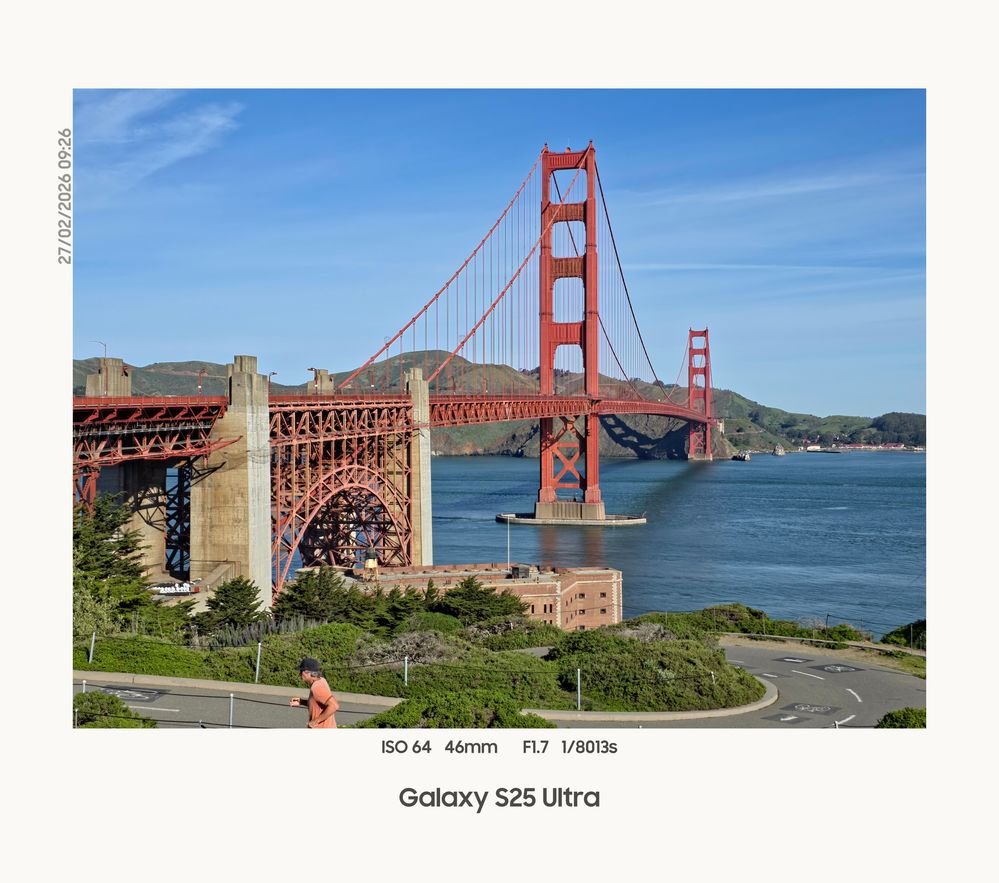
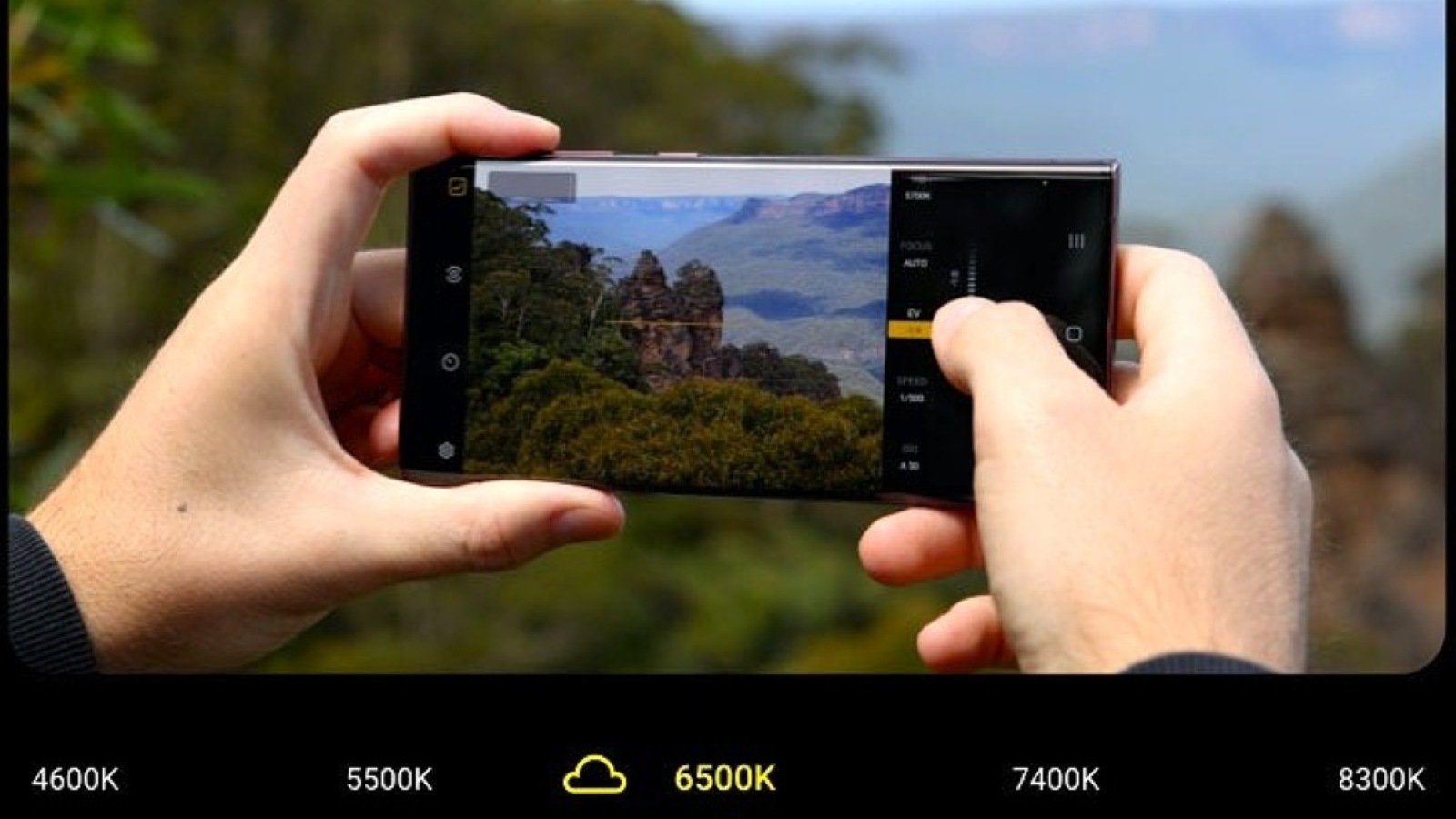
The new Gallery Assistant app offers image and video editing features. The app allows users to resize images or videos, add watermarks with text or logos, rotate or invert images, use an image clipper, compare images, and save files as PDFs.
With this app, Samsung aims to create its own editing solution for Galaxy devices, so users don’t have to rely on third-party apps like Snapseed or Lightroom. Samsung has also promised to add more features to the app and include additional supported devices in future updates.



Leave a comment